Datavideo PTZ Camera Model Comparison and Application Guide
May 28 2026

For large auditoriums or large classrooms, prioritize the PTC-325 or PTC-155 series with 30x optical zoom — without enough focal reach, you simply cannot get a clear close-up of the speaker.
For regular classrooms and small-to-medium spaces, 20x optical zoom on the PTC-145 series is more than sufficient. There is no need to overspend on specs you will not use.
When cabling is difficult — for example, when you need to mount the camera on the ceiling — go straight for the PTC-285T or PTC-305T. A single network cable handles both power and 4K video transmission.
Choosing a PTC camera is rarely about "the higher the spec, the better." It is about whether the spec actually matches your venue. Buying too high wastes budget; buying too low means you discover on the day that you cannot frame your subject properly — both are painful.
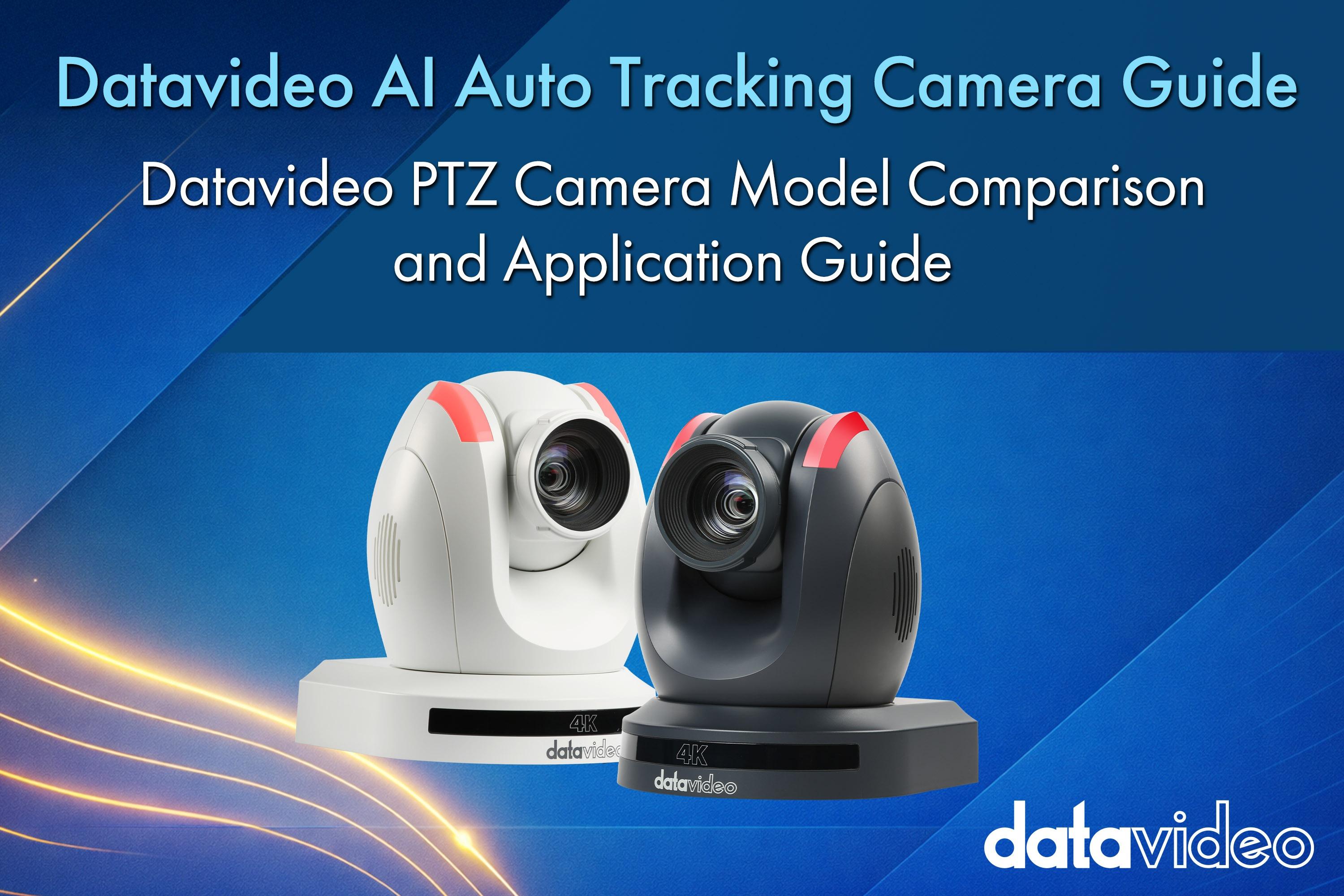
This article cuts straight to the point: a clear breakdown of the differences across Datavideo PTC AI auto-tracking camera models, paired with six of the most common real-world scenarios, so your next purchase decision is obvious.
The suffixes on Datavideo PTC model numbers are not arbitrary — each letter maps to a specific transmission or interface capability. Once you understand these letters, reading a model number becomes as intuitive as reading a label.
Standard (no suffix)
Offers three mainstream interfaces: HDMI, 3G-SDI, and IP (RJ-45). Suitable for most network live streams and local switcher setups. If your venue has no special cabling requirements, the standard version covers virtually everything.
T suffix (HDBaseT)
A single CAT-6 cable simultaneously carries 4K video, power (PoE), control signals, and Tally lights — over distances up to 100 meters. If you need to mount the camera on a ceiling, hide it inside a wall, or run it far from the production desk, the T suffix is your solution.
G suffix (12G-SDI)
Supports 12G-SDI output: a single SDI cable transmits 4K/60p video with zero latency. For broadcast studios, OB vans, or any production requiring broadcast-grade quality, this suffix is essentially non-negotiable.
NDI suffix
Natively supports NDI|HX3. Delivers high-quality, low-latency video transmission over a standard IT network infrastructure — ideal for IP-based workflows or teams that have already integrated their production systems onto the network.
| Series | Model | Resolution | Optical Zoom | AI Tracking | Key Interfaces |
|---|---|---|---|---|---|
| Entry HD | PTC-145 / 145T | 1080p 60fps | 20x | AI subject tracking | HDMI, 3G-SDI (T version adds HDBaseT) |
| Advanced HD | PTC-155 / 155T | 1080p 60fps | 30x | Dual-lens AI tracking | HDMI, 3G-SDI, UVC (USB output) |
| Mainstream 4K | PTC-285 / 285T / 285G | 4K 60fps | 12x | Advanced AI (human body) | HDMI, 3G-SDI (G version adds 12G-SDI) |
| High-Zoom 4K | PTC-305 / 305T / 305G | 4K 60fps | 20x | Advanced AI (human body) | HDMI, 3G-SDI (T version adds HDBaseT) |
| Flagship 4K | PTC-325 / 325T / 325G | 4K 60fps | 30x | Professional AI tracking | HDMI, 12G-SDI (G version), IP |
| Budget 4K Pick | PTC-205 | 4K 60fps | 20x | Basic AI / PTZ | High value-for-money 4K option |
This is the most practical section of the article — it tells you directly which camera to choose for each scenario and why. Use this table as your reference the next time you assess a venue.
| Application Scenario | Recommended Model | Why This Choice |
|---|---|---|
| Regular classroom / small studio | PTC-145 | 1080p is more than sufficient for online teaching — audiences rarely perceive the difference at higher resolutions. 20x optical zoom covers small-to-medium spaces well, and the budget stays tight. |
| Large auditorium / church | PTC-325 / PTC-155 | Focal reach is the deciding factor here. 30x optical zoom lets you shoot a clear close-up from the back of a large hall (roughly 30–40 meters away) — something a 20x model simply cannot do. |
| Fixed installation (difficult cabling) | PTC-285T / PTC-305T | HDBaseT (T version) uses a single network cable to handle both power and 4K video. The amount of cable concealment, conduit work, and ceiling-run labor drops dramatically. |
| Professional OB van / broadcast studio | PTC-305G / PTC-325G | Live broadcast demands zero-latency, uncompressed 4K signals. The 12G-SDI (G version) is virtually mandatory in this context. |
| Hybrid meetings (USB direct to PC) | PTC-155 | UVC (USB) output lets you plug directly into a laptop, enabling AI tracking inside Zoom or Teams. The impact on the remote attendees' sense of eye contact is significant. |
| IP-based production architecture | PTC-285 NDI | Native NDI|HX3 support lets you plug directly into your existing IT network for IP-based multi-camera production. No SDI runs needed — the venue stays clean. |
If you are still unsure which model to choose, follow these three steps — you will rarely pick the wrong one:
Choosing a PTC camera is fundamentally not about picking "the best" — it is about picking "the right fit." Datavideo's PTC lineup covers everything from 1080p to 4K, 12x to 30x zoom, SDI to NDI. The real question is whether you are willing to spend ten minutes confirming your venue's distance, lighting, and cabling conditions, then match them against the table to find the camera that actually belongs there.
Before your next purchase, print out the Scenario Application Guide and bring it on-site. It will serve you far better than flipping through a spec sheet.
Broadcast & AV Workflow Specialists
For more than 40 years, Datavideo has helped broadcasters, educators, corporations, houses of worship, and live production professionals build reliable video workflows around the world.
The Datavideo Editorial Team combines insights from our product specialists, engineers, trainers, and solution experts to share practical knowledge, workflow guides, industry trends, and real-world production tips.