Multi-Screen Display Case Studies with Datavideo NDI Connect 100: Confidence Monitors, Conference Rooms, and Large-Scale Event Walls
Oct 08 2026

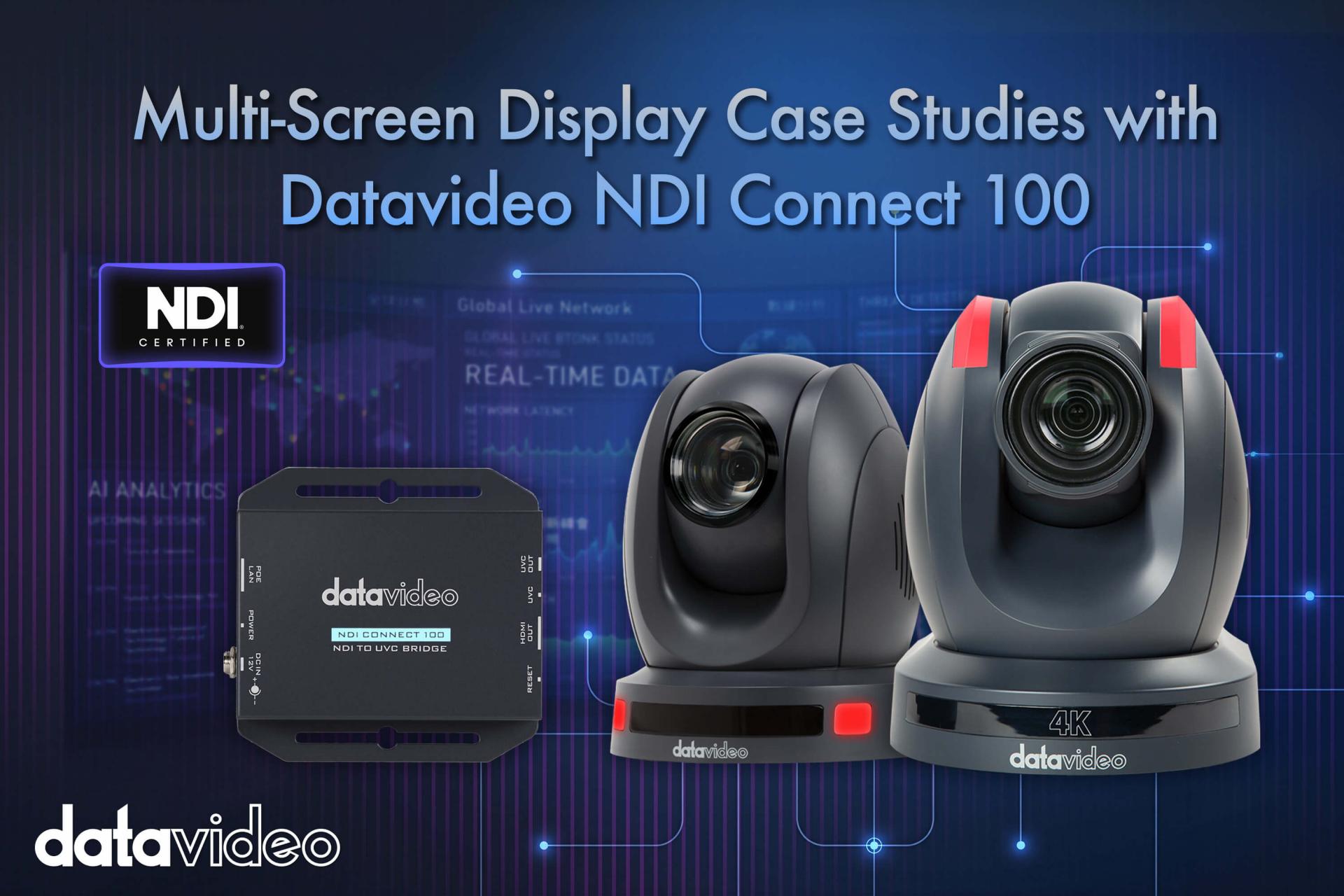 At press conferences, large meetings, and campus ceremonies, organizers frequently need to deliver the same video simultaneously to multiple locations: a confidence monitor beside the podium, a large screen at the back of the hall, preview walls in the production room, and even synchronized screens in adjacent spaces. Traditionally this required extensive HDMI extenders and matrix distribution systems — complex to wire and difficult to adjust on the fly. As NDI has become mainstream, more venues are switching to an "Ethernet cable carries the video" approach. The key device that converts NDI signals back to conventional screens is a decoder like the Datavideo NDI Connect 100.
The Datavideo NDI Connect 100 is a compact (108×101×26 mm) 4K NDI decoder designed to bridge IP video workflows with traditional AV systems. It supports NDI|HX2 and NDI|HX3 compressed stream inputs and is also compatible with RTSP, RTMP(S), HLS, and UDP streaming protocols. On the output side, a single HDMI 2.0 port supports resolutions up to 4K (3840×2160) at 60/50/30/25/24 fps, with multiple lower-resolution options for backward compatibility with older displays.
The device supports PoE (Power over Ethernet) — a single network cable carries both power and signal, greatly simplifying on-site cabling. A USB-C output (UVC/UAC compliant) allows the NDI source to appear as a USB camera in applications like Zoom, Microsoft Teams, and Google Meet. Configuration is done through a built-in web browser interface with no proprietary software required.
At press conferences or large auditoriums, speakers typically need a confidence monitor to see their own shot, while crew need back-of-house signal monitoring. Datavideo PTC series NDI PTZ cameras (such as the NDI|HX3-capable PTC-285 or PTC-305) transmit video over the network. At any location where a display is needed, simply place an NDI Connect 100 connected to a screen — it decodes and displays the stream in real time with no need to run an HDMI cable across the entire hall.
Corporate meeting rooms and classrooms often need multiple screens showing the same presentation or camera feed simultaneously: a main screen for the audience, a side screen for the chair, and a lobby screen for latecomers. Anywhere the network reaches, an NDI Connect 100 can be placed to drive a screen. The video source can be a switcher, a camera, or even a video conferencing software window — no dedicated signal cable needs to be run to each screen individually. Adding a screen or repositioning one is simply a matter of adding another decoder, not rewiring.
For large events requiring a multi-screen wall, or simultaneous distribution to many displays (exhibition hall signage, sports venue display arrays), the NDI Connect 100 can serve as the decoder at each display point, with a matrix switcher or production switcher providing centralized control of the source — the product page explicitly notes suitability for feeding matrix switchers or large conference-room screens. Compared to running dedicated cabling to each display point, an IP-based architecture makes on-site cabling and future adjustments far more flexible.
When the video sources are Datavideo NDI PTZ cameras — such as the NDI|HX3-capable PTC-285 and PTC-305, or the NDI|HX PTC-145 — the entire system forms a clean chain: Camera (source) → Network (transport) → NDI Connect 100 (decode) → Display. The NDI Connect 100 explicitly supports both NDI|HX2 and NDI|HX3, making it directly compatible with these camera models without any additional conversion equipment.
For any scenario requiring video delivery to multiple display points from a single event — press conference confidence monitors, multi-screen meeting room displays, or large-scale event screen walls — the NDI Connect 100 provides a network-cable-replaces-HDMI approach. Especially when the source cameras are Datavideo NDI models, the entire workflow can be built on a single IP network architecture. For complete planning from camera to display, return to "The Ultimate Guide to NDI Production Workflows."