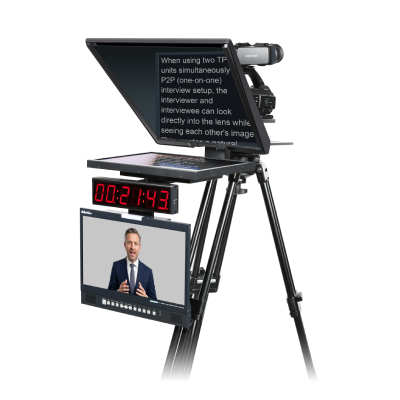
dvPrompter Professional - профессиональное программное обеспечение телесуфлера Datavideo для Windows, объединяющее голосовую прокрутку IntelliSync™, расширенное управление сценариями и точное аппаратное управление в комплексное решение для вещания, корпоративных презентаций, образования, домов молитвы и прямых трансляций.
Созданный для требовательных производственных сред, dvPrompter Professional обеспечивает интеллектуальную синхронизацию по голосу, двухэкранные рабочие процессы, расширенное редактирование сценариев и бесшовную интеграцию с профессиональным контроллером WR-600. Независимо от того, управляет ли им отдельный оператор телесуфлера или сам докладчик, он обеспечивает плавный, естественный и не отвлекающий опыт чтения, помогая выступающим сосредоточиться на сообщении, а не на телесуфлере.
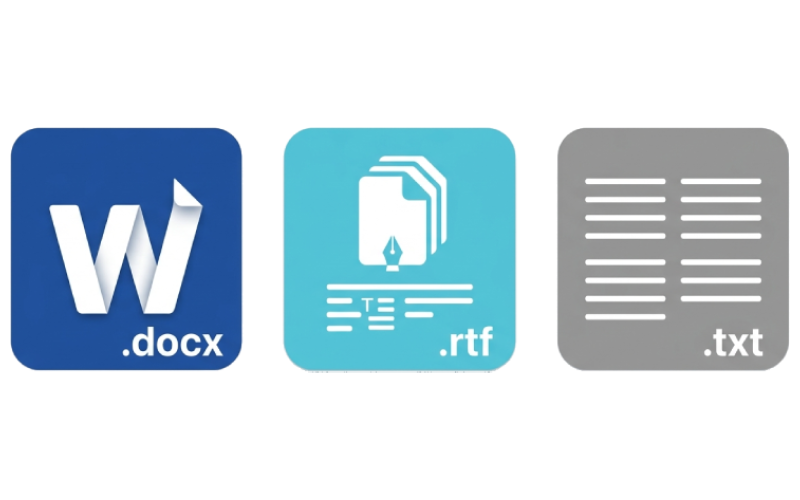
Мгновенно импортируйте уже готовые материалы. Поддерживаются все основные форматы, включая Microsoft Word (.docx), Rich Text Format (.rtf) и обычный текст (.txt). Кроме того, благодаря прямой интеграции с Microsoft Word профессиональное форматирование полностью сохраняется при импорте.
dvPrompter Professional легко интегрируется в современные производственные среды на базе IP с нативной поддержкой рабочих процессов Open Media Transport (OMT) и NDI®. Распределяя выход телесуфлера по существующей сети, можно отказаться от ограничивающих традиционных видеокабелей точка-точка.
Такой сетевой подход обеспечивает максимальную гибкость в вещательных студиях, на площадках живых мероприятий, сценах виртуального производства и удаленных конфигурациях. Легко подключайте совместимое ПО, оборудование и дисплейные конечные точки в любой точке сети, упрощая проектирование системы и получая масштабируемое решение для объектов, переходящих с baseband на IP-инфраструктуру.
Перемещайтесь по длинным сценариям с полной точностью. Этот рабочий процесс создан для ответственных условий прямых новостей, многочастных презентаций и event-производства и позволяет операторам:
Ставить пользовательские маркеры: вставляйте подсказки точно там, где они нужны в сценарии.
Мгновенно переходить: переходите к любому разделу во время эфира без прокрутки.
Управлять темпом: плавно перемещайтесь вперед и назад в реальном времени.
Фиксировать тайминг: сохраняйте безупречный темп во время критически важных трансляций и презентаций.
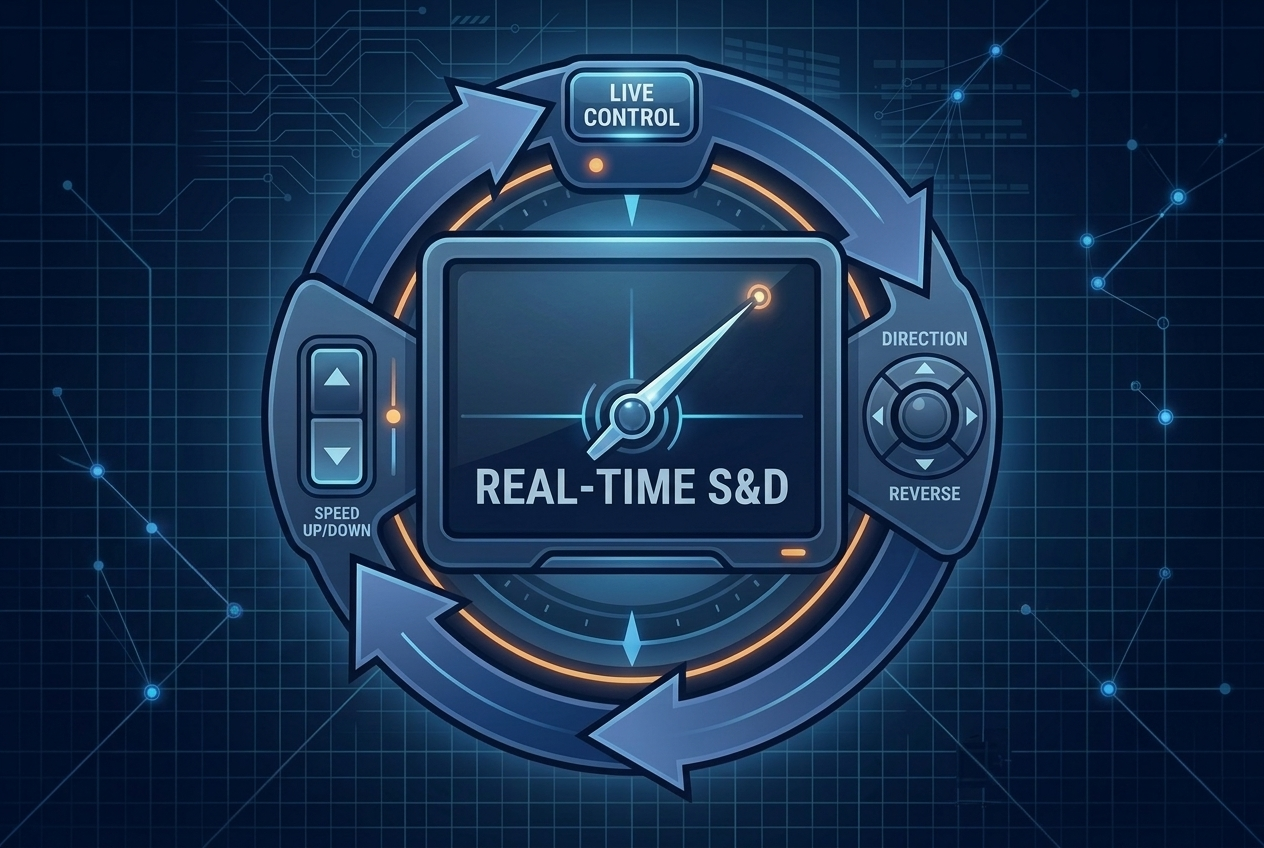
Помогайте ведущим сохранять уверенность и нужный темп, как бы быстро ни менялась живая среда. С dvPrompter Professional операторы могут плавно регулировать скорость прокрутки, мгновенно менять направление, переходить к маркерам или перезапускать сценарий в реальном времени, что делает его идеальным инструментом для прямых новостей и event-производства.
Забудьте об управлении телесуфлером. Просто говорите естественно.
IntelliSync устраняет давление и отвлечение ручной прокрутки, автоматически следуя за вашим голосом в реальном времени. Без пультов. Без педалей. Без попыток подстроить темп под фиксированную скорость прокрутки. Вы сосредотачиваетесь на выступлении, а IntelliSync отвечает за тайминг.
Традиционные телесуфлеры заставляют ведущих постоянно думать о скорости прокрутки. IntelliSync устраняет эту умственную нагрузку. Сценарий следует за вами, а не наоборот.
Делайте естественные паузы. Подчеркивайте ключевые моменты. Начинайте предложение заново. Ускоряйтесь, когда чувствуете уверенность. IntelliSync постоянно адаптируется к вашему голосу, чтобы презентация звучала плавнее, спокойнее и естественнее.
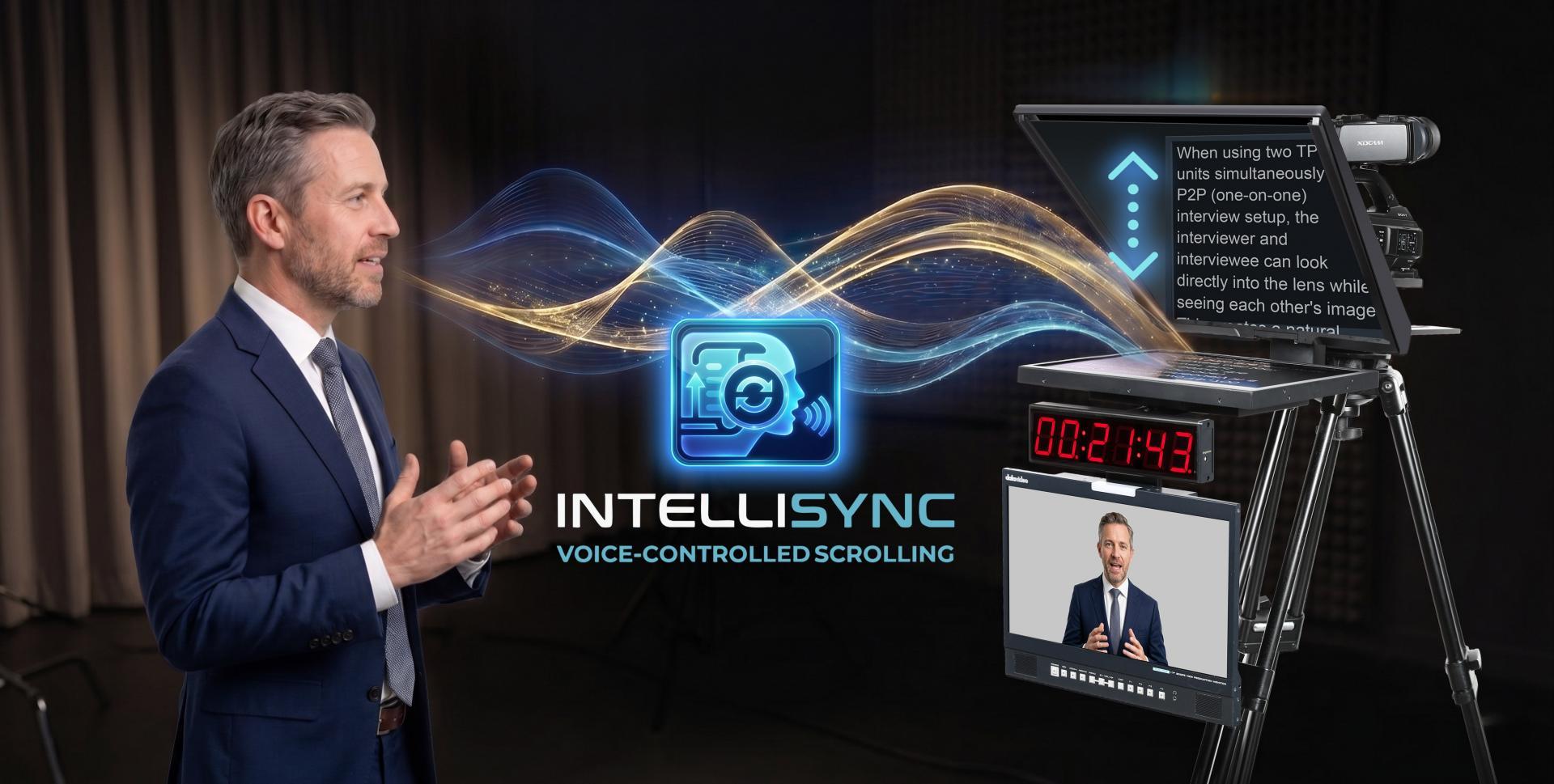
Используя расширенное выравнивание фраз и адаптивное управление движением, IntelliSync непрерывно синхронизирует вашу живую речь со сценарием в реальном времени. Он плавно регулирует скорость прокрутки, чтобы:
• соответствовать естественным изменениям речи
• мягко восстанавливаться, если вы делаете паузу или пропускаете вперед
• избегать резких скачков и отвлекающего движения
• поддерживать стабильный, читаемый поток
Превратите телесуфлер в динамический контроллер прямого эфира. Новая интеграция IntelliSync и Bitfocus Companion снимает ручную работу с live switching, позволяя голосу ведущего управлять шоу.
Эта мощная интеграция расширяет IntelliSync за пределы традиционного телесуфлера и глубоко вводит его в автоматизацию прямого производства. Отслеживая голосовой прогресс ведущего по сценарию в реальном времени, IntelliSync напрямую взаимодействует с Bitfocus Companion для запуска автоматических производственных cue по заранее заданным маркерам сценария.
Когда ведущий читает вслух, IntelliSync (работающий внутри dvPrompter Professional) использует отслеживание голоса в реальном времени, чтобы контролировать точное положение в сценарии. В момент, когда ведущий произносит слово с заранее заданным маркером сценария, IntelliSync мгновенно отправляет сетевую команду в Bitfocus Companion. Companion затем выступает центральным транслятором, немедленно направляя команду на любое подключенное оборудование - переключение ракурса камеры, запуск lower-third графики или вызов PTZ-пресета - гарантируя, что все техническое производство движется в идеальной синхронизации с естественным темпом выступающего.

Сосредоточьтесь на своих сообщениях, а не на управлении.

Точно запускайте камеры, графику, звук и многое другое.

Идеально для небольших команд или крупных производств.

Работает с вашим существующим рабочим процессом коммутаторов Datavideo.
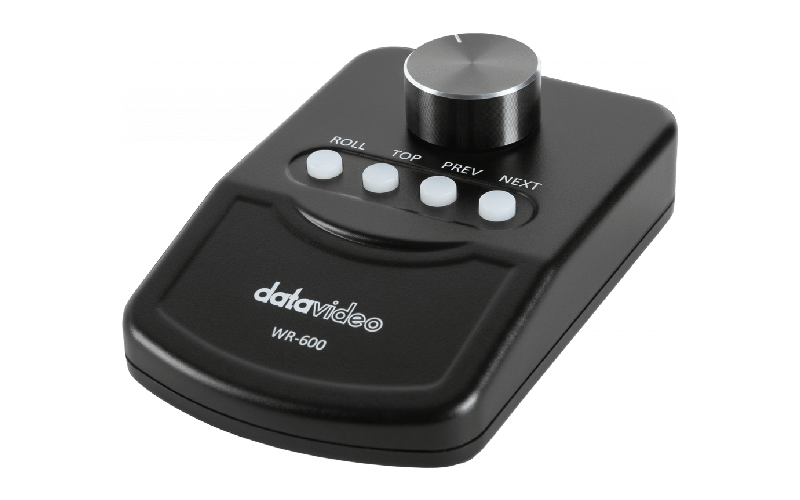
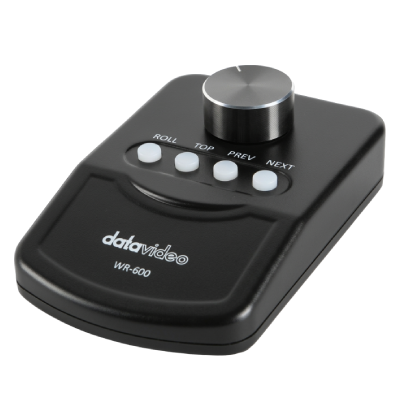
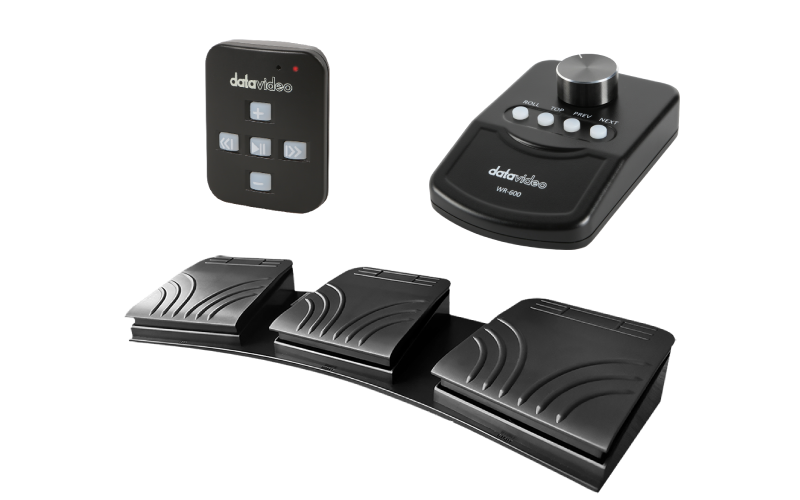
Платформа легко интегрируется с универсальной экосистемой аппаратного управления, позволяя операторам и ведущим адаптировать систему к любому студийному рабочему процессу. Она поддерживает plug-and-play совместимость с входящим в комплект настольным USB-контроллером WR-600, который также служит dongle активации приложения, и поддерживает сверхтихую фотоэлектрическую ножную педаль FS-30 для регулировки скорости без рук. Для беспроводных мобильных операций ПО нативно подключается к пульту WR-500 исключительно через беспроводной режим Bluetooth. Помимо традиционных физических кнопок и поворотных ручек, управляющих прокруткой текста в реальном времени, сменой направления и навигацией по маркерам, платформа поддерживает расширенную автоматизацию производства. Через встроенный Web UI команды могут удаленно управлять сценариями.
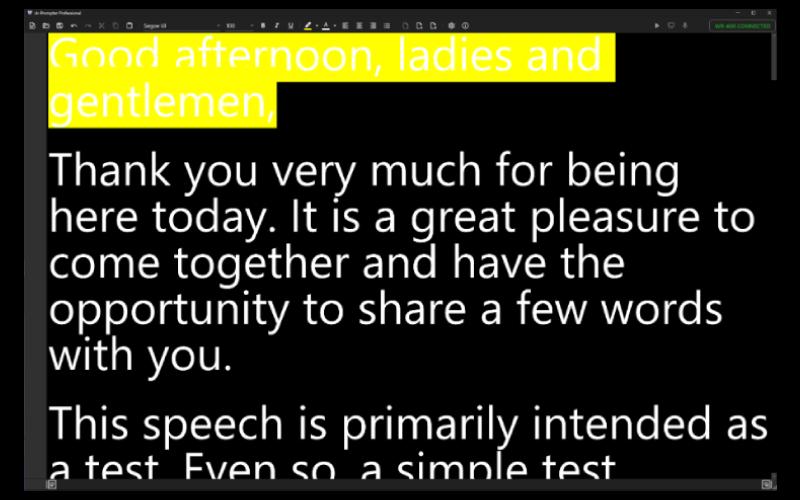
Создавайте, редактируйте и форматируйте сценарии с нуля, не покидая приложение. Благодаря полному набору профессиональных инструментов дизайна можно легко управлять шрифтами, размерами, цветами, выравниванием текста и маркерами, а также использовать важные функции отмены/повтора и инструменты навигационных маркеров. Редактор полностью соответствует Unicode и без проблем поддерживает языки с письмом слева направо и справа налево, что делает его идеальным выбором для глобальных многоязычных производств.
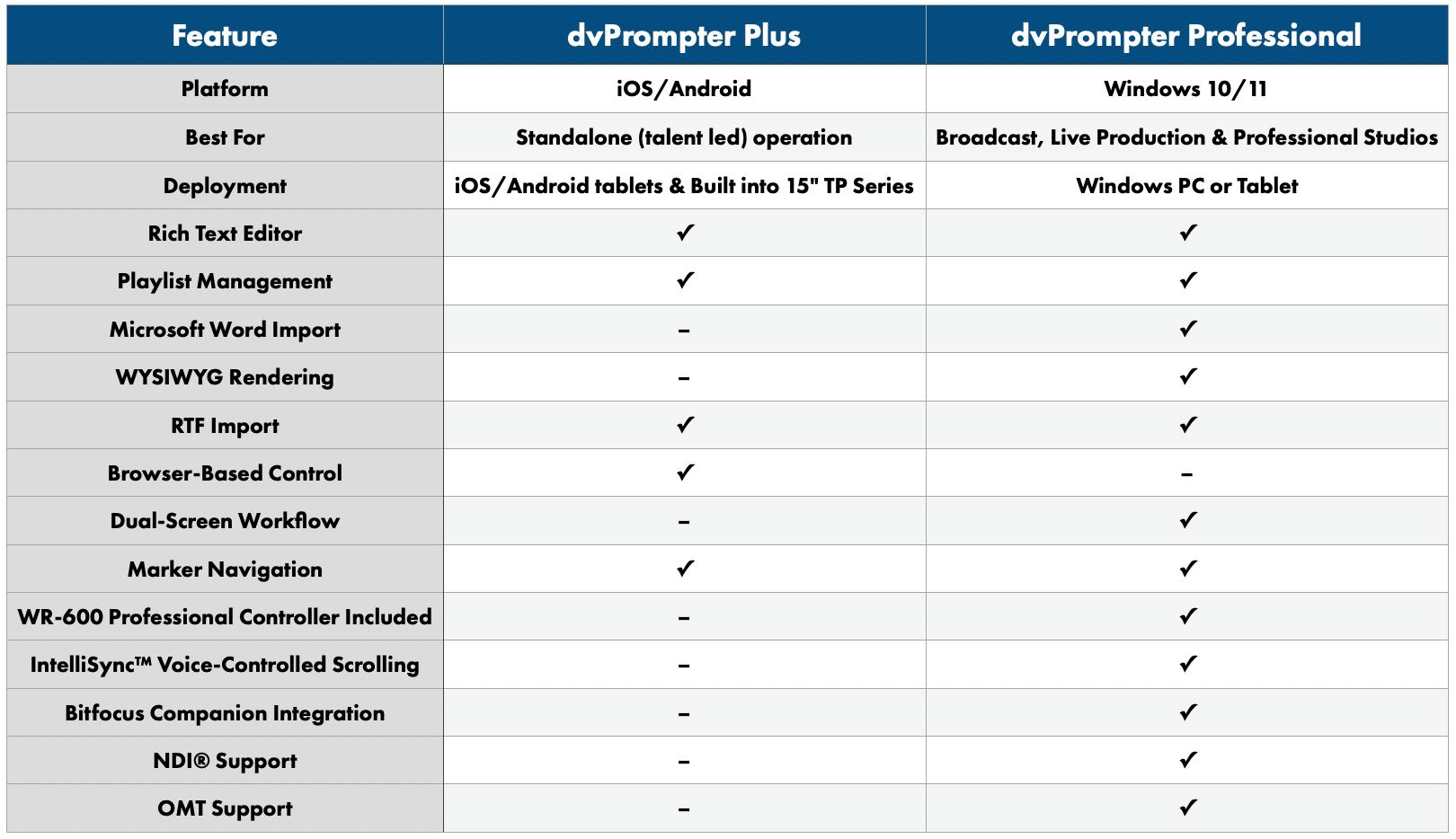
Нужен ли вам простой автономный телесуфлер для презентаций или мощная платформа на базе Windows для профессионального производства, у Datavideo есть подходящее решение. Сравните ключевые функции ниже, чтобы понять, какая версия лучше всего подходит вашему рабочему процессу.