LOGO

TPC-700

Touch Panel Controller
Image

Touchscreen Control for Live Production

Access frequently used controls for compatible Datavideo equipment from a 7-inch touchscreen. Switch sources, recall presets, or manage virtual studio functions, depending on your setup.

TPC-700 360° Product View

Choose the Control App for Your Equipment

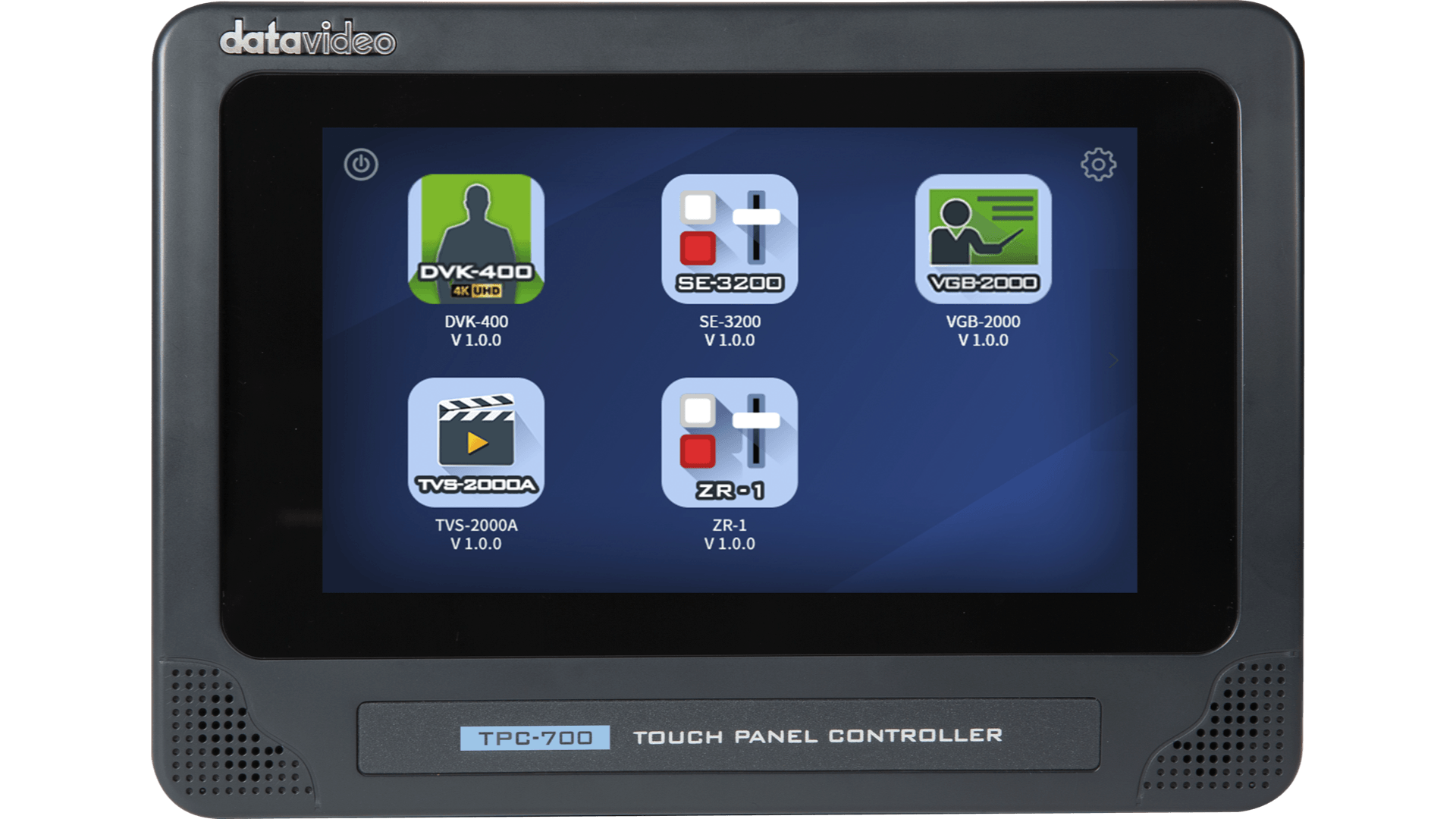
Download the control app for your equipment from the Downloads section below. Each control app must be downloaded separately.
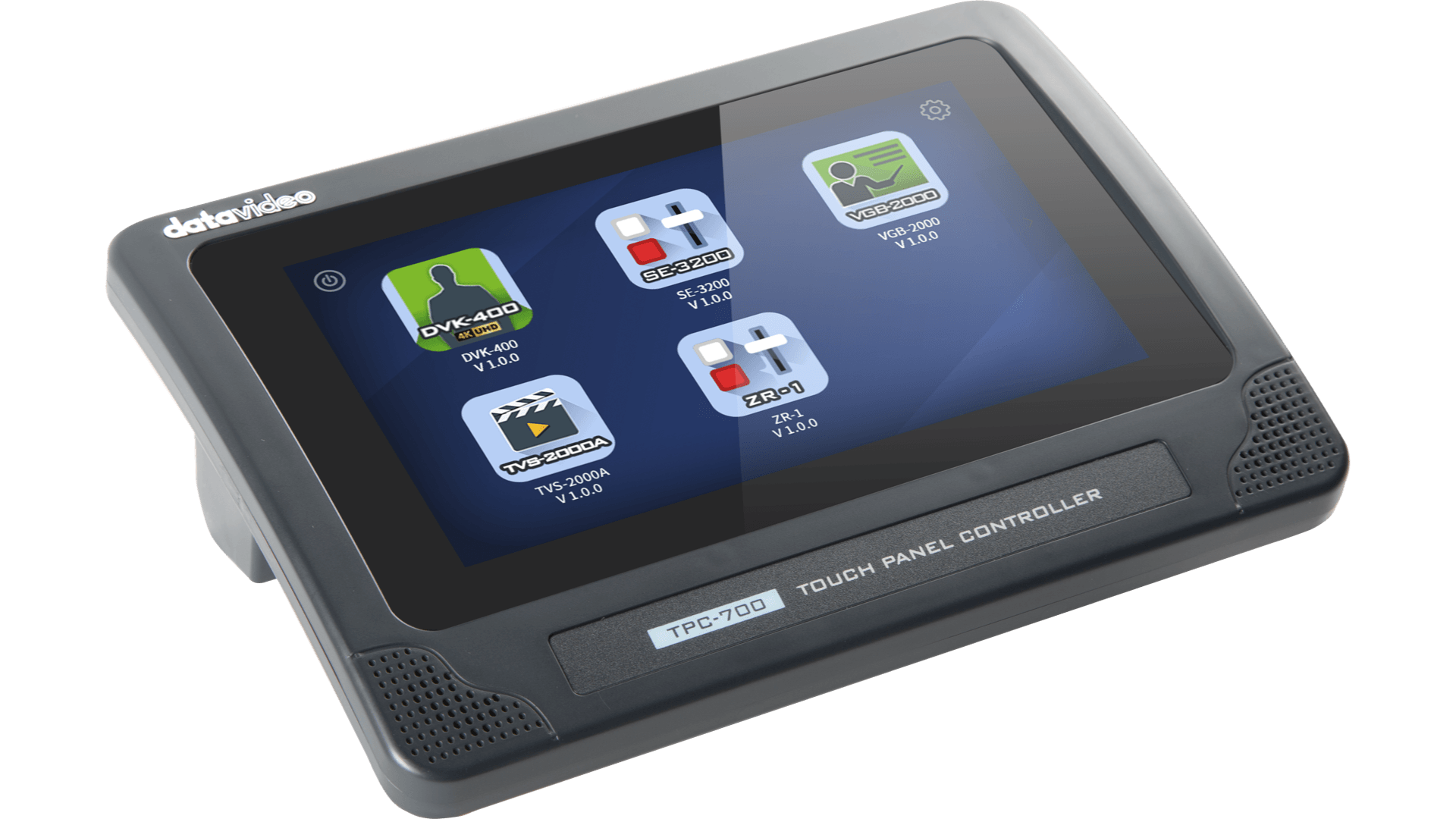
TPC-700 Touch Panel Controller

TPC-700 startup menu

Check Compatibility and Control Functions

Find your equipment below to see what you can control from the TPC-700 and what setup is required.
Image
Image

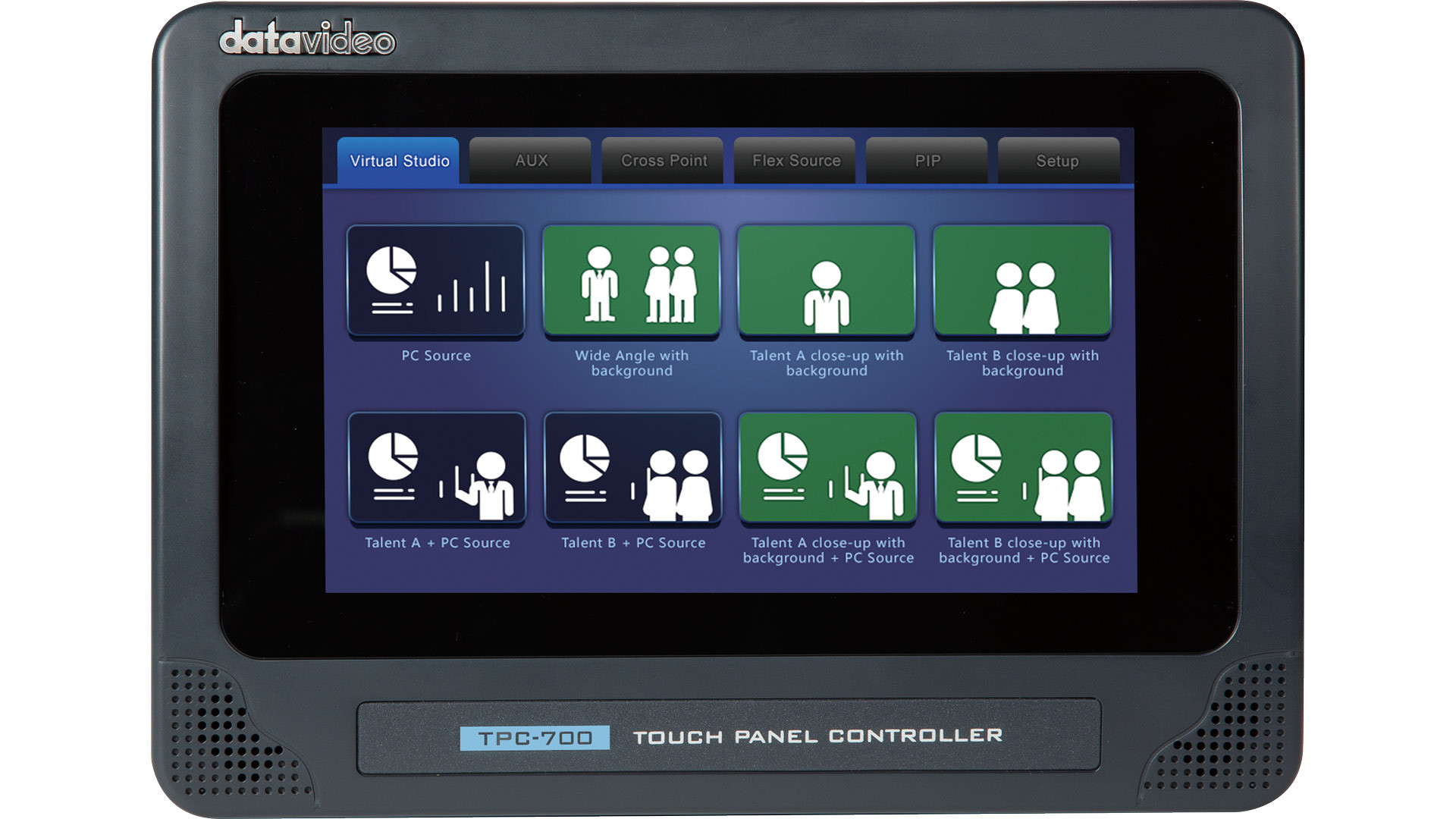
SE-3200 | Recall Scenes and Manage Outputs

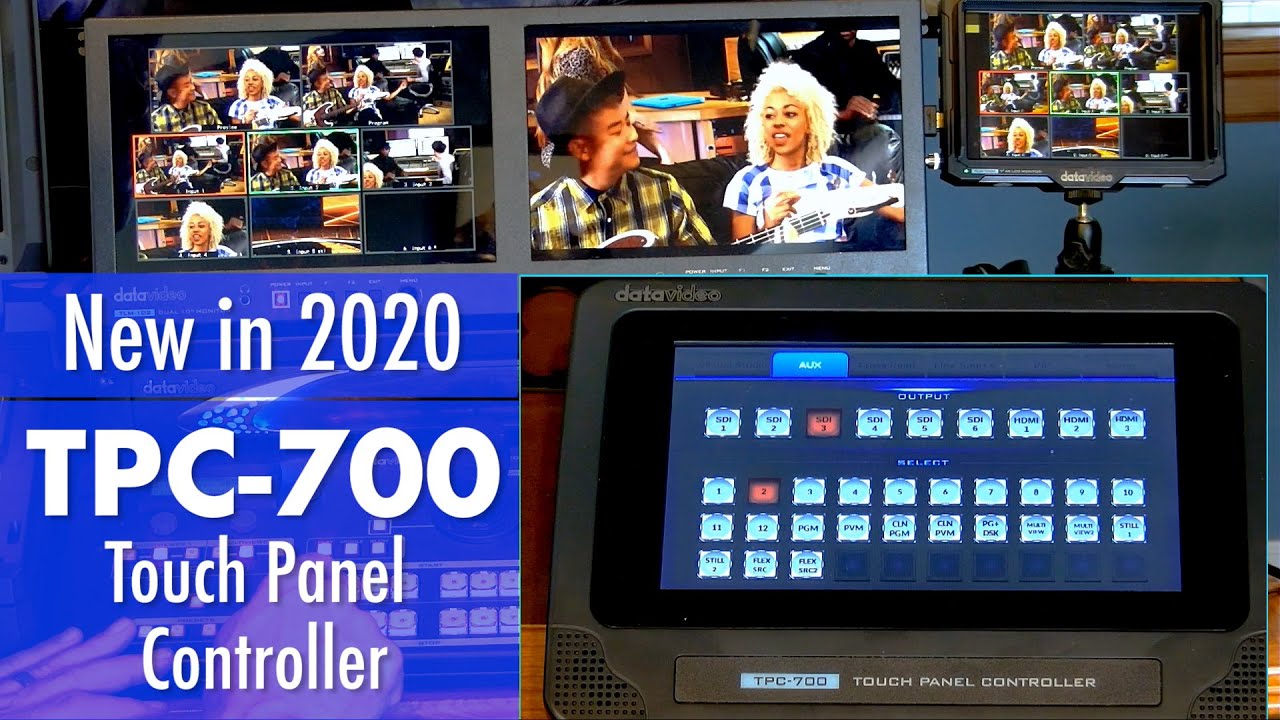
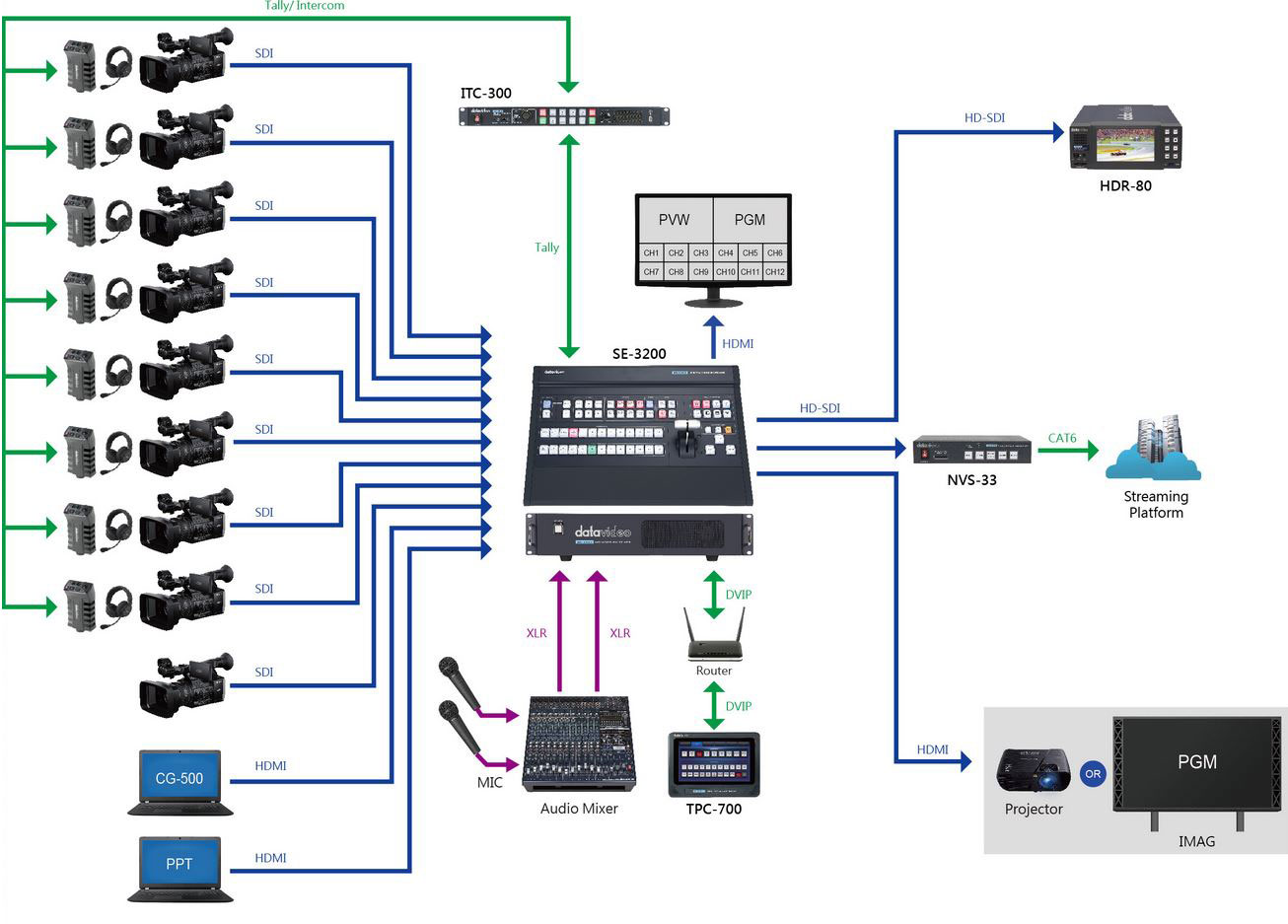
Use the SE-3200 control app on the TPC-700 to recall virtual studio scenes that you have already configured. The touchscreen also gives you access to AUX routing, so you can select which source is sent to an AUX output.

Image
Image

AUX Routing, Crosspoint, Flex Source, and PIP Controls

Use the app to manage crosspoint assignments and access Flex Source and picture-in-picture (PIP) controls. These controls put scene recall, output routing, and composition settings on the same touchscreen.

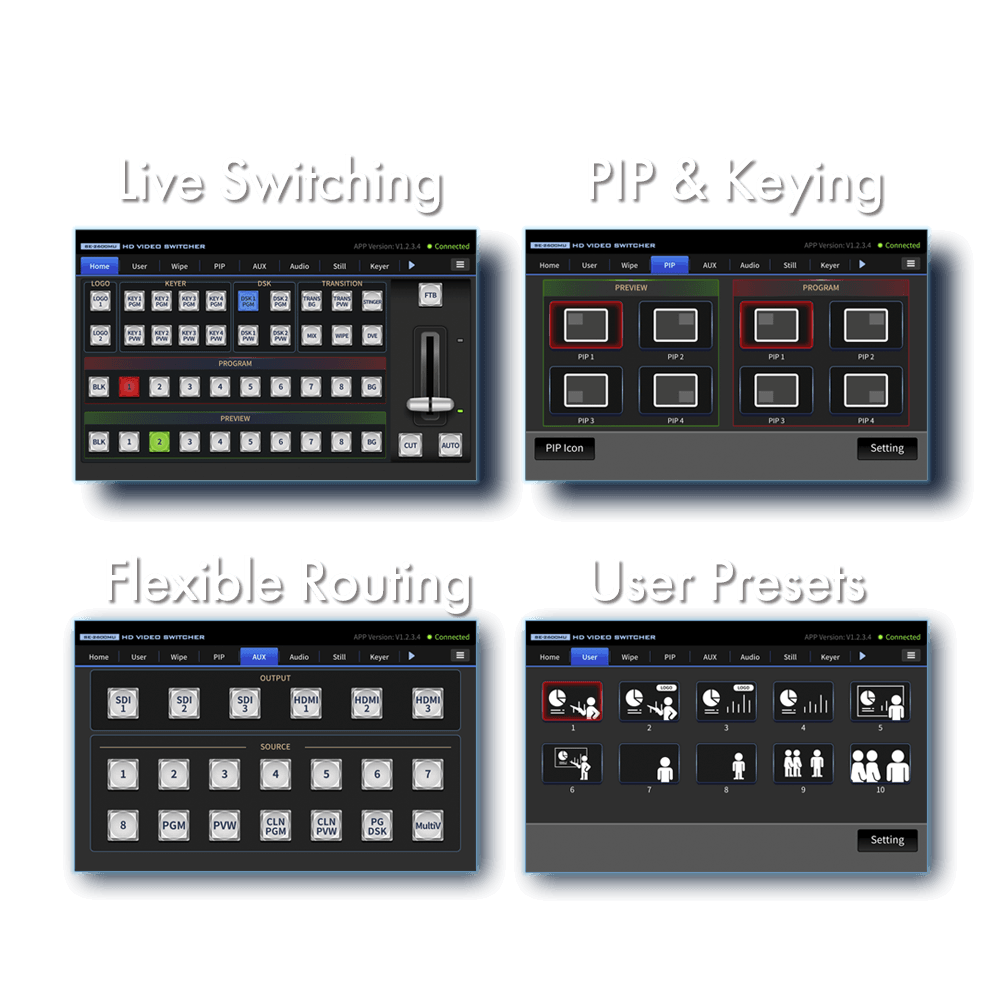
SE-2600 | Switch Sources in Basic or Advanced Mode

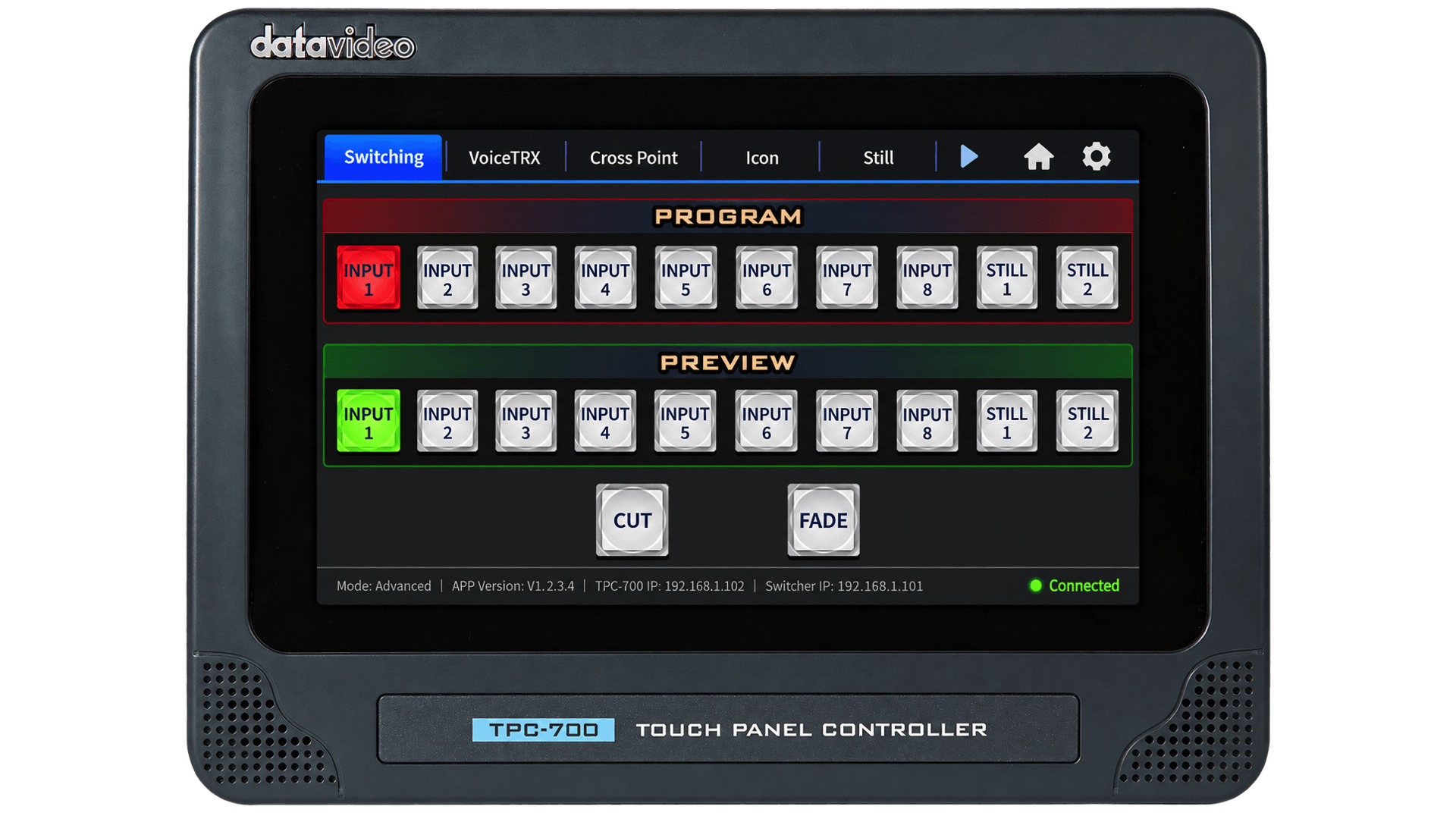
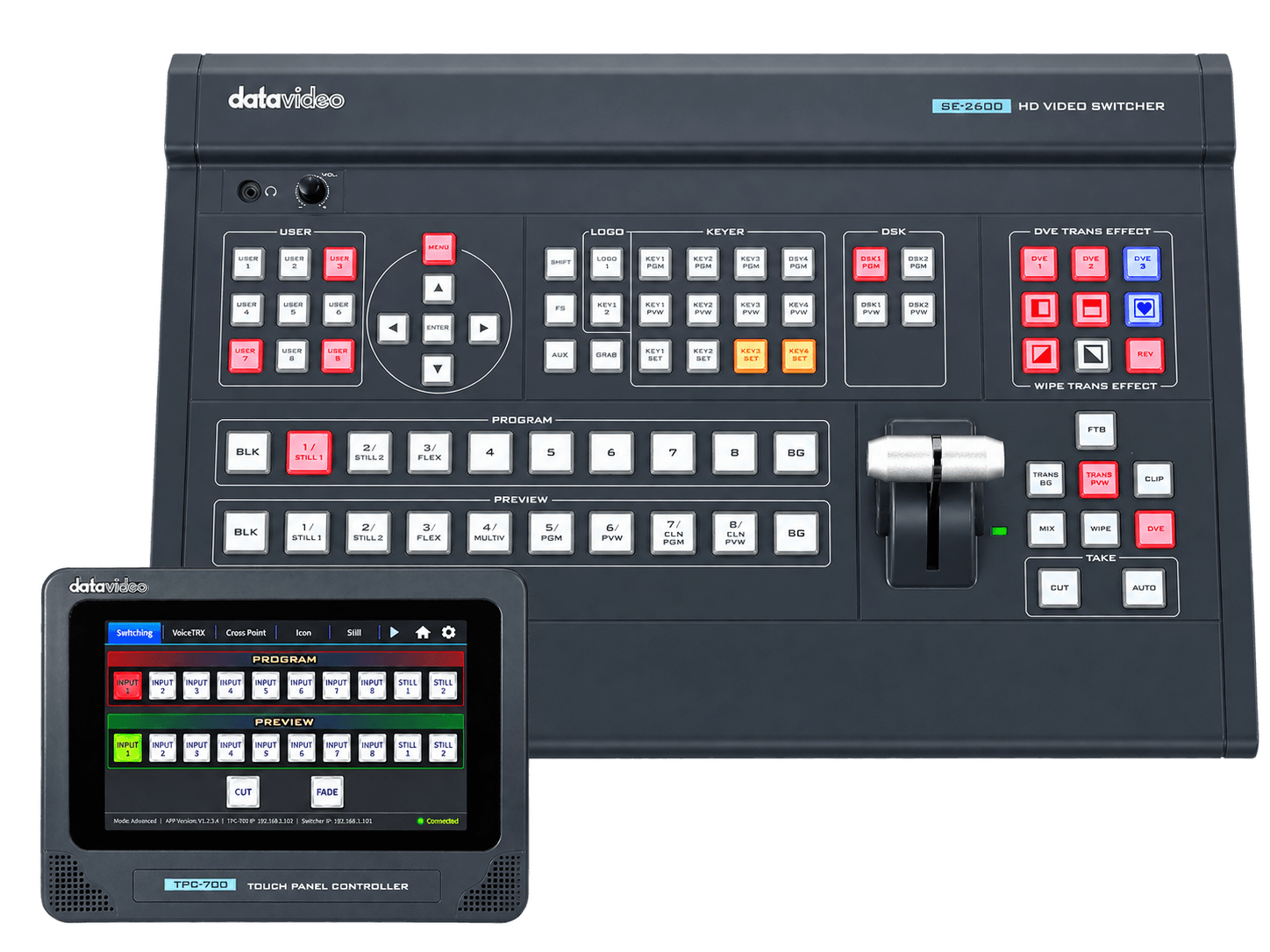
The SE-2600 control app offers two ways to operate the switcher from the TPC-700. Basic mode provides touchscreen source switching. Advanced mode adds separate program (PGM) and preview (PVW) controls, along with CUT and FADE transitions, so you can preview the next source before taking it to program.
Image
Image

Switching, Keying, and Output Routing

The interface also provides access to crosspoint assignments, icons, still images, and output routing. VoiceTRX controls are available when the SE-2600 is paired with compatible VoiceTRX equipment.

iCAST 10NDI Series | Control Sources, Cameras, and Audio

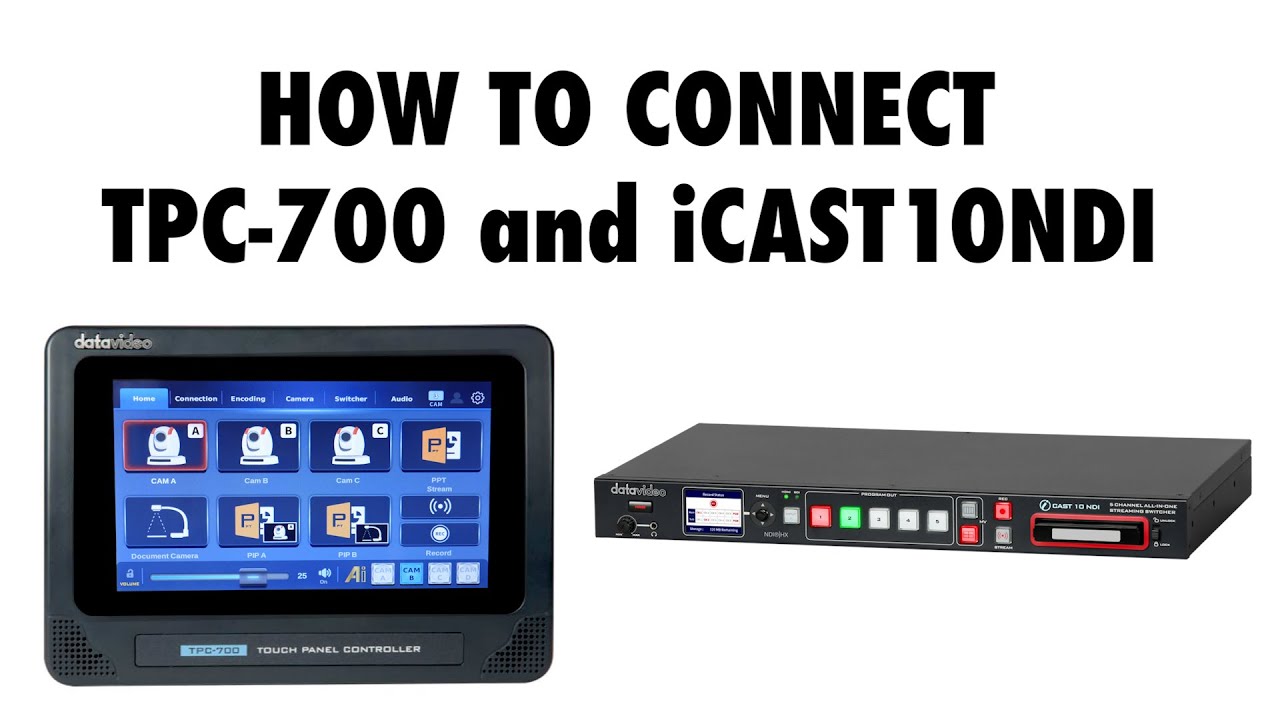
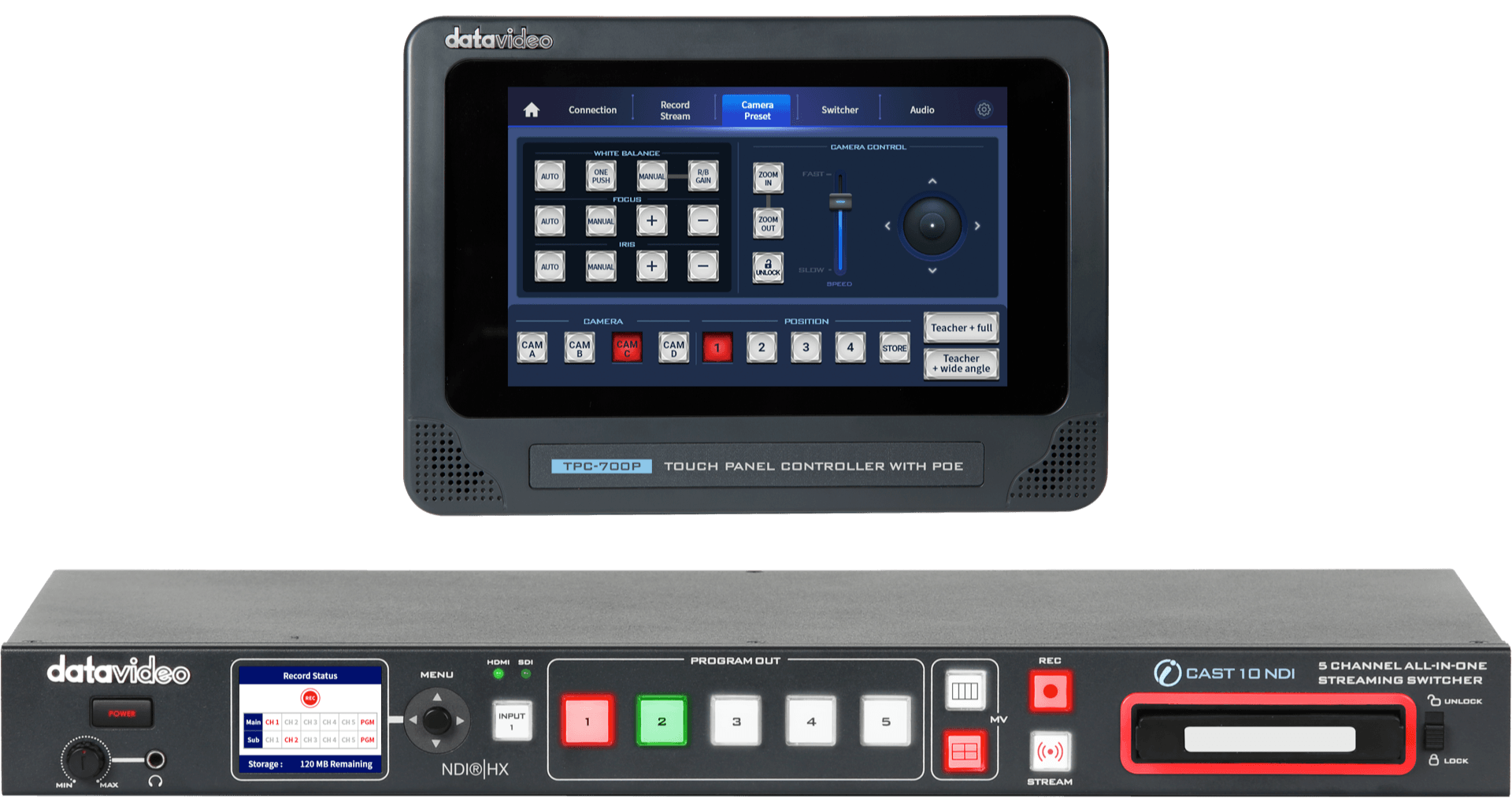
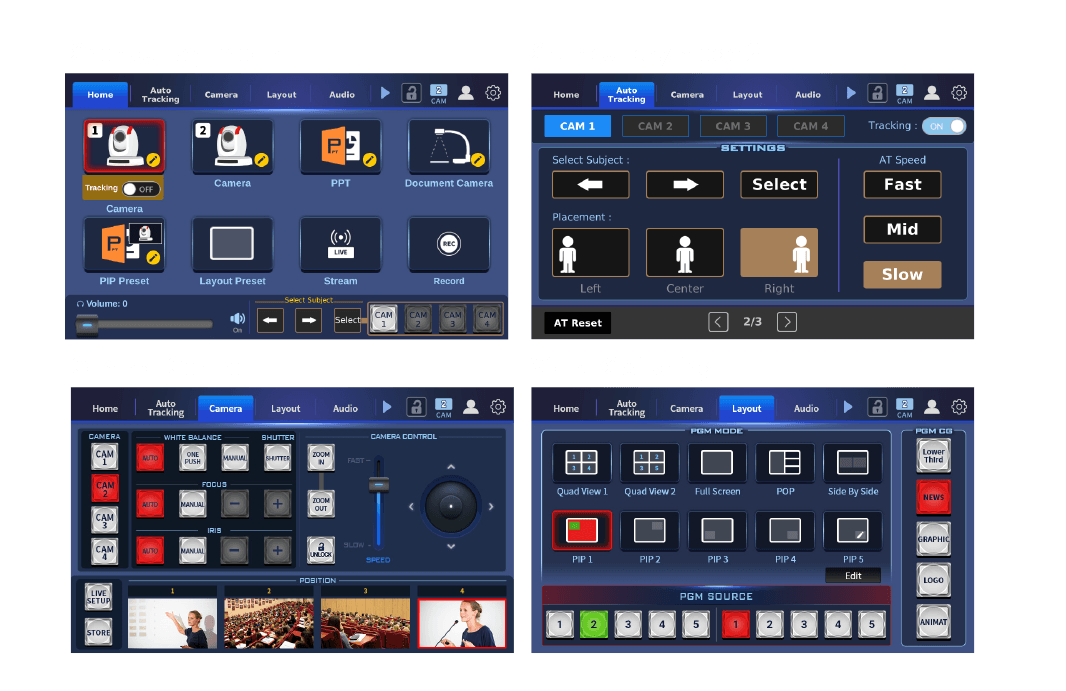
Use the ZR-1 app on the TPC-700 to switch between video sources and control compatible Datavideo cameras. Use the shortcut screen to recall picture-in-picture (PIP) and layout presets, access streaming and recording controls, and adjust audio volume.
Image
Image

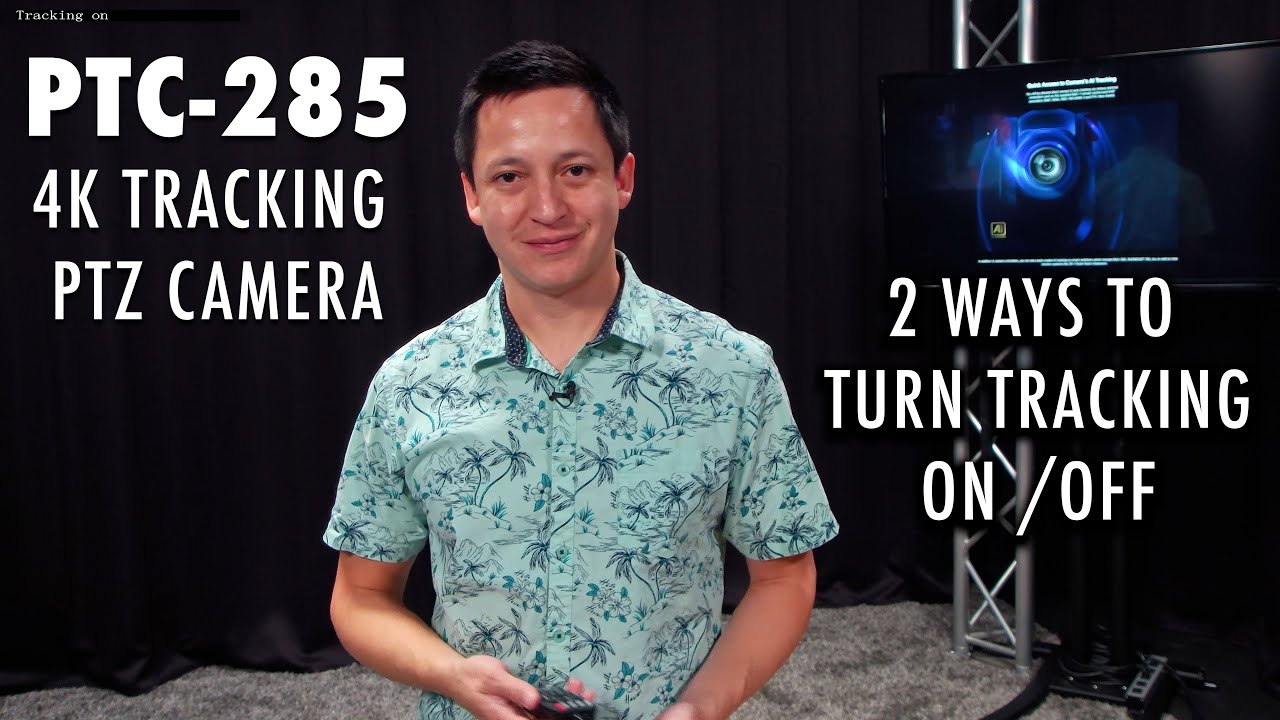
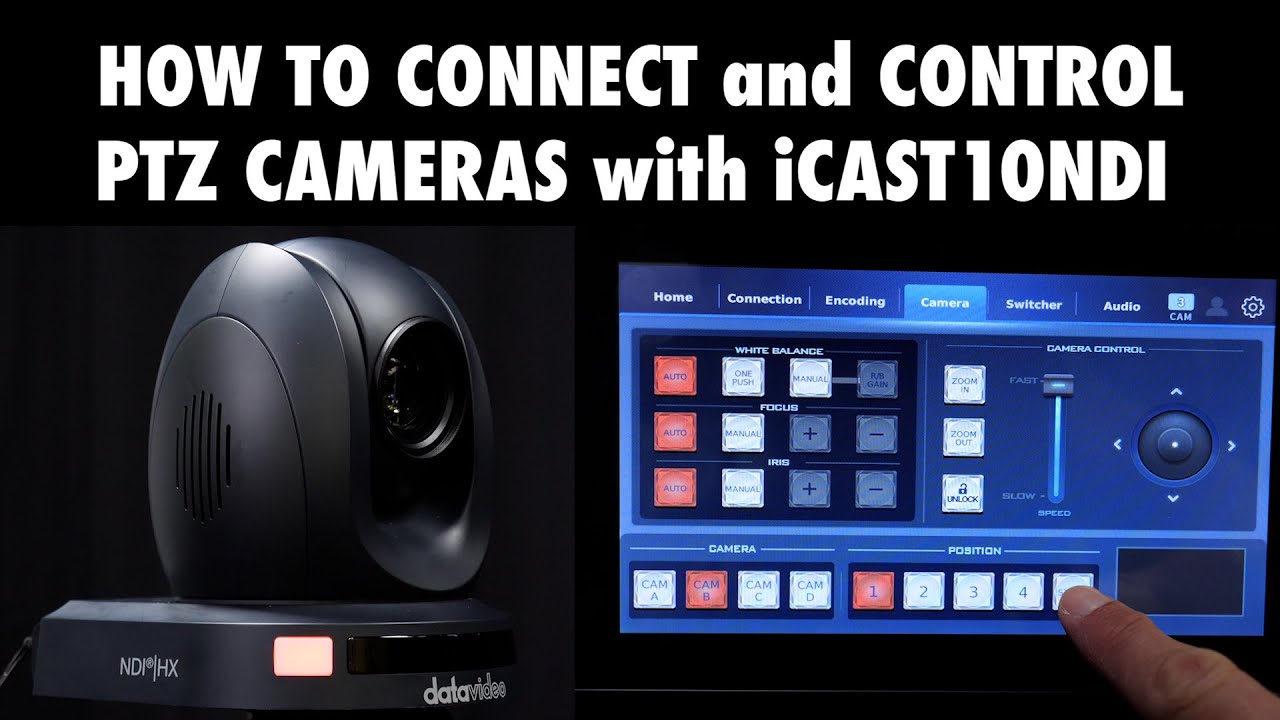
Camera Control, Auto Tracking, and Video Layouts

On compatible cameras, pan, tilt, and zoom, adjust focus, iris, shutter, and white balance, or recall saved camera positions. For cameras that support auto tracking, choose a subject, set their position in the frame, and adjust tracking speed. Switch program sources and choose from full-screen, side-by-side, quad-view, and PIP layouts. Bring prepared lower thirds, graphics, or logos into the program output.

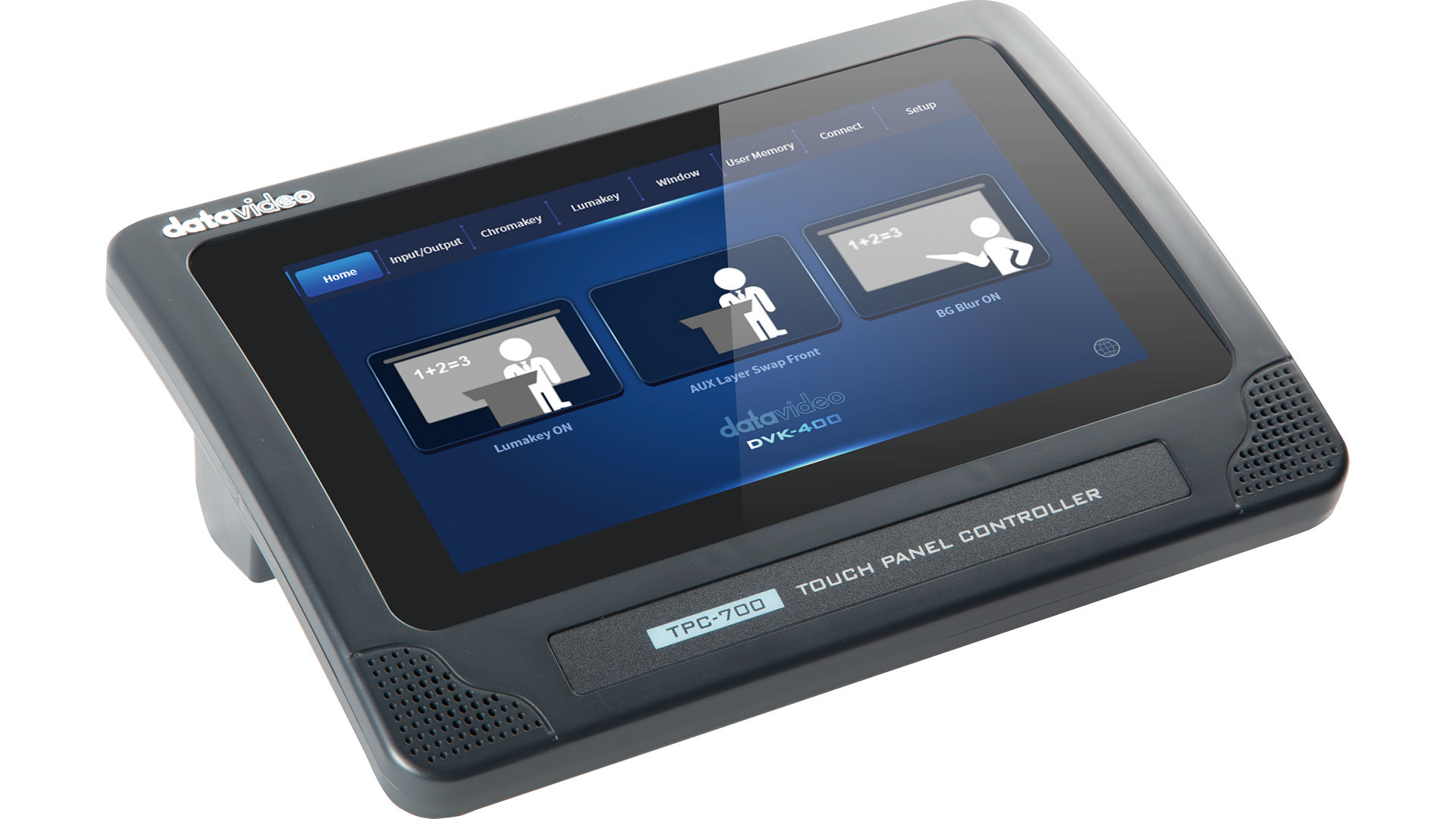
DVK-400 | Adjust Keying and Compositing

Access chroma key, luma key, window, input and output settings, and User Memory controls from the touchscreen. Toggle background blur and switch AUX layers between the foreground and background. Some functions require prior setup in the DVK-400 PC software.

Image
Image

TVS-2000A | Operate Your Virtual Studio

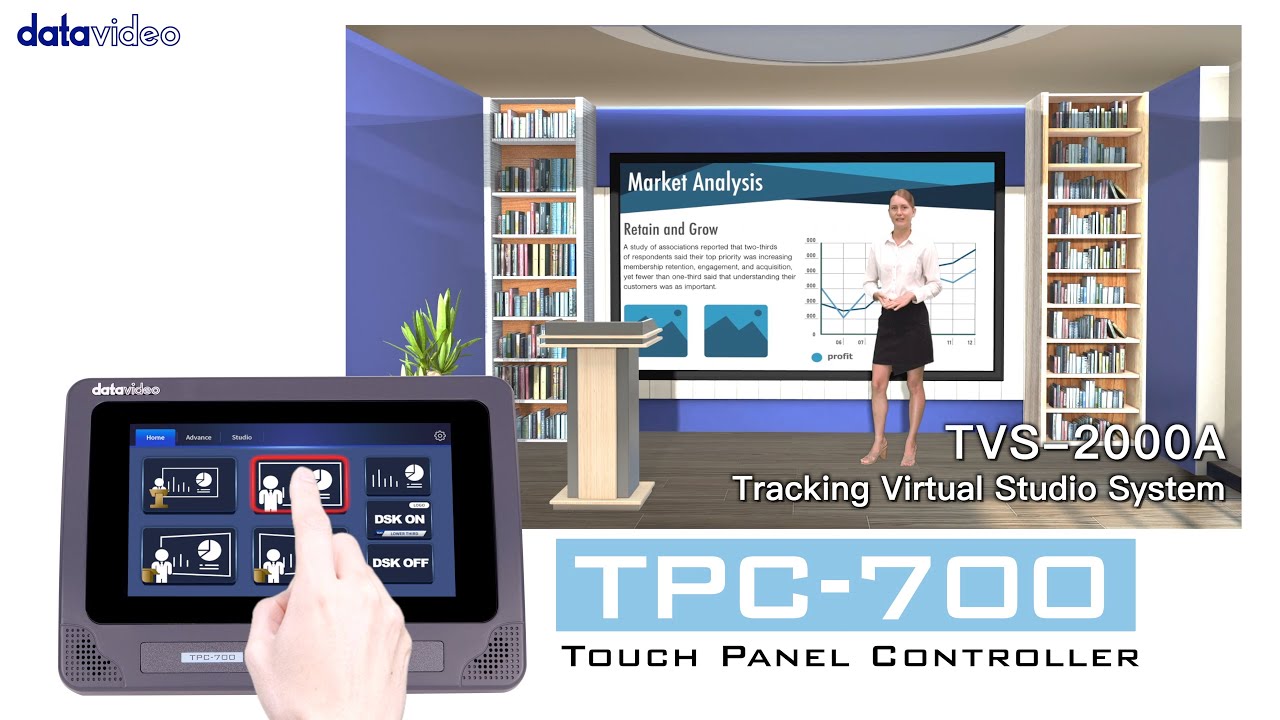
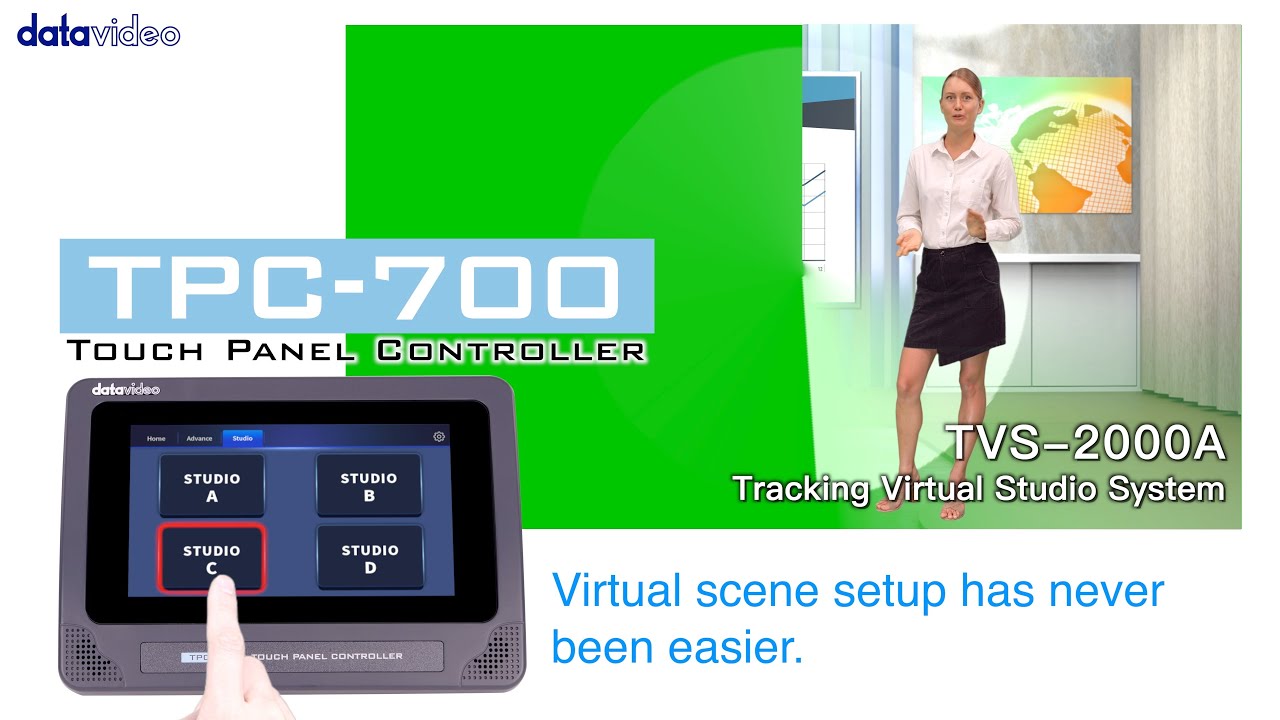
Select camera views, recall four configured virtual studio scenes, and control downstream key (DSK) overlays. Start or stop recording and streaming from the touchscreen. Complete the system connections and configure the required PC shortcuts before use.

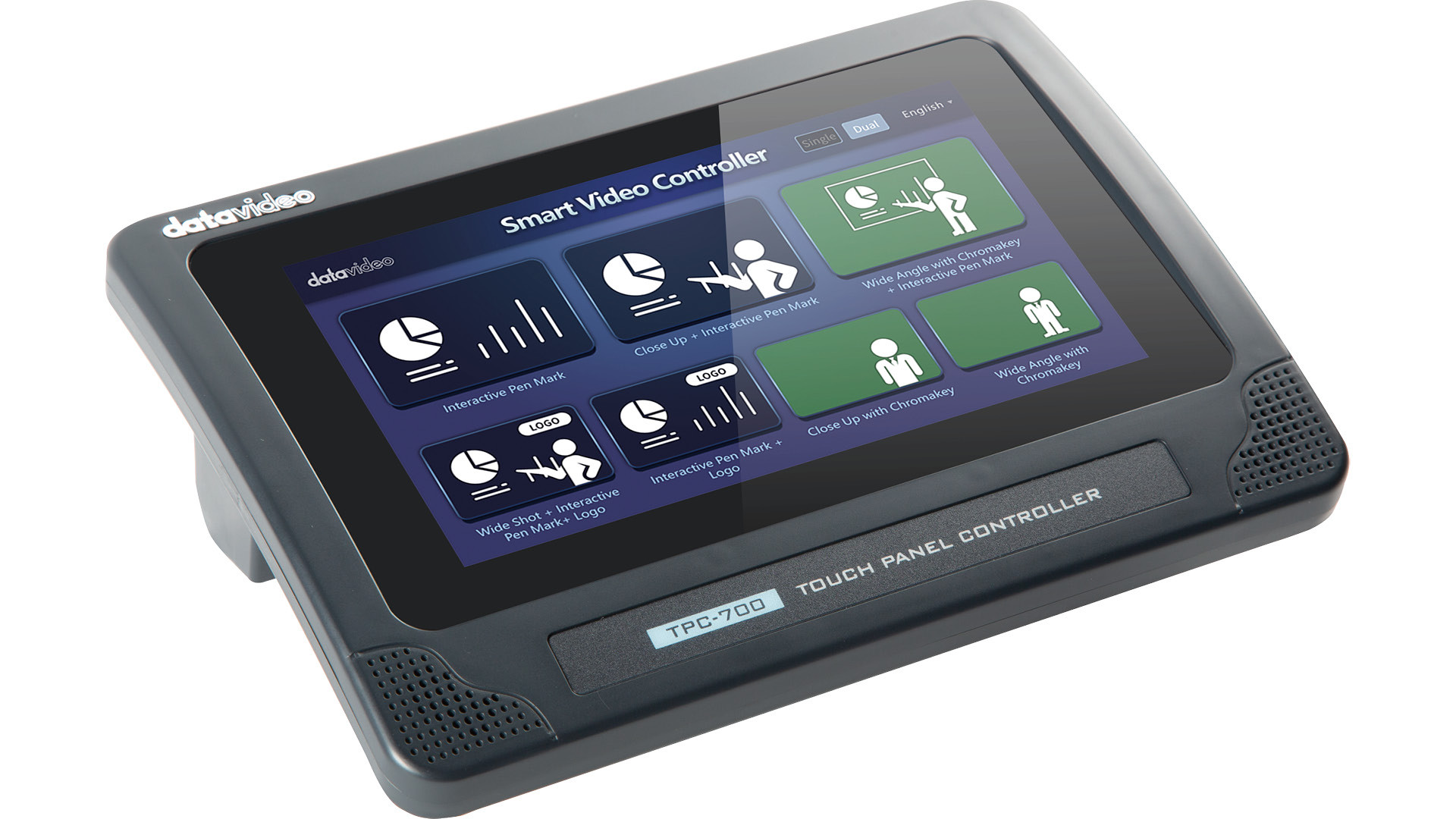
VGB-2000 | Switch Presentation Layouts

Recall preconfigured single- or dual-camera presentation layouts. Layouts can combine presenter views, slides, pen annotations, logos, and chroma key effects.

Where to Buy?

   Find an authorized reseller

Touch Panel Controller

COMPARE MORE PRODUCTS
Model Number
TPC-700
Touch Screen
7” capacitive touch screen
Touch Screen Resolution
800 x 480
Firmware Upgrade
Via USB 2.0
Control
RS-232 (RJ-45)
Power
DC 12V
Power over Ethernet (PoE)
---
Power Consumption
10W
Dimension
220x152x79mm
Weight
0.85KG
Operating Temp. Range
0~40 °C
What's in the box
1 x TPC-700 Main Unit
1 x DC 12V Power Adaptor
1 x D-Sub 9Pin to RJ-45 Cable

PRODUCT SOLUTION

Extensive range of solutions that are ideal for most applications.

PRODUCT NEWS