El Paso Probate Court Automates Courtroom Recording with Datavideo VoiceTRX100
Nov 18 2026

HPS Audio Video LLC installs voice-activated camera tracking that shows who is speaking right away, automates operation and clears the courtroom floor.
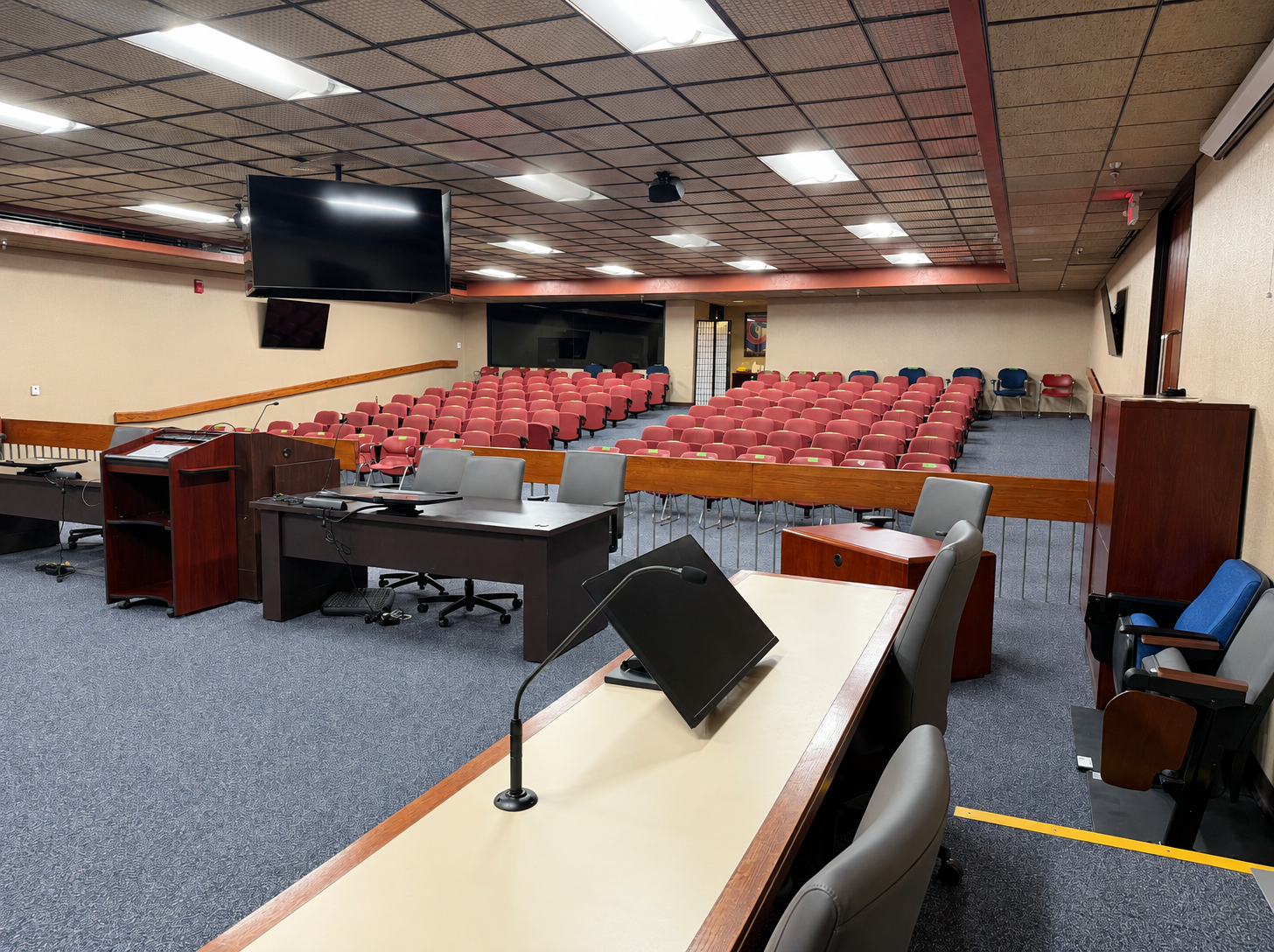
Customer: El Paso Probate Court Number One Integrator: HPS Audio Video LLC Core product: Datavideo VoiceTRX100 Remote platforms: Microsoft Teams, Zoom
The Challenge
El Paso Probate Court Number One needed to record proceedings and support remote participants on Teams and Zoom. Its 360-degree conferencing camera captured the whole room through a fisheye lens, which distorted the image and made it hard to tell who was speaking. Staff adjusted audio by hand at the mixer, and the camera couldn't follow the active speaker. Cables also ran across the floor to a camera pedestal in the middle of the room.
The Solution
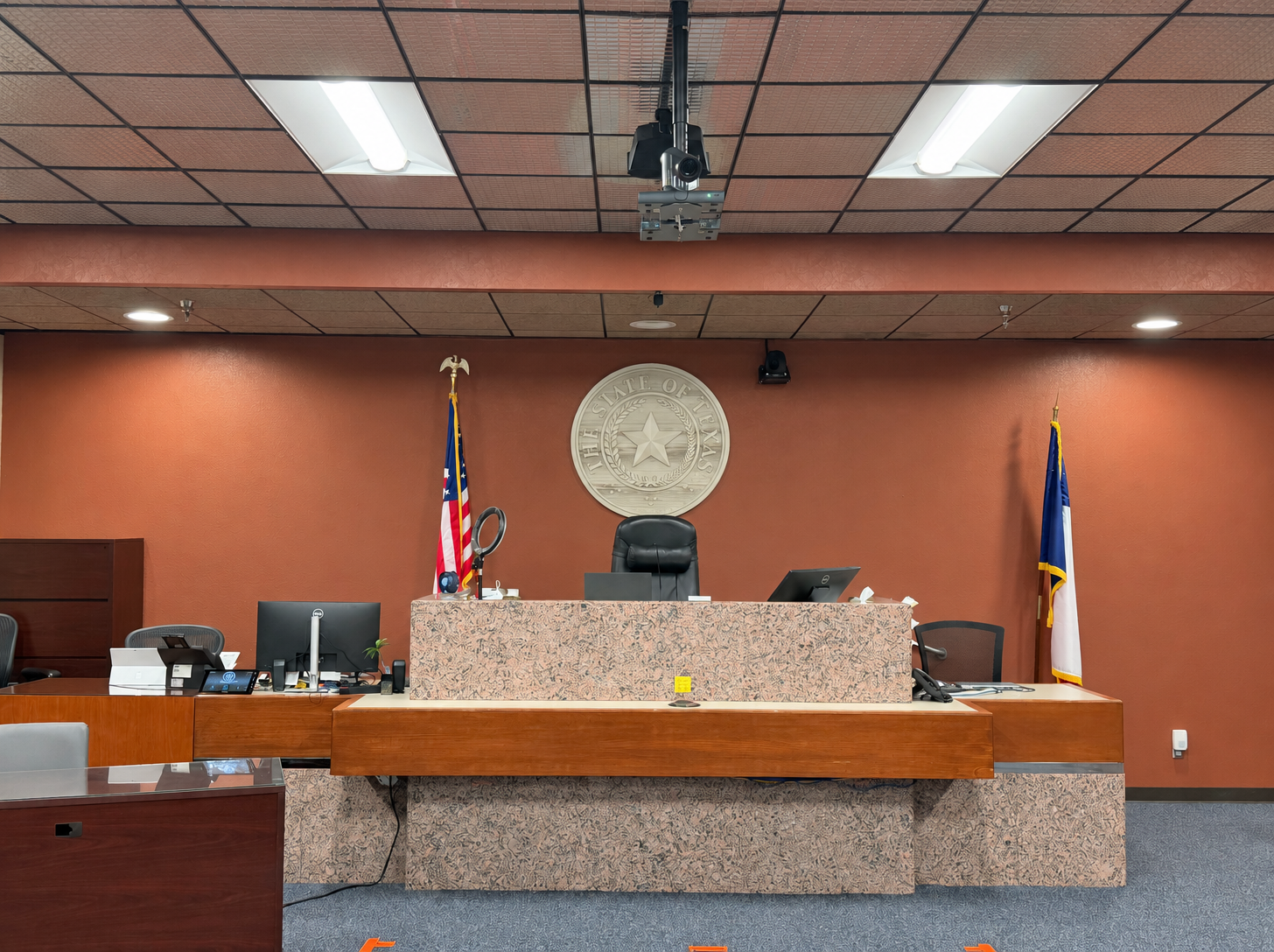
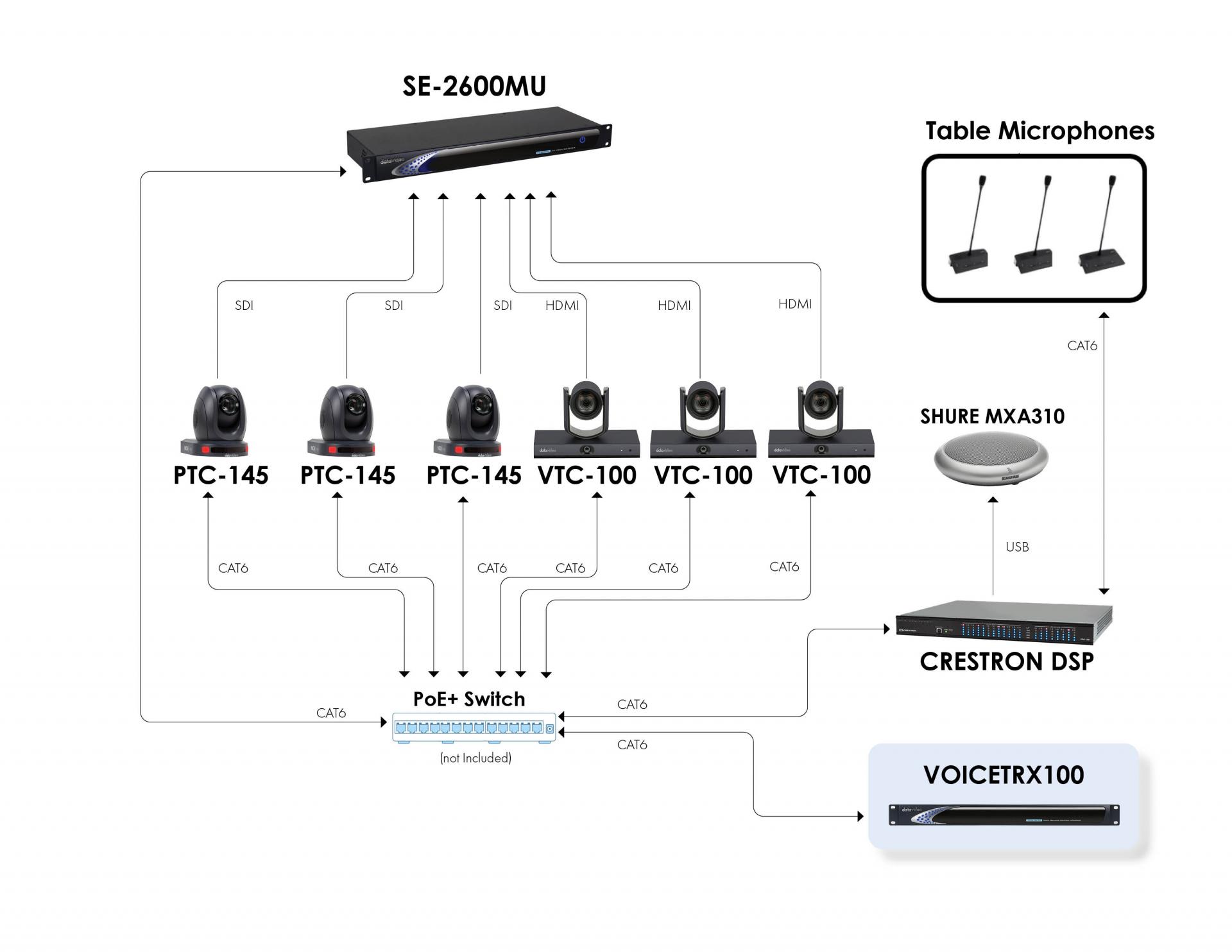
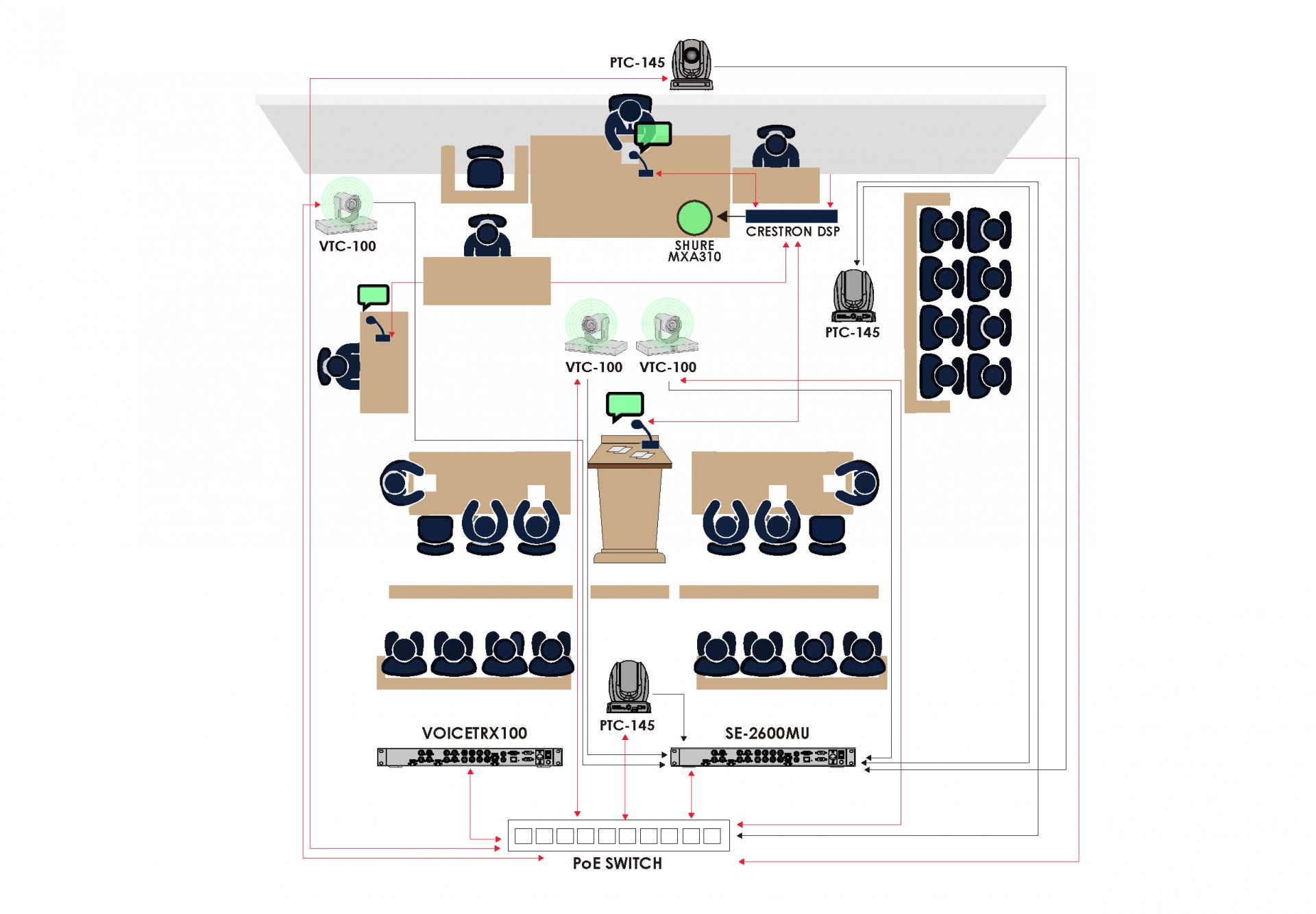
The court brought in HPS Audio Video LLC, an integrator that specializes in automation, distributed audio and video. Junior Gonzalez and his team built a system around Datavideo's VoiceTRX100 that links the microphones, audio processing, camera tracking and video switching.
When someone speaks, the Crestron processor tells the VoiceTRX100 which microphone is live, and the VoiceTRX100 calls up the matching camera and preset. Junior set waist-up presets for the judge, witness, attorneys and podium. He also defined a walking zone for attorneys who move around the room. When several microphones are live at once, the system switches to a wide shot.
Equipment
The Results
Each participant now has a dedicated camera and preset, so viewers see a natural close-up instead of a distorted wide shot. The camera goes straight to whoever is talking, and the tighter framing shows facial expressions and body language.
"The end user is no longer having to try and figure out in the whole shot who's talking, because now the system automatically pans to the person talking and that's the only person in the shot… It's immediate identification of who's talking and what they're saying."
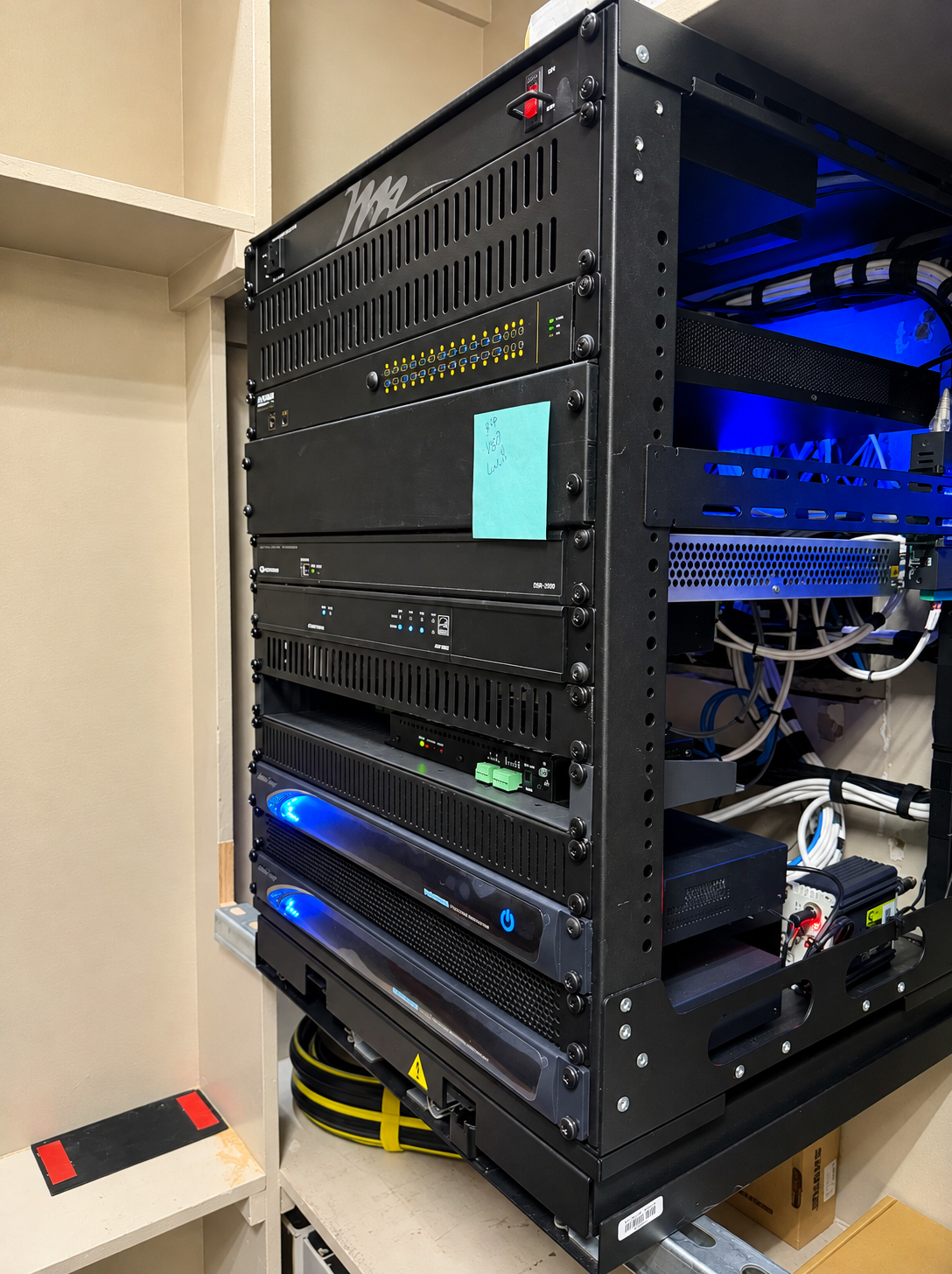
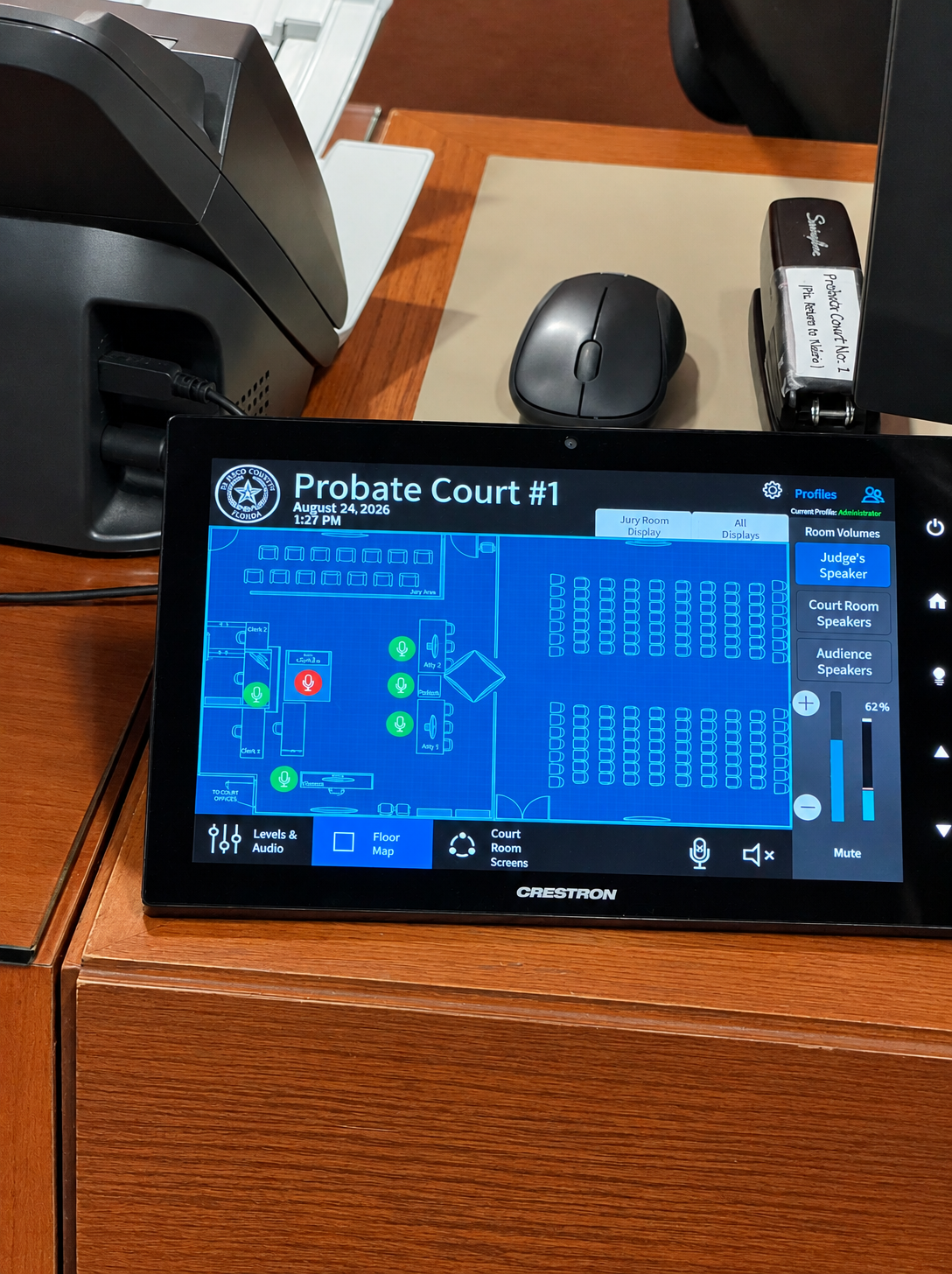
Microphone activity drives the cameras, and the Crestron DSP handles the audio mix. Staff no longer adjust the mixer each time someone speaks, but authorized users can still change gain levels through admin controls. Court personnel can focus on the proceedings instead of the equipment.
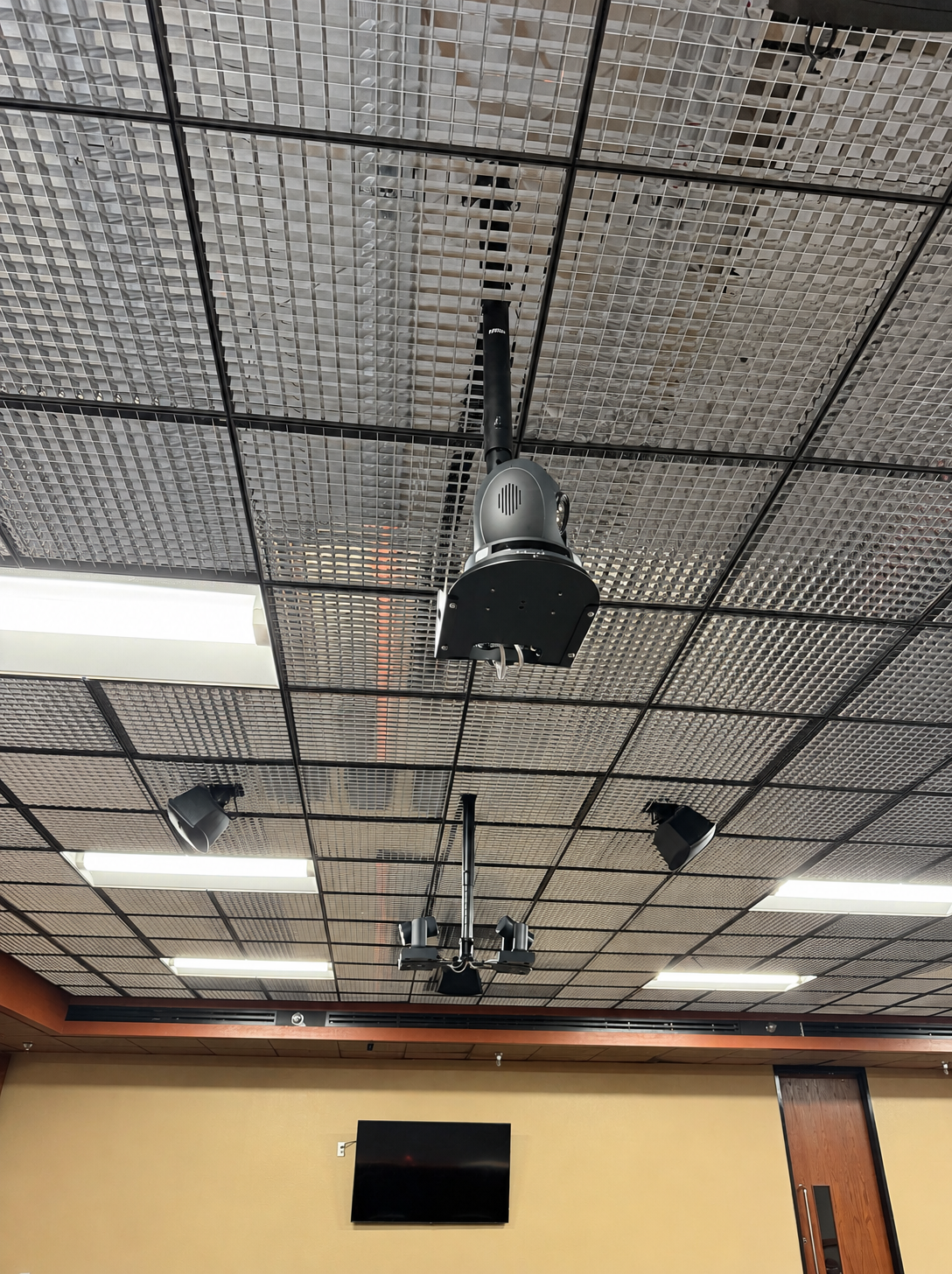
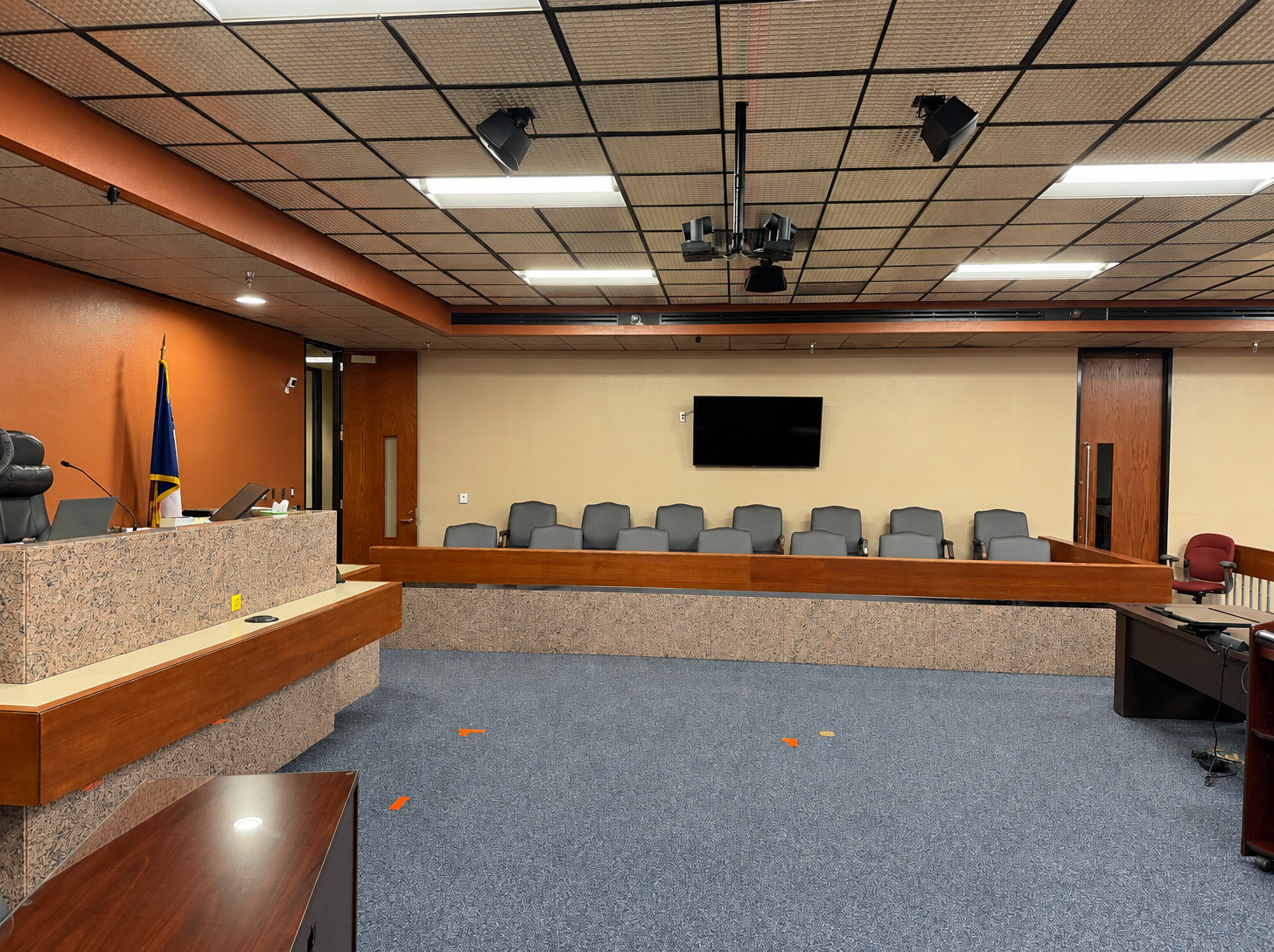
Ceiling-mounted cameras replaced the floor pedestal and the cables that ran to it.
"They used to have a few lawyers stumble or somewhat trip on the wires… Once we put in that Datavideo solution, everything was installed and mounted cleanly in the ceiling, and the whole floor became clean."
Junior did all the setup in the VoiceTRX100's web interface. He assigned camera IP addresses, built presets, paired the cameras and mapped each microphone input to a camera position.
"In the GUI, they have basically a one, two, three-step menu. As long as you go through that chronological order, it's kind of hard to mess it up."
To change an angle later, he only has to update a preset. The rest of the system stays as it is.
Datavideo Support
This was Junior's first VoiceTRX100 project. Datavideo sent a demo unit quickly, and Rob Read showed him how the VoiceTRX100 communicates with the Crestron processor, which kept the project on schedule.
"Rob was very willing, even though I didn't have training, to take me by the hand and guide me how I needed it to be done."
Proven in Session, With Room to Grow
Court staff have already run a full Wednesday session with no issues. The cameras tracked the judge and witness as their microphones went live. Demand for the room has also gone up.
"They've started using the room a lot more and they've had requests for that room usage a lot more than before."
The court can now roll this same system out to other courtrooms as budgets allow.
The Bottom Line
The VoiceTRX100 turned a manual courtroom setup into automated video production. The court gets clearer video, less hands-on operation and a better experience for both in-person and remote participants. HPS Audio Video gets a manufacturer partner with responsive support and gear it can configure to fit each client.


