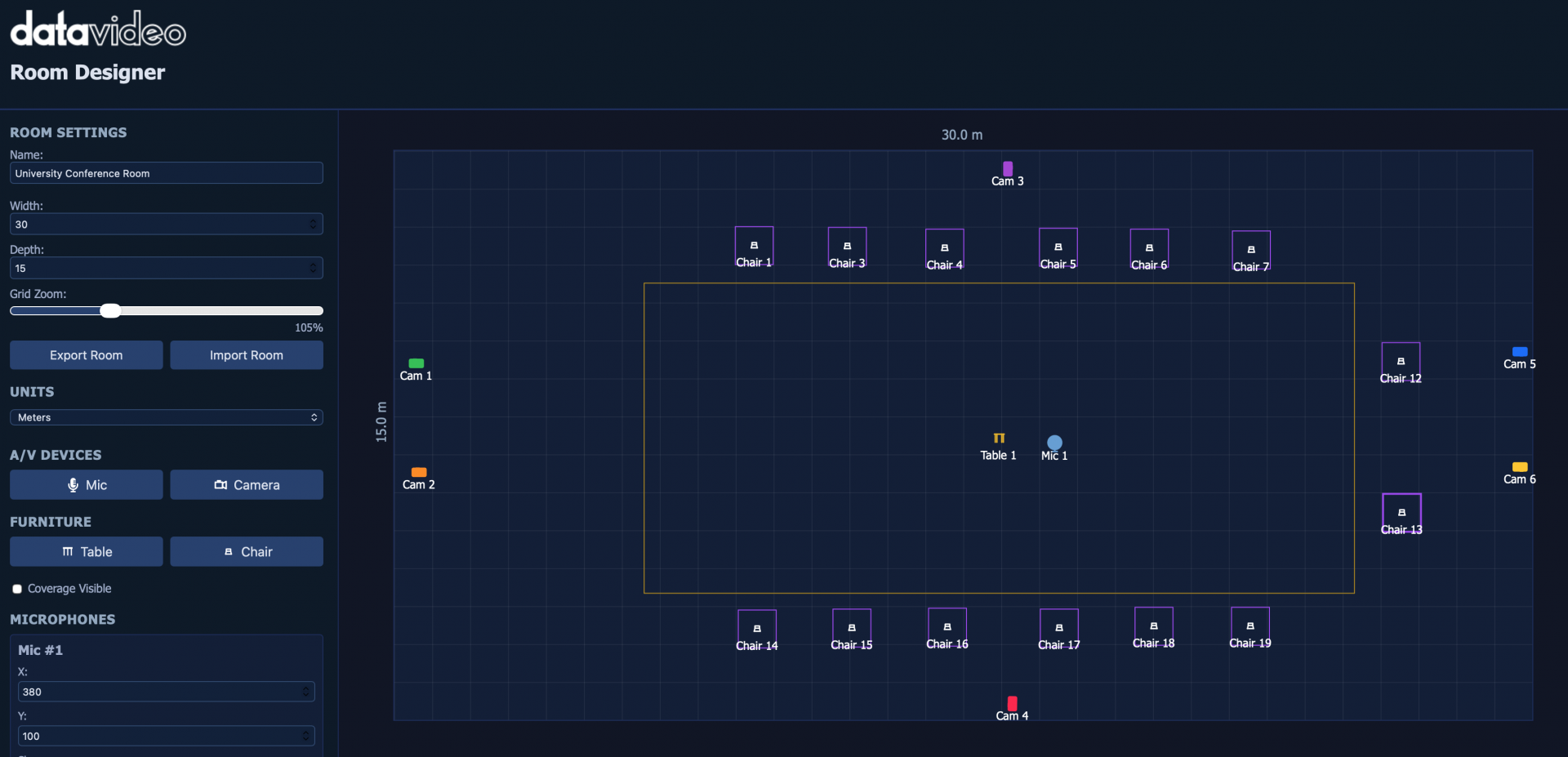
Datavideo Room Designer is an intuitive planning and visualization tool designed for system integrators, AV consultants, and technology professionals. It simplifies the design of meeting rooms, classrooms, studios, and collaboration spaces by enabling users to visualize camera coverage, microphone pickup areas, and equipment placement in real time—helping deliver optimized audio and video performance with confidence.
Datavideo Room Designer is a browser-based planning and visualization tool designed for system integrators, consultants, AV professionals, and technology managers.
With an intuitive drag-and-drop interface, users can quickly create room layouts, position cameras, microphones, tables, displays, and seating arrangements, and instantly visualize audio and video coverage throughout the space.
Real-time coverage analysis helps identify blind spots, optimize equipment placement, and improve overall system performance before installation begins. Whether designing a small huddle room, a classroom, a podcast studio, or a large conference facility, Room Designer simplifies planning and helps ensure successful deployments.
By providing clear visual representations of room layouts and equipment coverage, Datavideo Room Designer improves collaboration between designers, integrators, and end users while reducing planning time and installation risks.

Quickly create room layouts and evaluate equipment placement without manual calculations or complex CAD software.

See microphone pickup zones and camera field-of-view coverage in real time to optimize system performance.

Identify blind spots, overlapping coverage areas, and design issues before deployment.

Share visual room plans that help customers understand system designs and project requirements.
Create professional room layouts using an intuitive visual design environment. Easily define room dimensions, arrange furniture, and build realistic meeting, classroom, or studio configurations without requiring specialized design software.
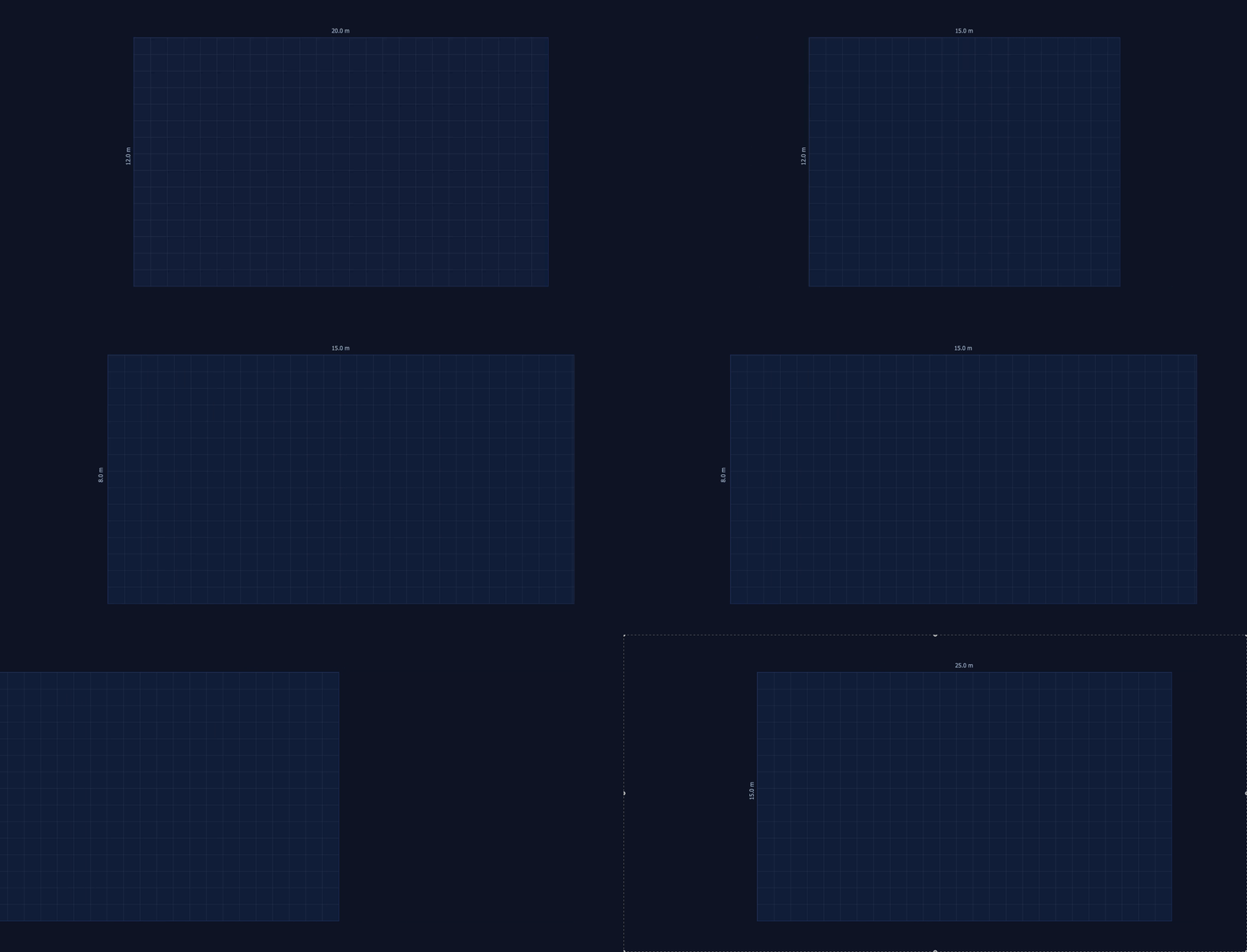
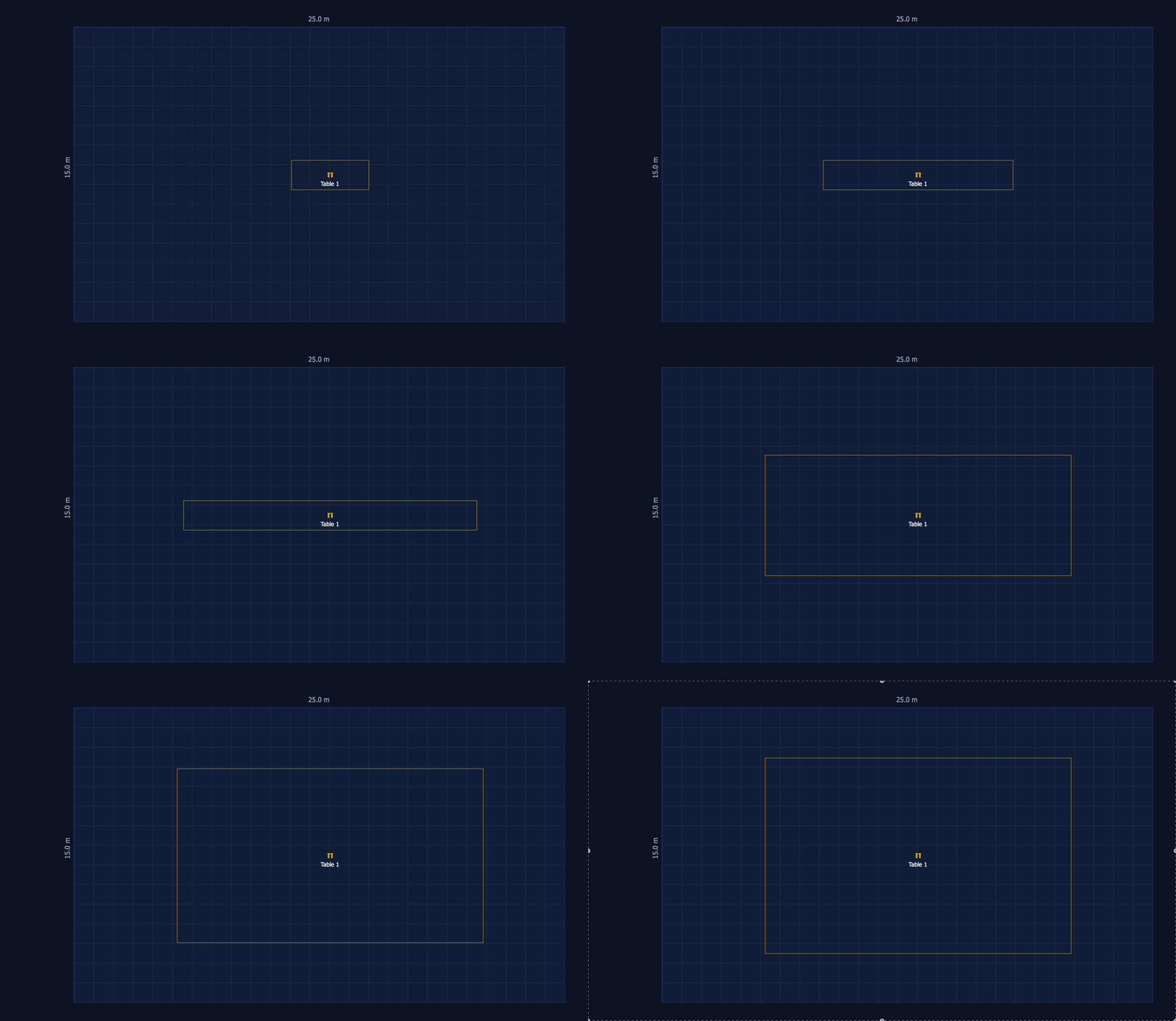
Quickly place microphones, cameras, displays, tables, and seating within your room layout using simple drag-and-drop controls. Experiment with different configurations and instantly see how equipment positioning affects overall room performance.
Visualize camera fields of view and microphone pickup zones in real time as you design. This immediate feedback helps ensure complete room coverage and supports more informed equipment placement decisions.
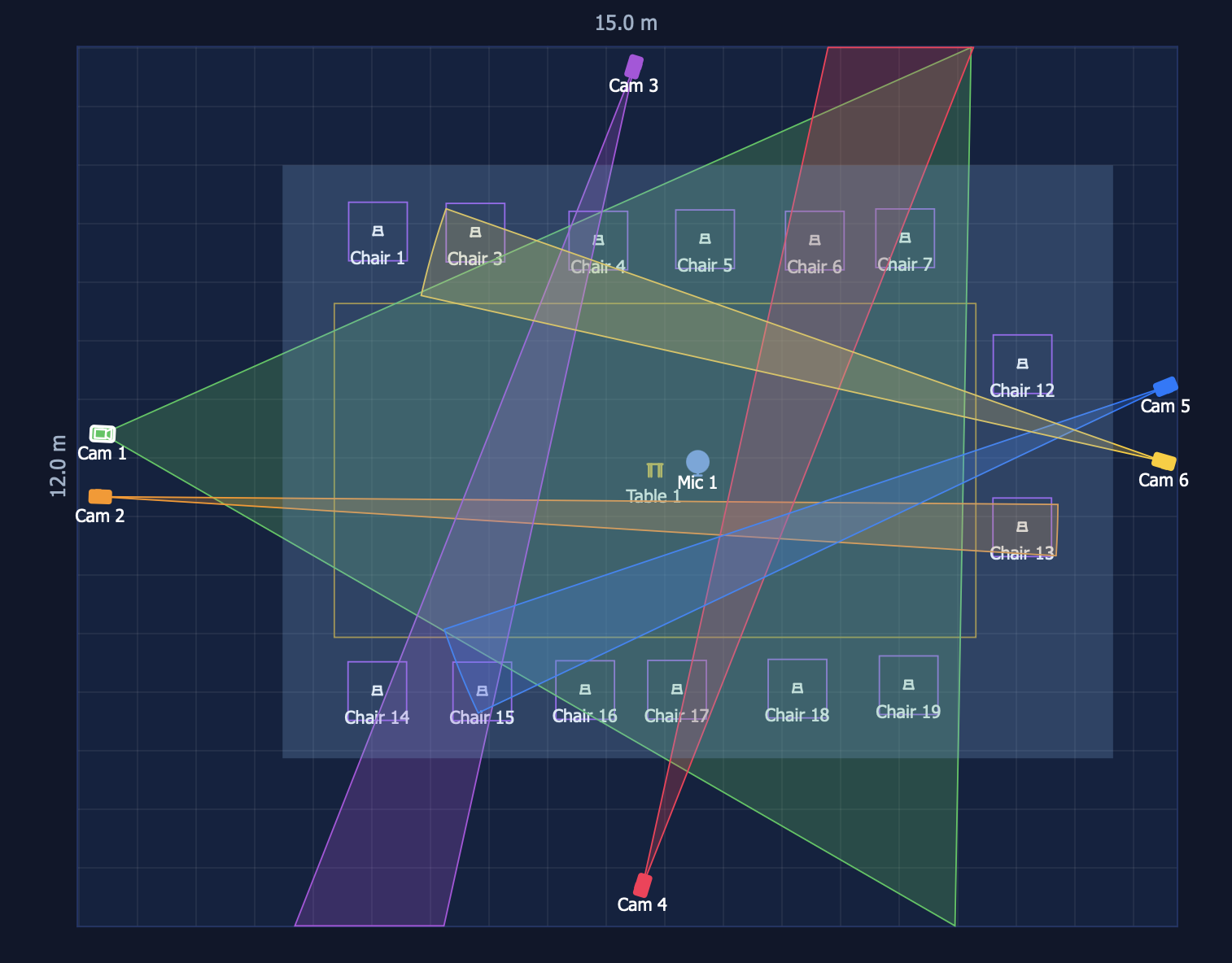
Identify blind spots, coverage gaps, and overlapping zones before installation begins. Built-in analysis tools help optimize audio and video performance while reducing costly redesigns and on-site adjustments.
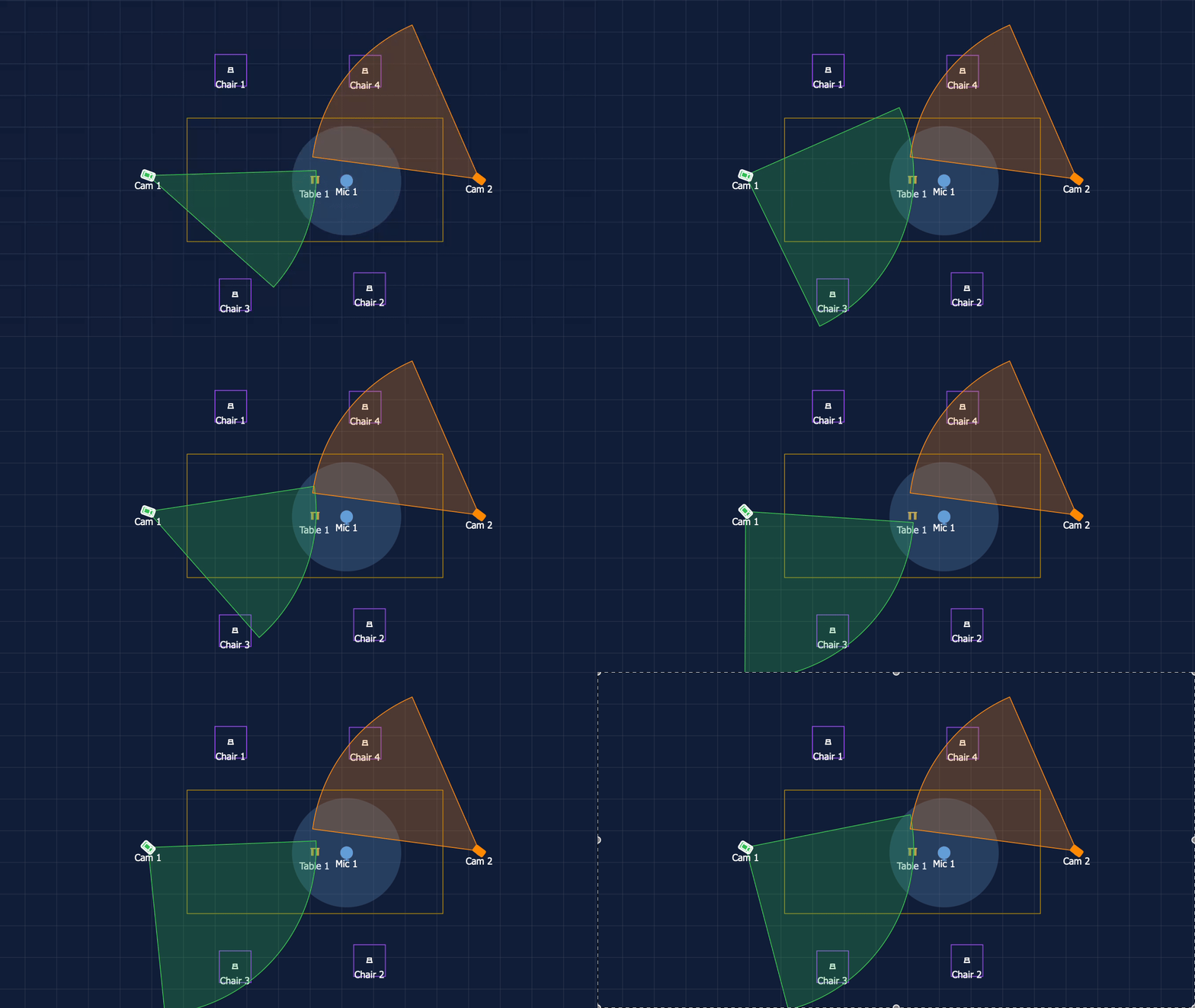
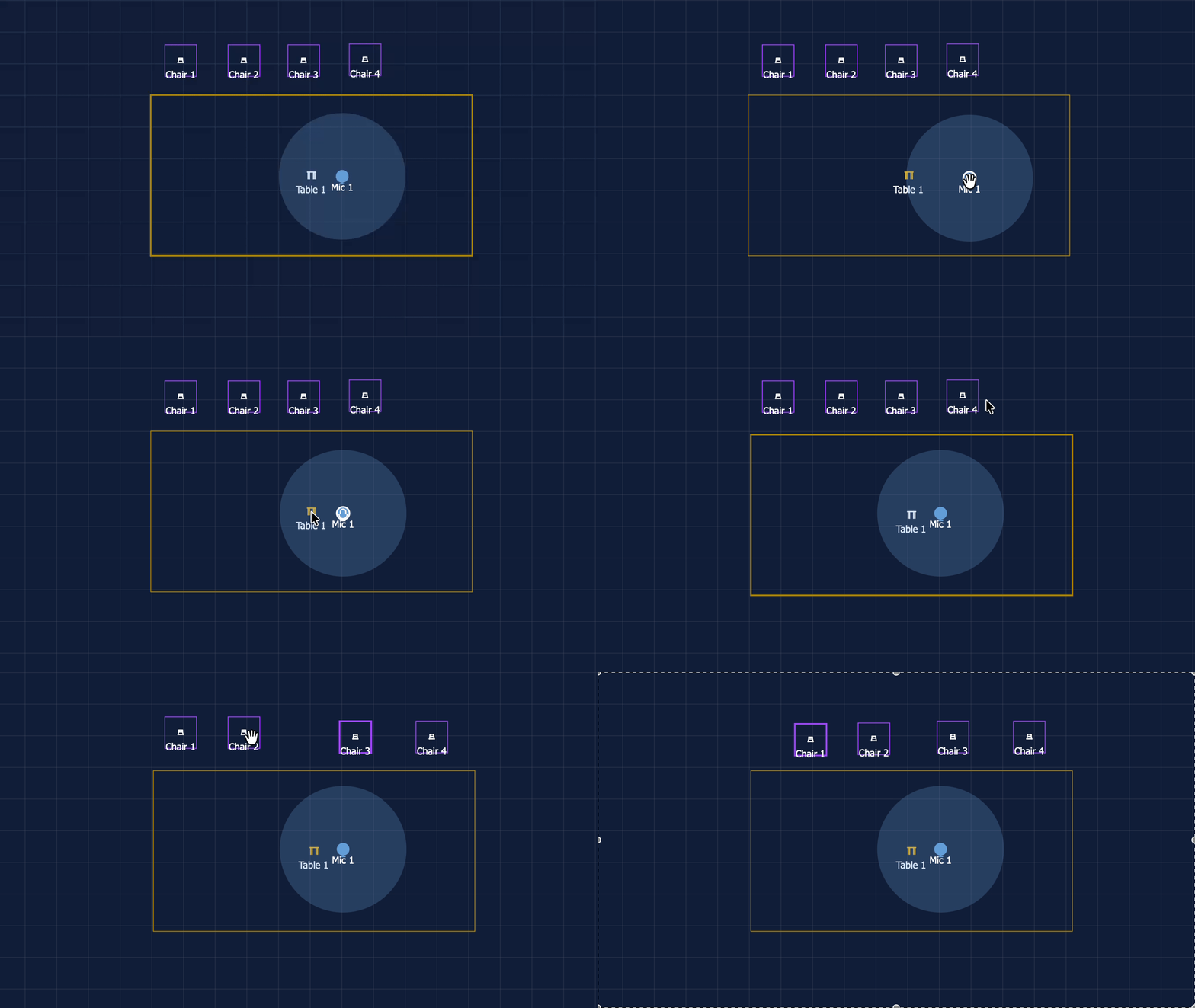
Customize room dimensions, layouts, and measurement units to match real-world project requirements. Whether designing a small huddle room or a large conference facility, Room Designer adapts to your workflow.
Save project files for future revisions and easily import or export designs for collaboration. Share room plans with colleagues, customers, and installation teams to streamline project communication.
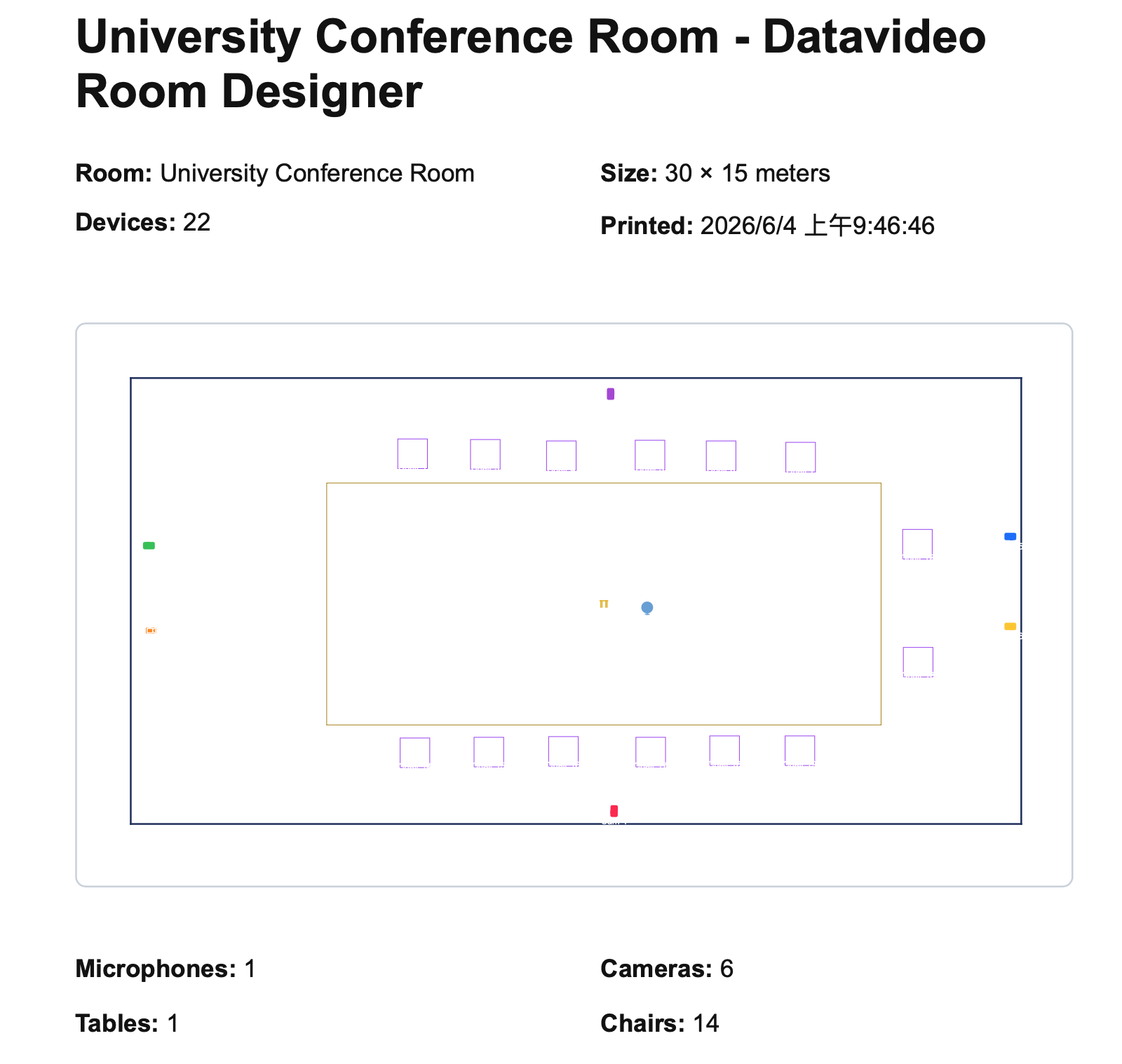
Generate professional room plans and design documentation suitable for proposals, approvals, and installation reference. Create clear visual materials that help stakeholders understand system layouts and coverage requirements.
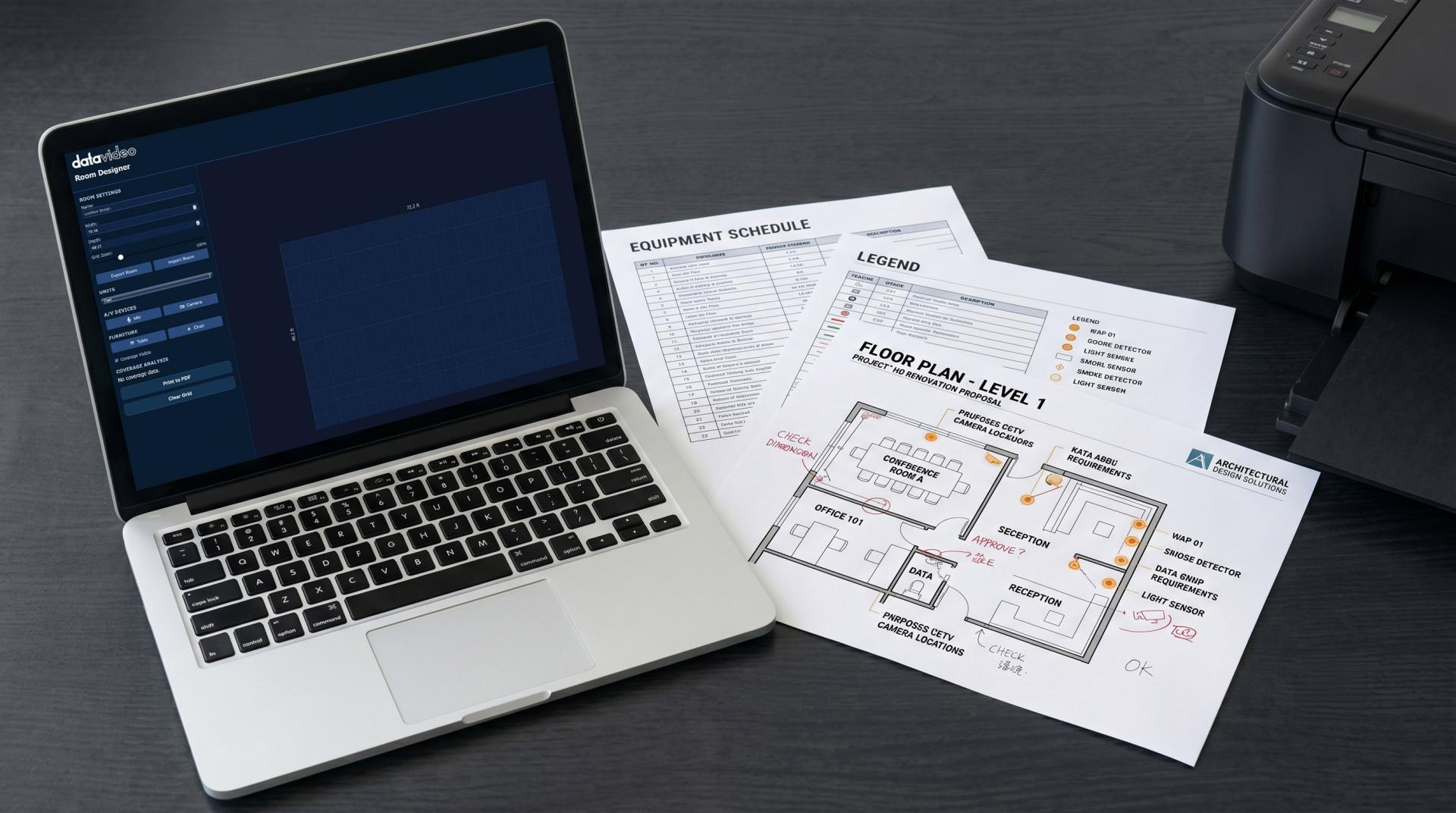
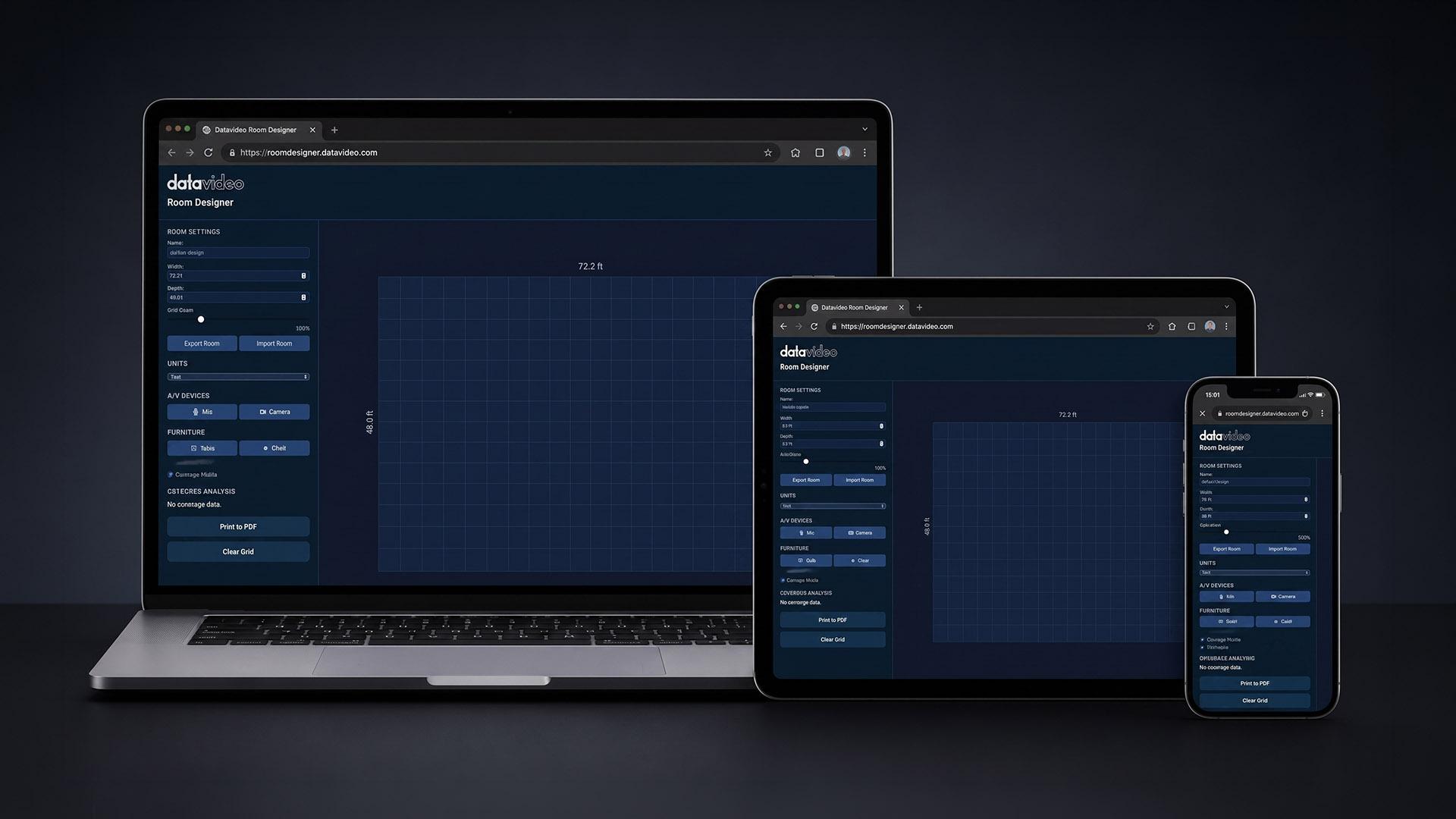
Access Datavideo Room Designer directly from any modern web browser with no software installation required. Start designing immediately from virtually any device while keeping projects accessible wherever you work.
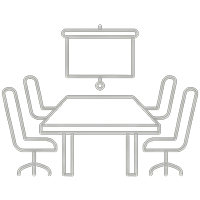
Design efficient collaboration spaces with optimized camera coverage and microphone placement to support productive in-person and hybrid meetings.
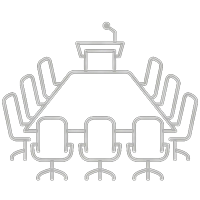
Plan professional conference environments with confidence by ensuring clear sightlines, balanced audio coverage, and seamless participant engagement.
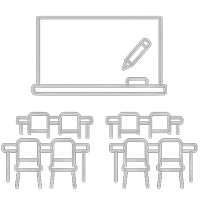
Create learning environments where instructors and participants remain clearly visible and audible, supporting both in-room and remote audiences.
Visualize coverage for larger presentation spaces, helping ensure speakers, panelists, and attendees are effectively captured throughout the room.
Optimize camera positioning, microphone placement, and production workflows to create professional-quality podcasts, interviews, and video content.
Design reliable AV systems for council chambers, command centers, conference facilities, and public meeting spaces where clear communication is essential.