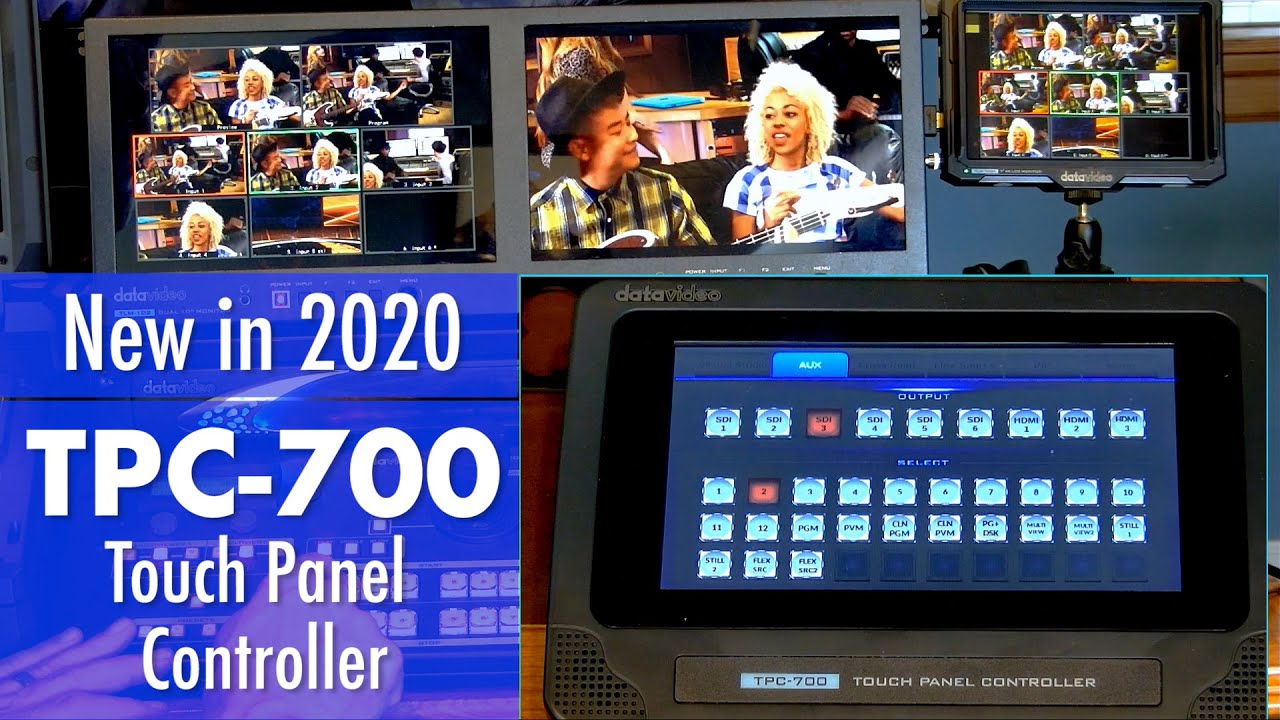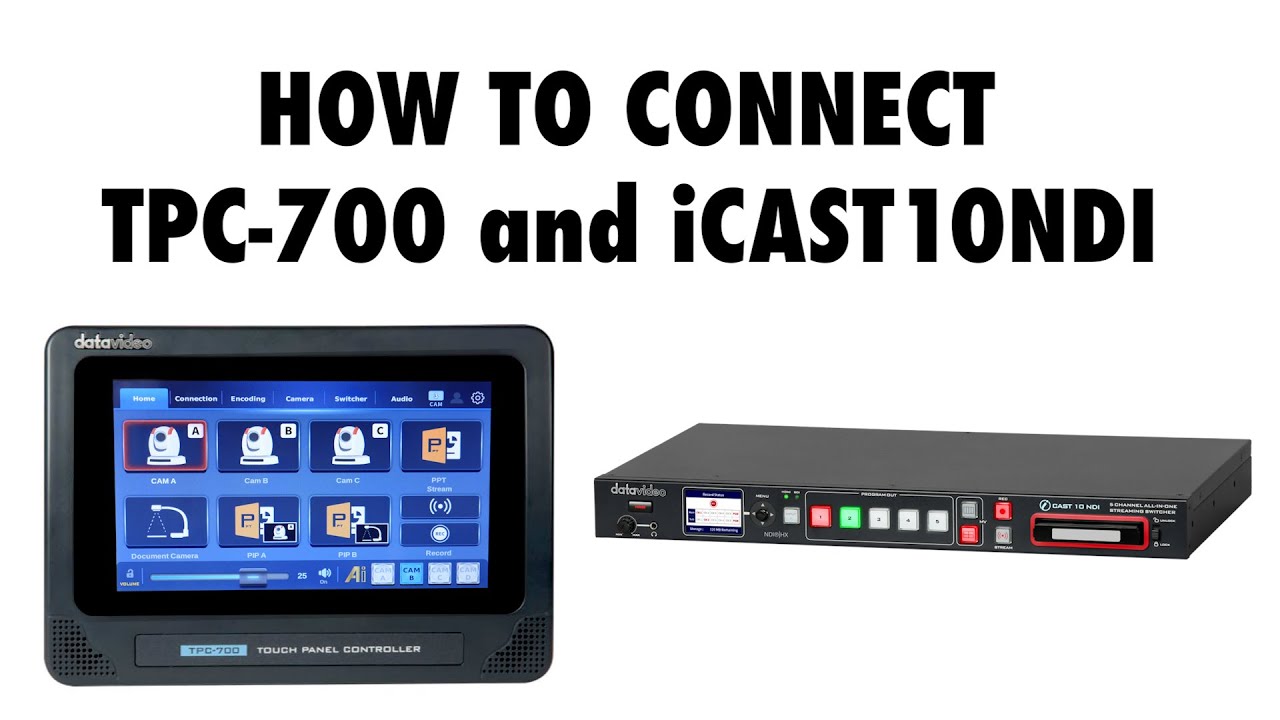

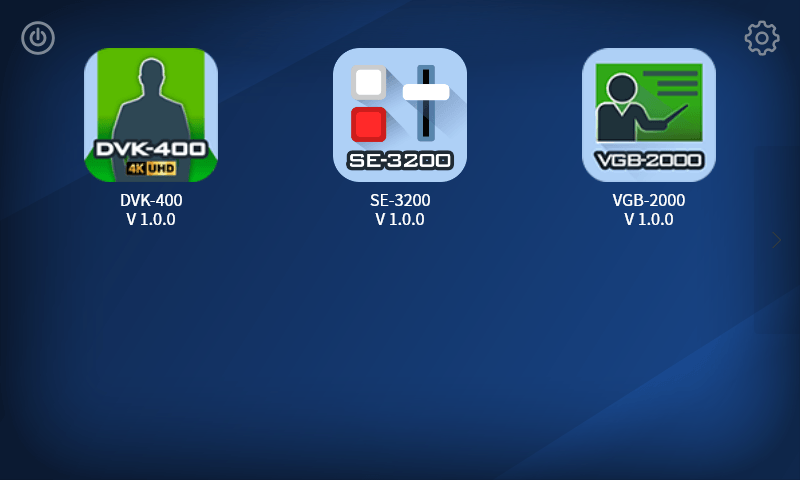
TPC-700 features a 7-inch touchscreen with built-in control options for compatible Datavideo products. Select the product you want to control from the startup menu, complete the required connections and settings, and start operating. No additional app downloads or installation are required.
Many control options are built into TPC-700. Choose the option for your connected Datavideo product to access its supported controls. See the table below for compatible products, key functions, and setup requirements.

Explore the built-in control options below to see which products they support and what you can control.
Some functions require prior configuration on the connected device or its companion software.
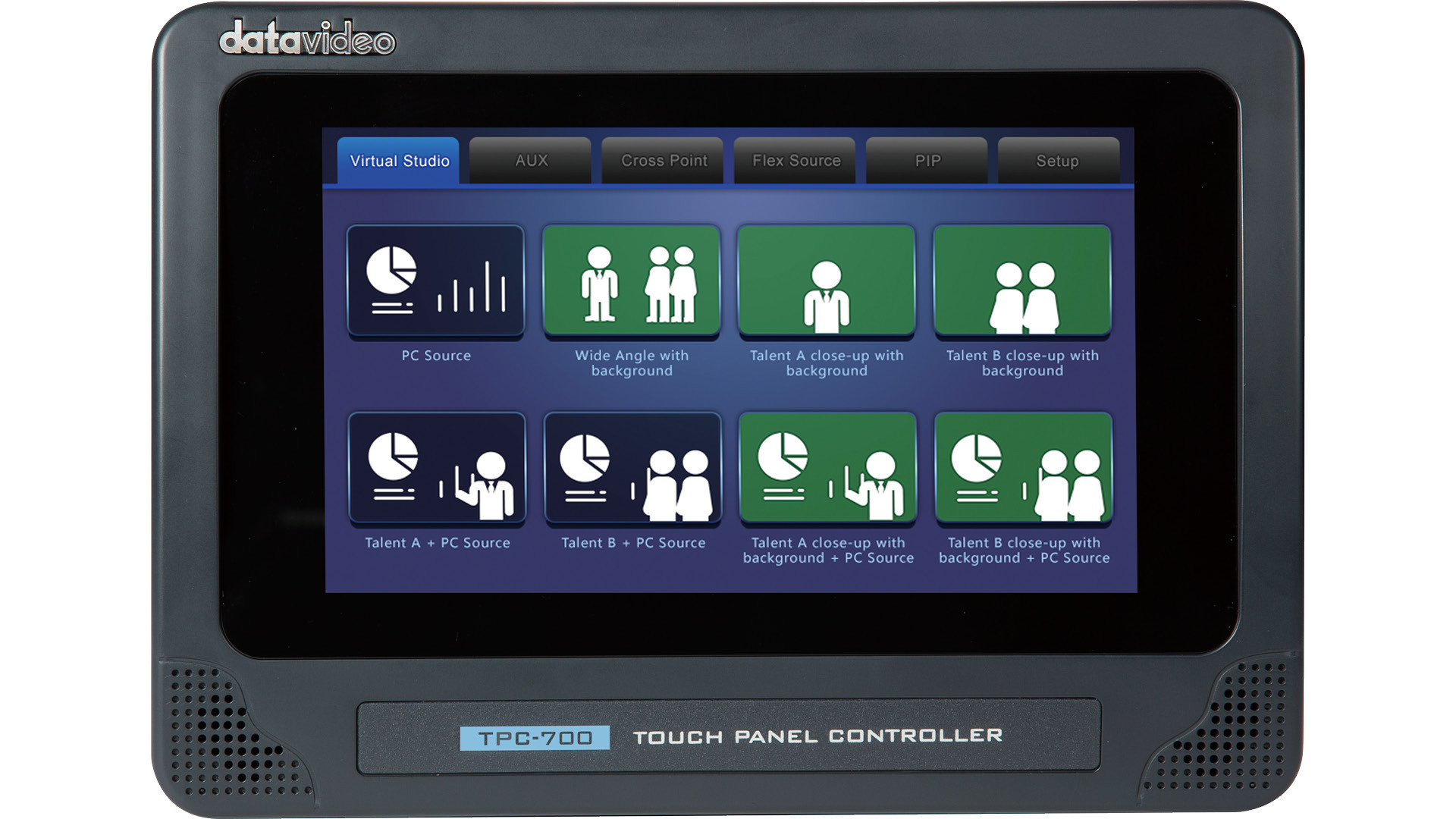
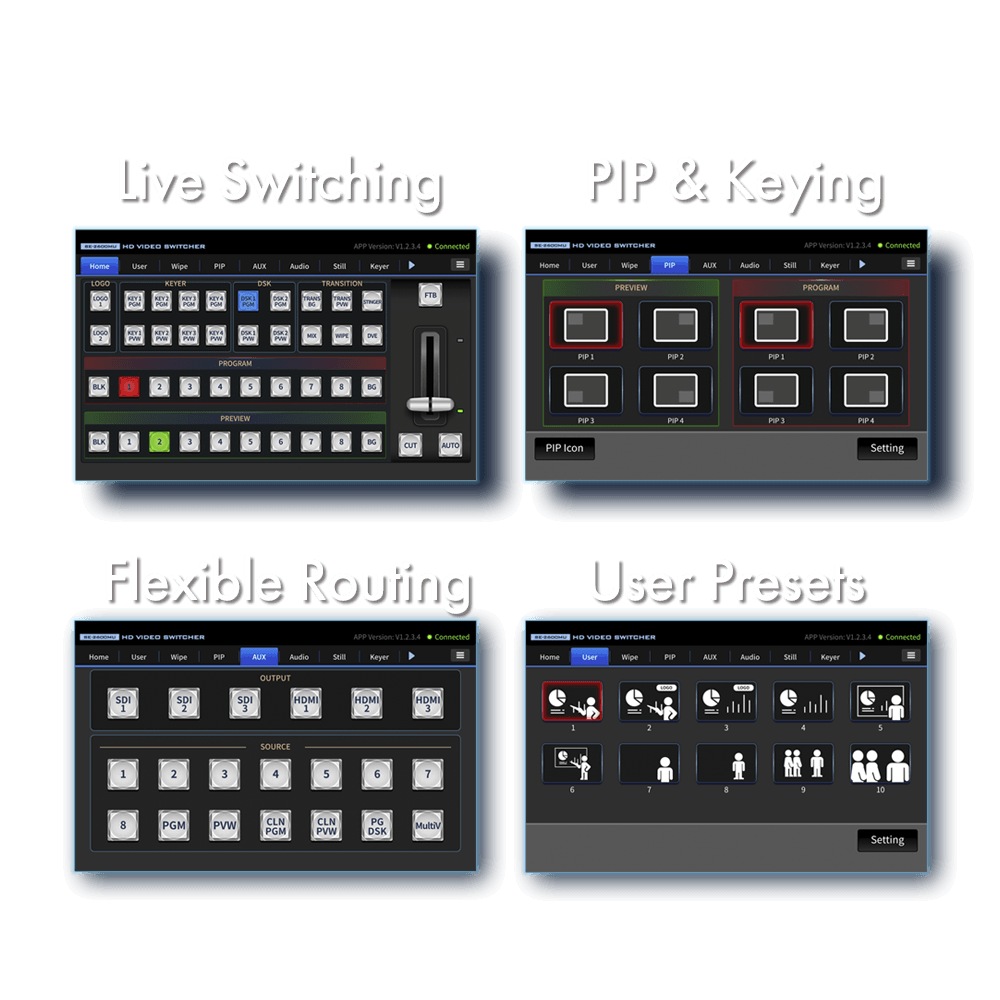
Access virtual scene presets, AUX routing, Cross Point assignments, Flex Source, and PIP controls directly from the TPC-700 touchscreen.
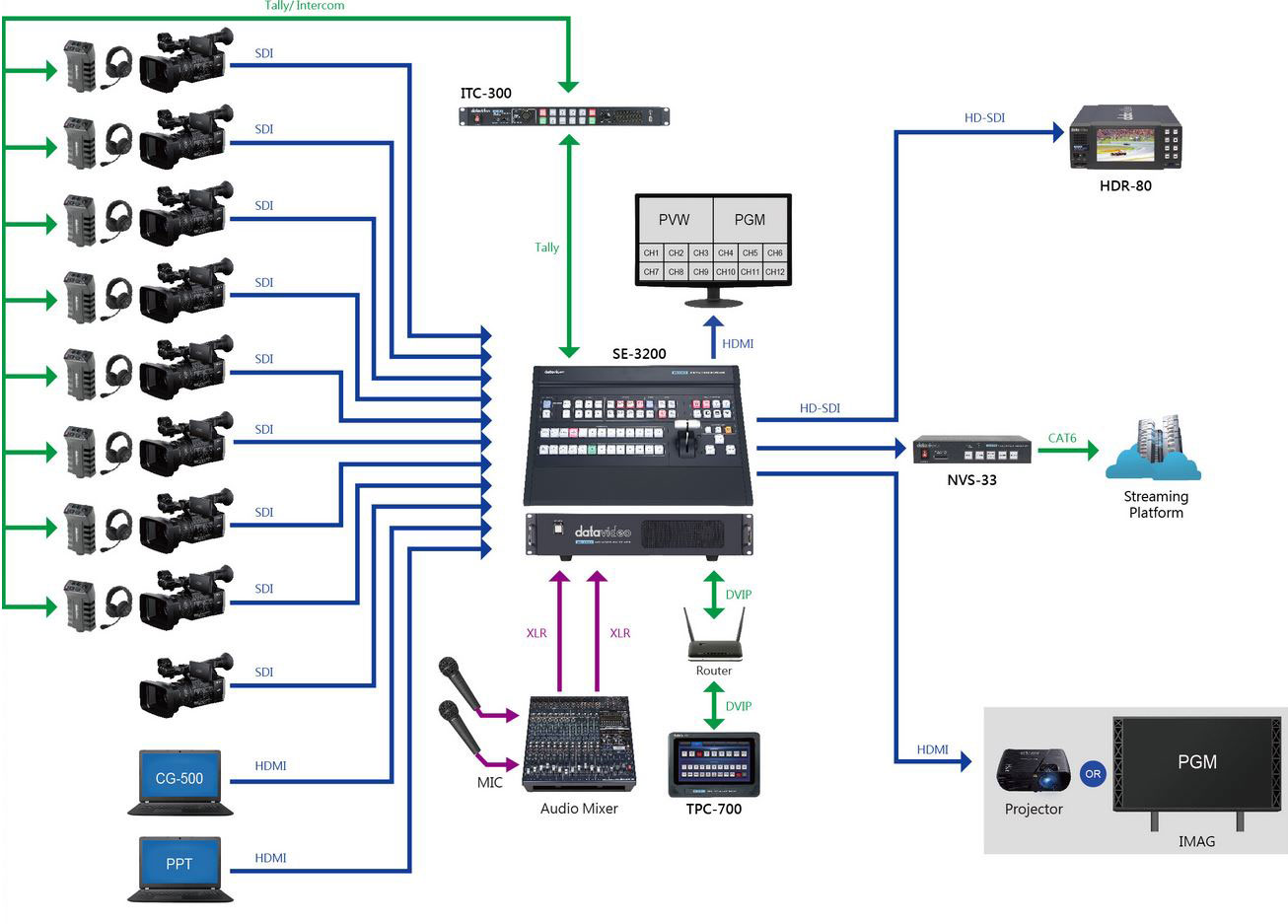
Recall preconfigured scenes and adjust key production settings through the built-in SE-3200 control interface.


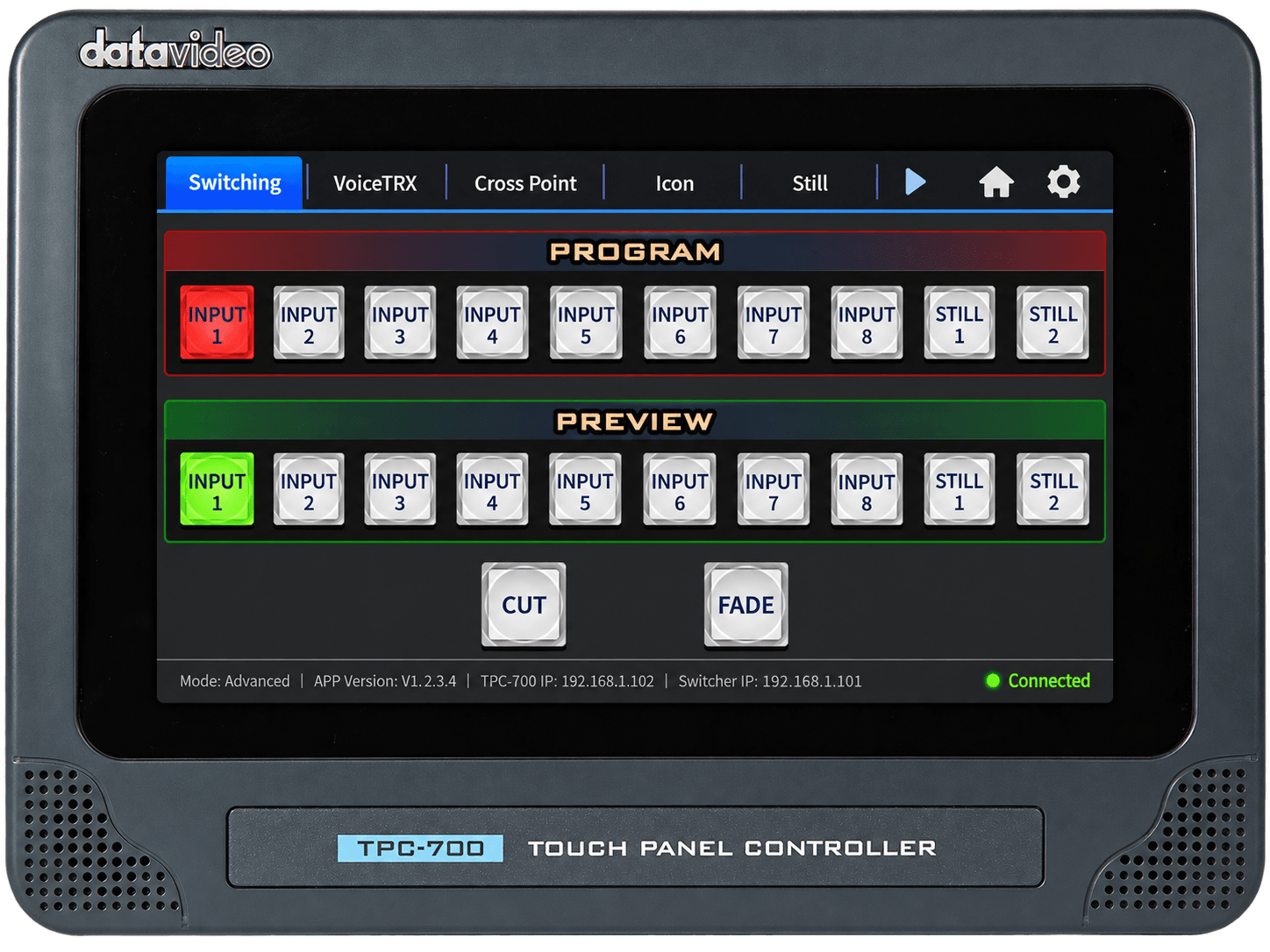
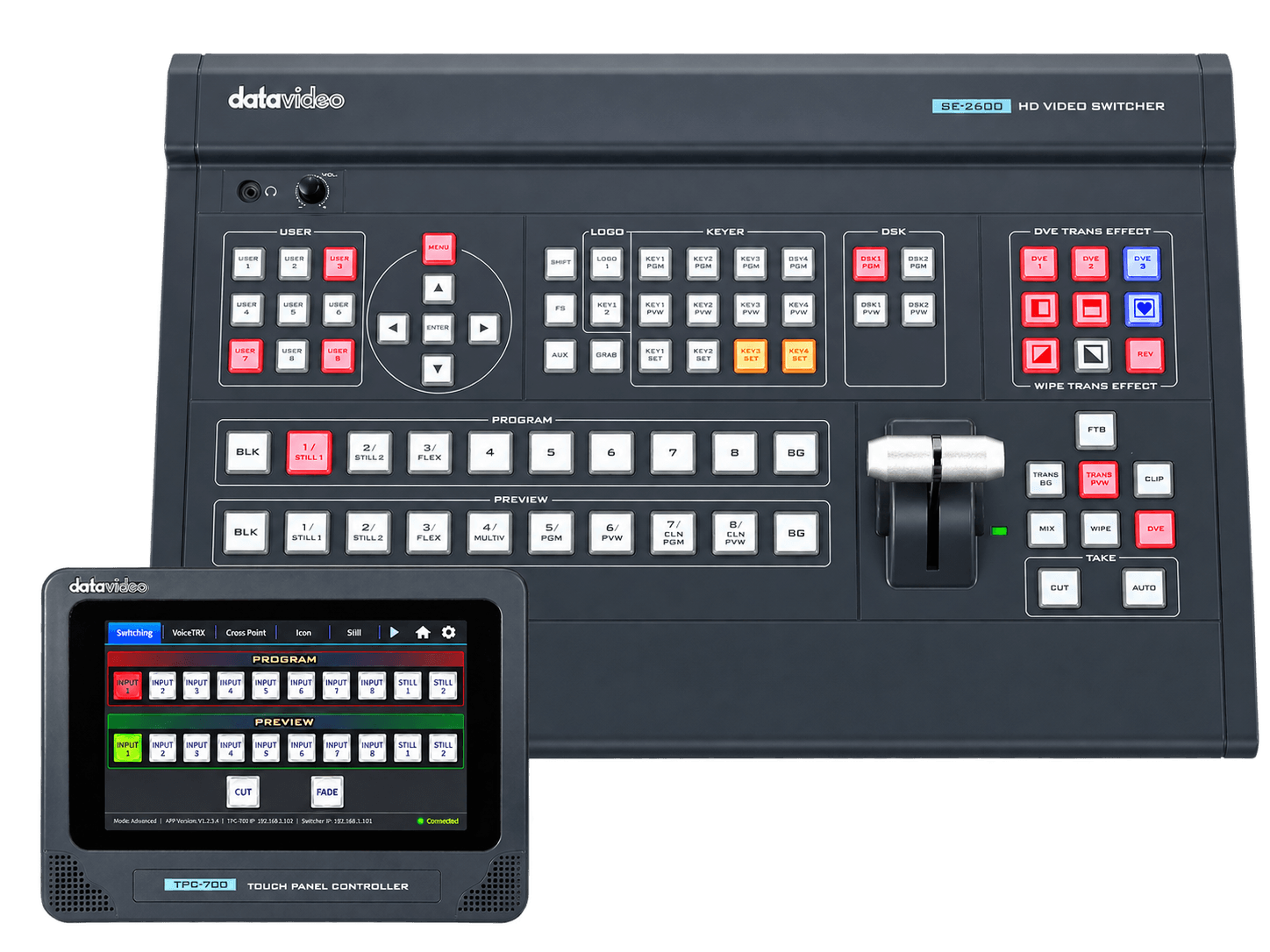
Select the built-in SE-2600 option to operate your SE-2600 in Basic or Advanced mode.
Access source switching, Cross Point, Icon, Still, and output routing controls, with PGM/PVW and CUT/FADE operation in Advanced mode. VoiceTRX controls are available when paired with compatible VoiceTRX equipment.
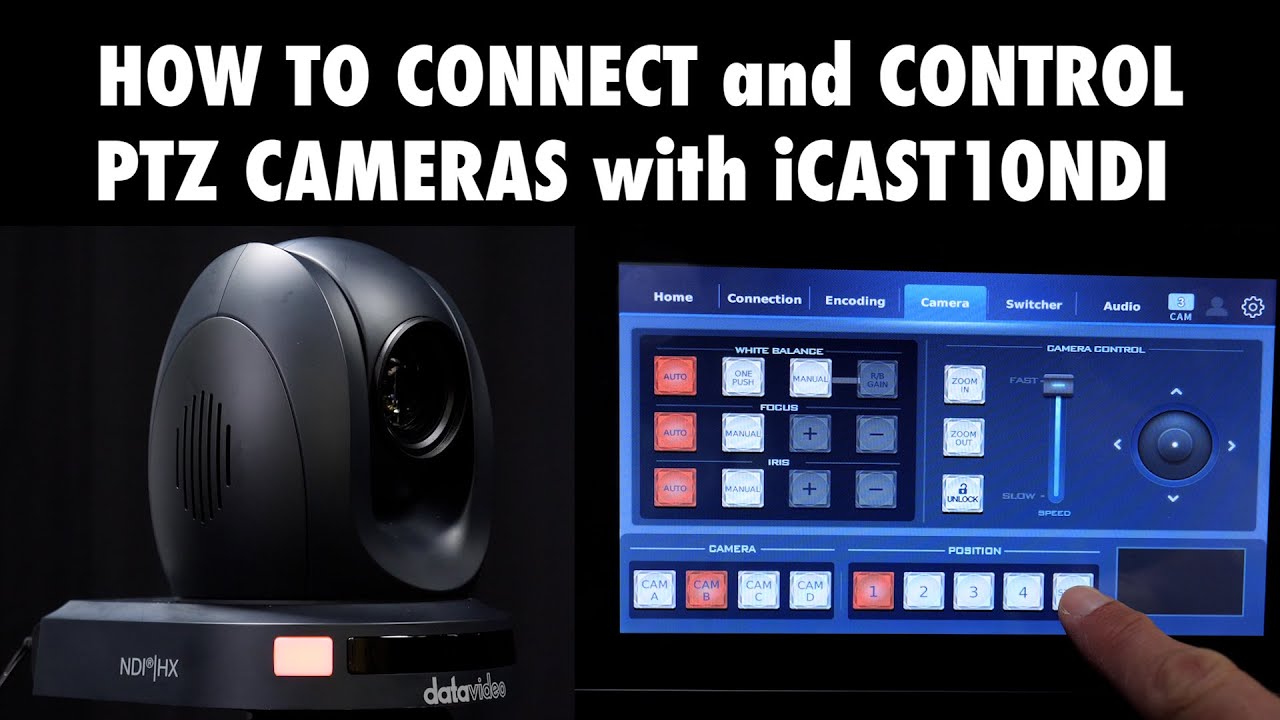
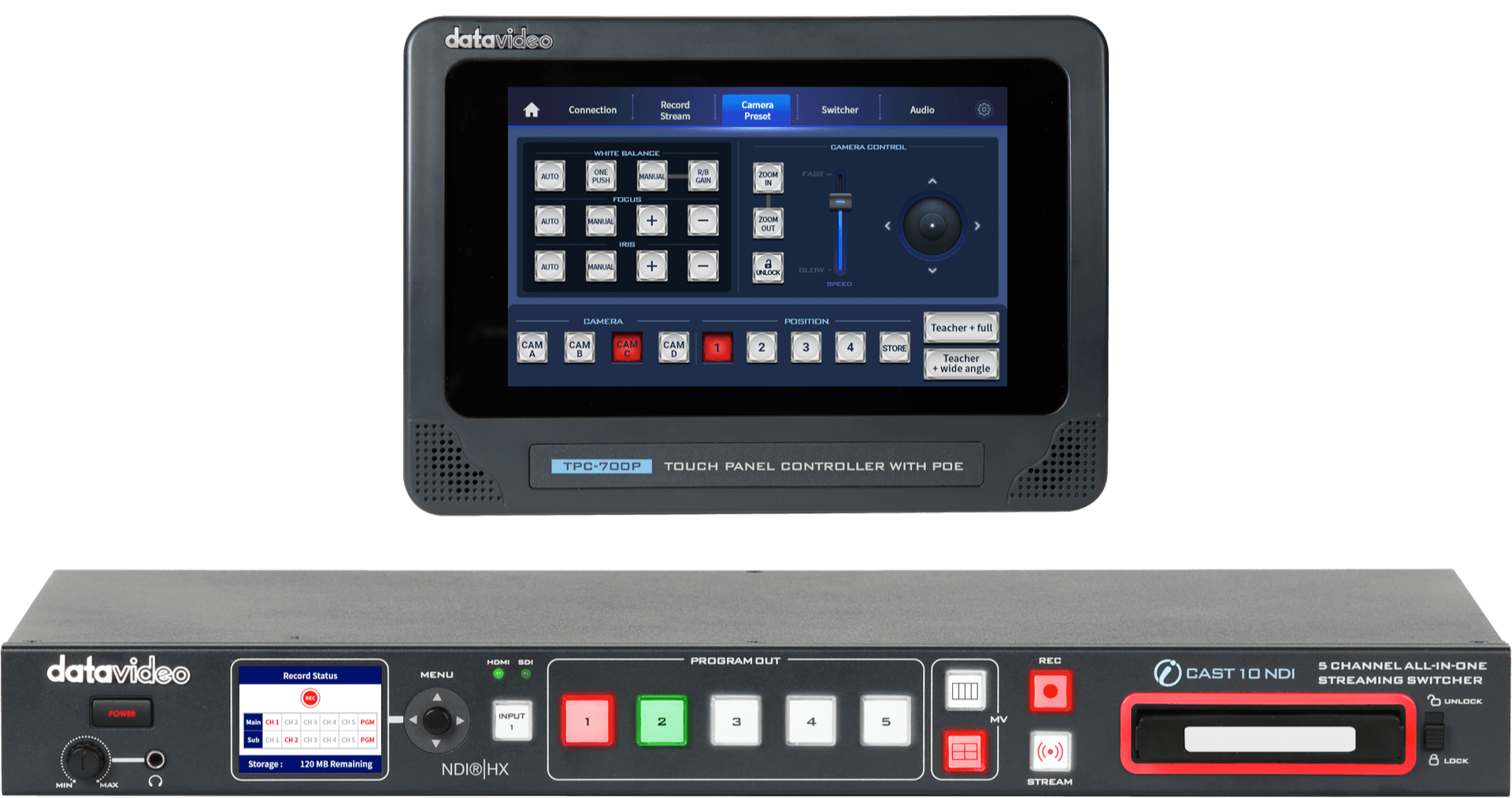
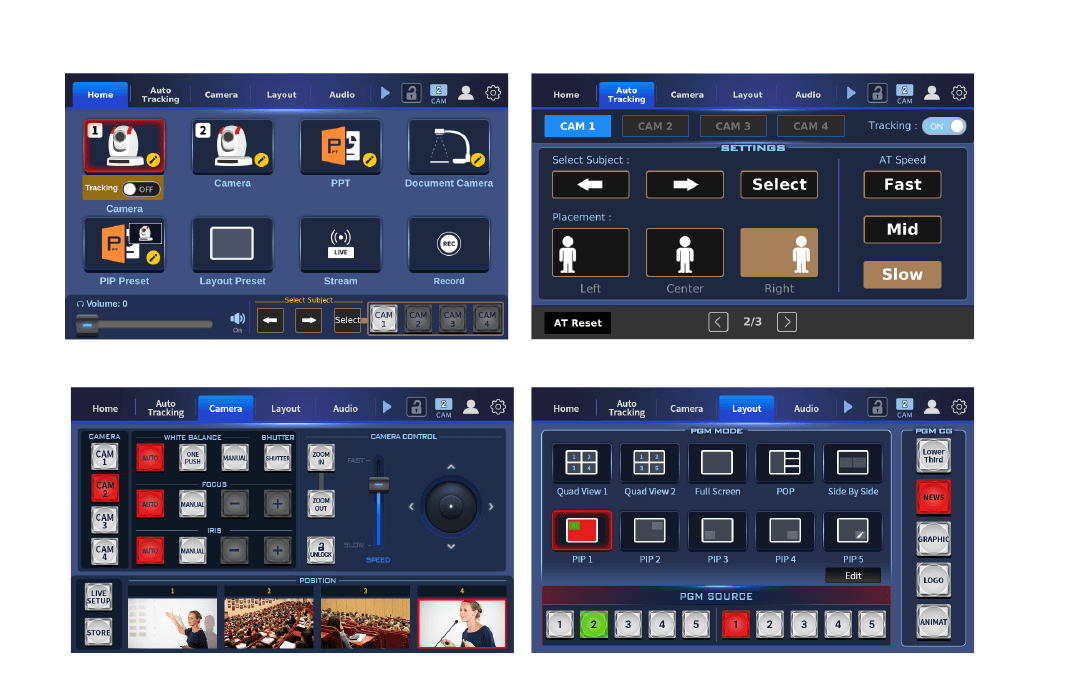
Select the built-in ZR-1 option to control your iCAST 10NDI and compatible Datavideo cameras from TPC-700.
Switch video sources, operate cameras, adjust PIP layouts, display prepared graphics, and manage audio levels and delay through a single touch interface.
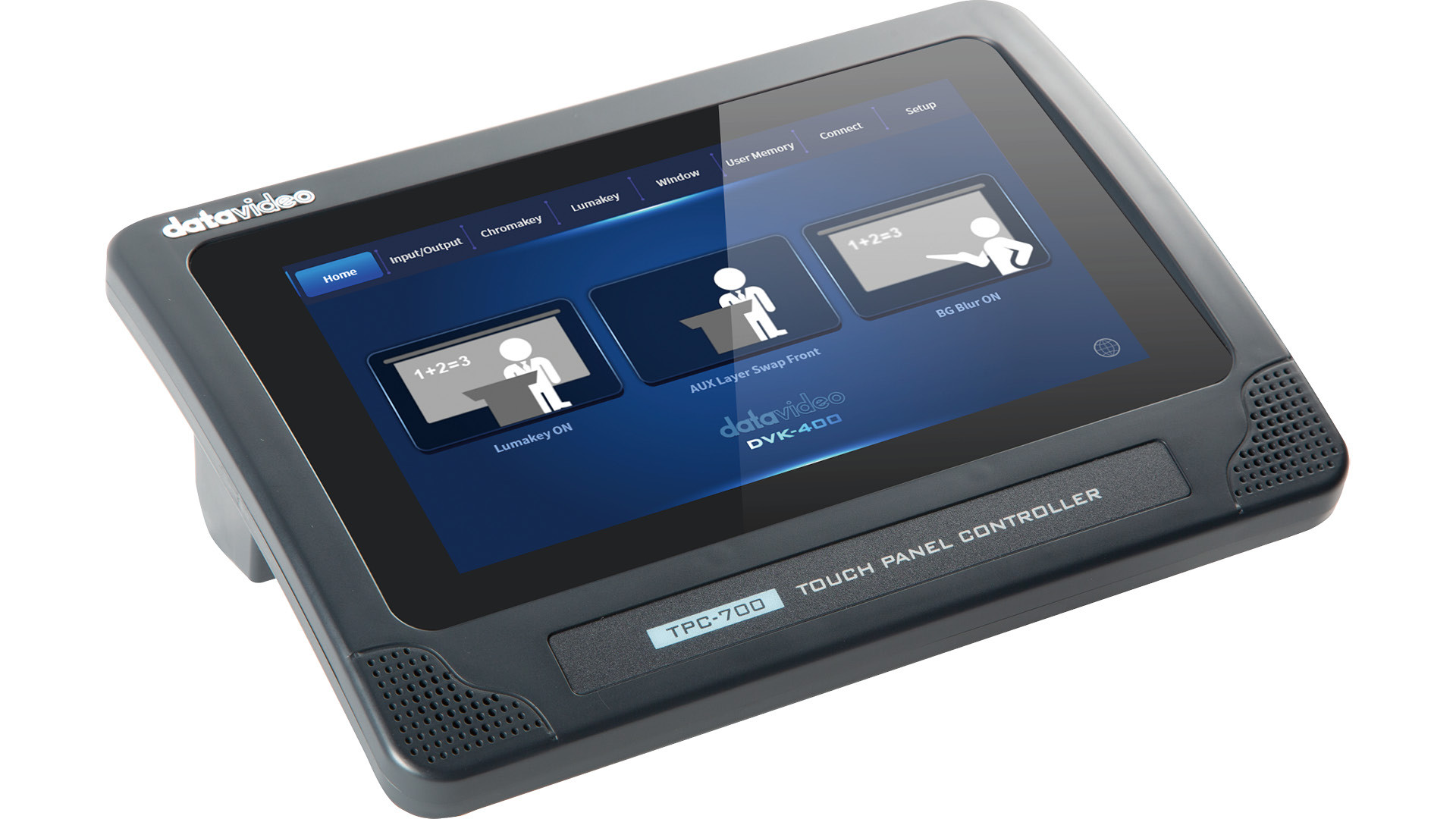
Access Chromakey, Lumakey, Window, input/output settings, and User Memory controls through the built-in DVK-400 interface.
Switch background blur on or off and swap AUX layers between foreground and background. Some functions require prior configuration in the DVK-400 PC software.


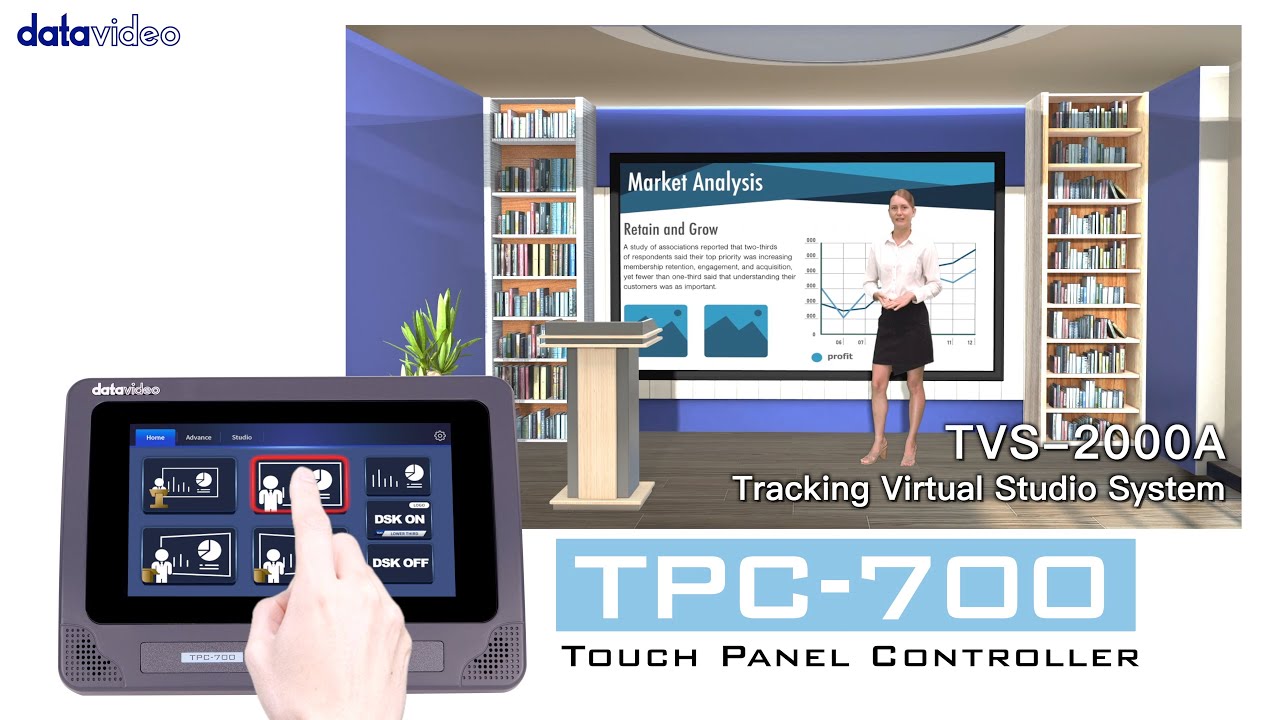
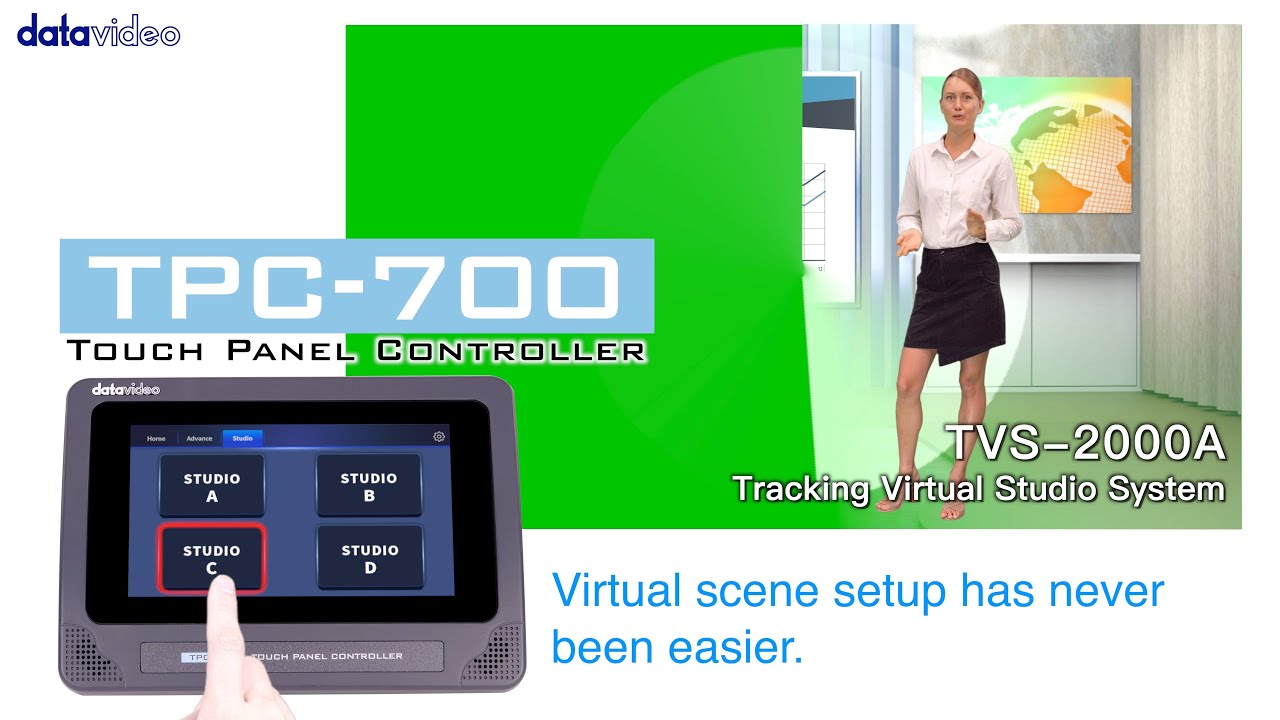
Use the built-in TVS-2000A control interface to select camera views, recall four configured virtual studio scenes, control DSK overlays, and start or stop recording and streaming.
Complete the required system connections and PC shortcut settings before operation.

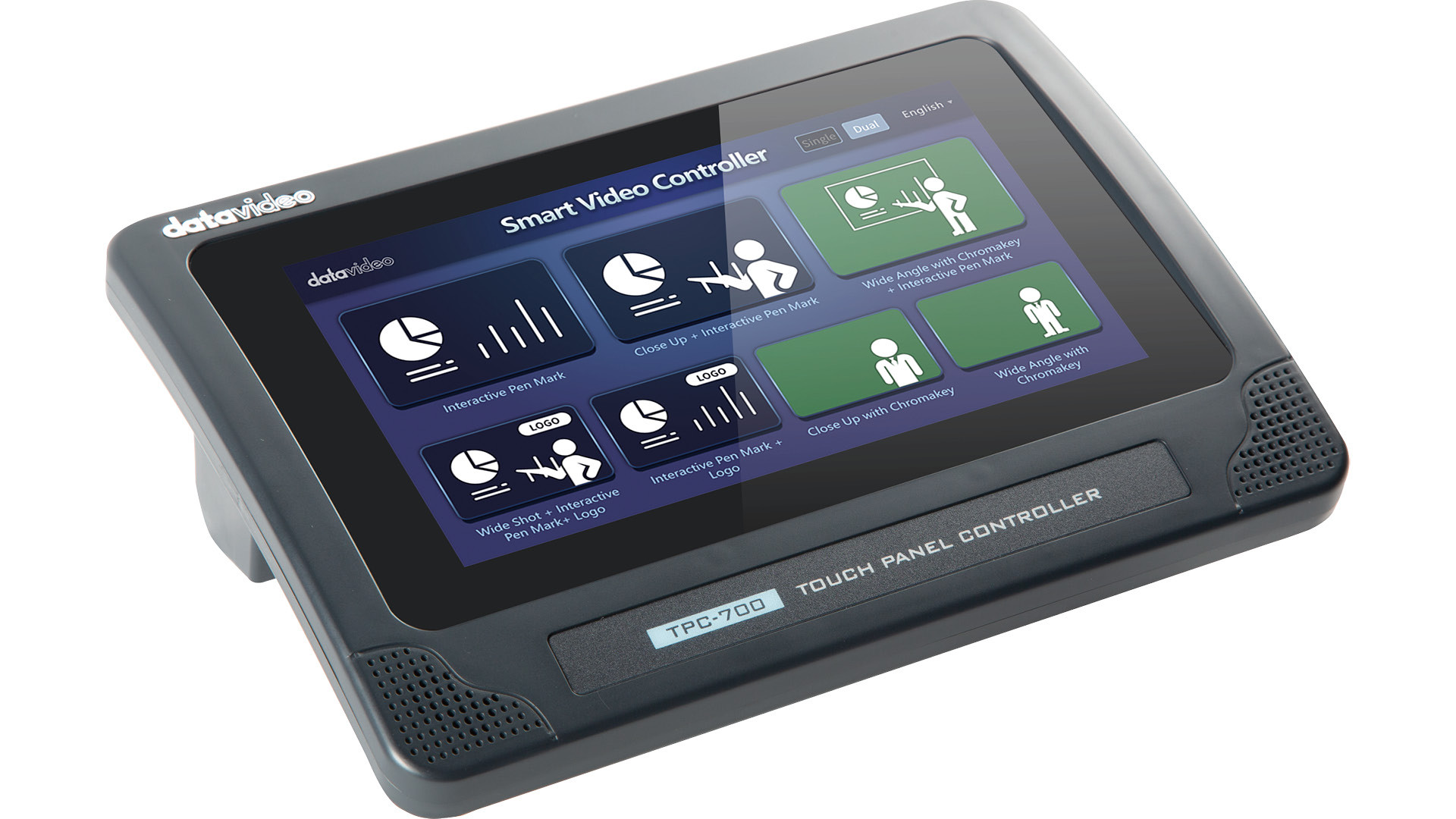
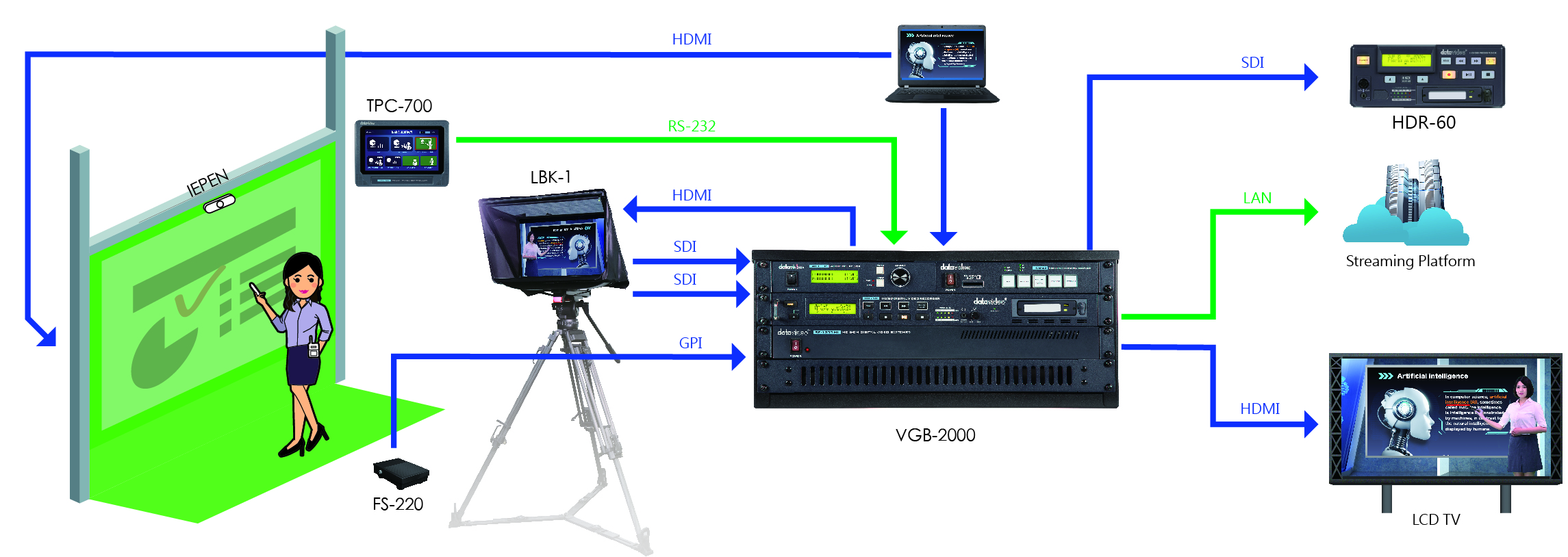
Switch between preconfigured presentation layouts using the built-in VGB-2000 control interface.
Select single- or dual-camera compositions combining presenter views, slides, pen annotations, logos, and chromakey effects to suit each part of your lesson or presentation.