Building a Dedicated NDI Network: Switch Configuration Best Practices for Datavideo NDI Devices
Oct 08 2026

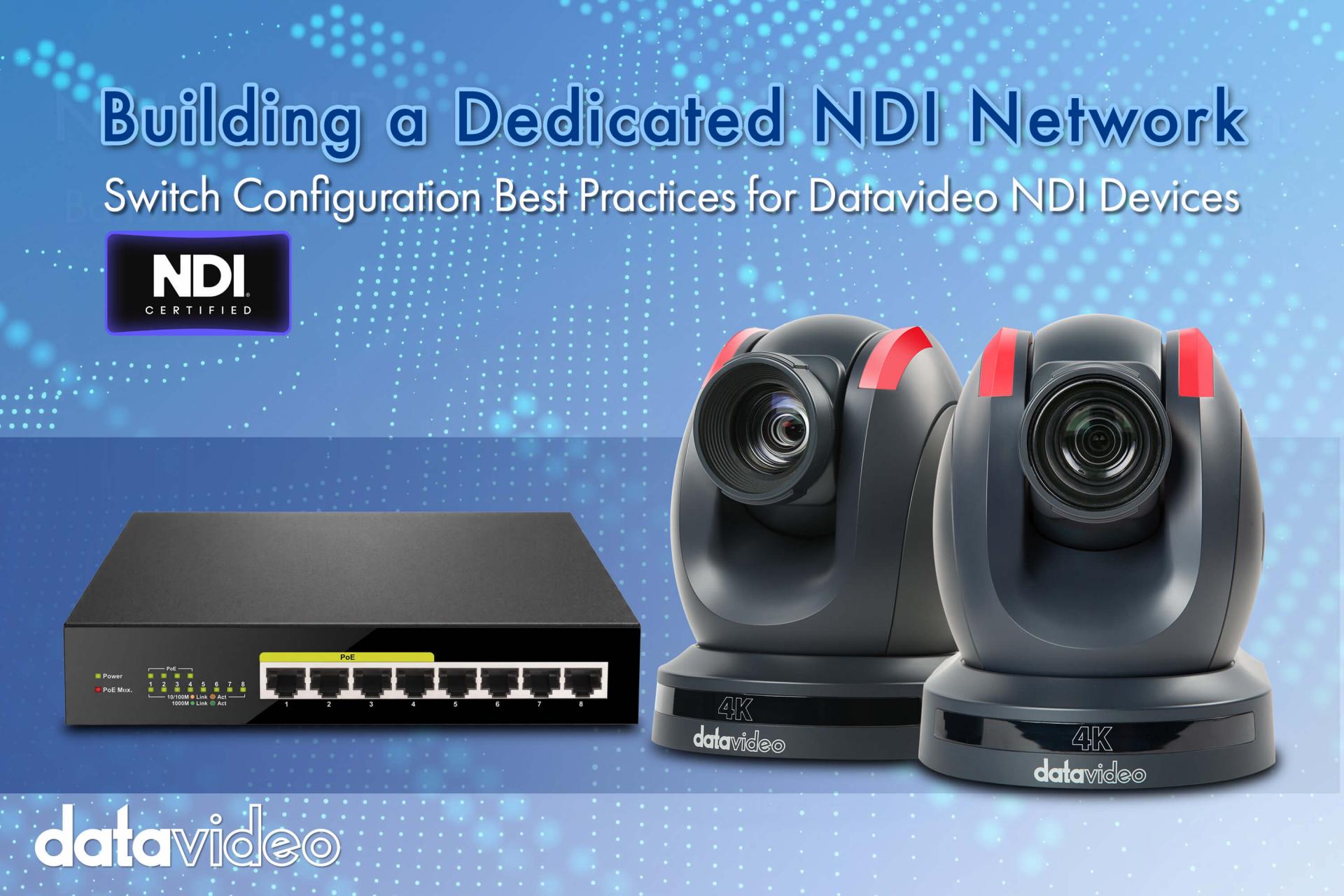 NDI cameras can transmit video the moment they are plugged into a network — but the gap between "working" and "stable and reliable" usually comes down to whether the switch has been configured correctly. Many first-time NDI deployments simply reuse an existing office network switch, then run into stuttering video, inconsistent latency, or intermittent dropouts. These problems are typically not caused by the cameras themselves, but by a network architecture that has not been tuned for NDI's transmission characteristics. This article covers the key switch considerations when building a dedicated NDI network.
NDI transmits audio and video over standard IP networks, meaning it shares the same underlying infrastructure as ordinary office traffic (web browsing, email). When mixed with general traffic, NDI performance is directly affected by overall network quality. Some NDI discovery mechanisms use Multicast packets; if the switch does not handle these correctly, broadcast storms can develop, dragging down the entire network. Add to that the cumulative bandwidth of multiple simultaneous cameras, and a consumer-grade router or aging switch can easily become the bottleneck.
1. Use Gigabit-class switches: Even with compressed NDI formats like NDI|HX3 (supported by the Datavideo PTC-285 and PTC-305), multiple cameras running simultaneously still benefit from a 1000 Mbps Gigabit switch with adequate headroom.
2. Enable IGMP Snooping: This is one of the most commonly overlooked settings, yet it has the greatest impact. With IGMP Snooping enabled, the switch correctly identifies the intended destinations for Multicast packets instead of flooding them to every device on the network, dramatically reducing unnecessary load.
3. Plan a dedicated subnet or VLAN: Segregating NDI cameras and decoders from general office network traffic (computers, Wi-Fi users) prevents mutual interference and also reduces the risk of streams being accidentally discovered by unintended departments.
4. Enable QoS traffic prioritization: If other traffic (colleague video calls, file transfers) shares the same network, configure higher transmission priority for NDI-related traffic to ensure video does not stutter under network congestion.
If cameras or peripheral devices support PoE+ (802.3at) power delivery, a PoE+ switch can supply power directly over the network cable, eliminating a dedicated power run — particularly noticeable in ceiling-mount installations or locations where running power is inconvenient. However, PoE+ switches have a total power budget ceiling. Before deployment, list all devices requiring power and their individual draw, then verify the switch's total PoE budget is sufficient — avoiding the on-site discovery that "it connects but won't power up."
Network switch configuration often matters more to NDI system stability than camera specifications. Mastering Gigabit bandwidth, IGMP Snooping, dedicated subnets, and PoE+ power delivery dramatically reduces the likelihood of on-site problems. If you are responsible for procurement but are not a network engineer, see "5 Questions to Ask Your IT Team Before Deploying Datavideo NDI Cameras" — bringing specific questions to the IT discussion is far more productive than going in cold. For complete system architecture planning, return to "The Ultimate Guide to NDI Production Workflows."