The Ultimate Guide to NDI Production Workflows: Datavideo Cameras, Switchers, Converters, and Network Architecture
Oct 08 2026

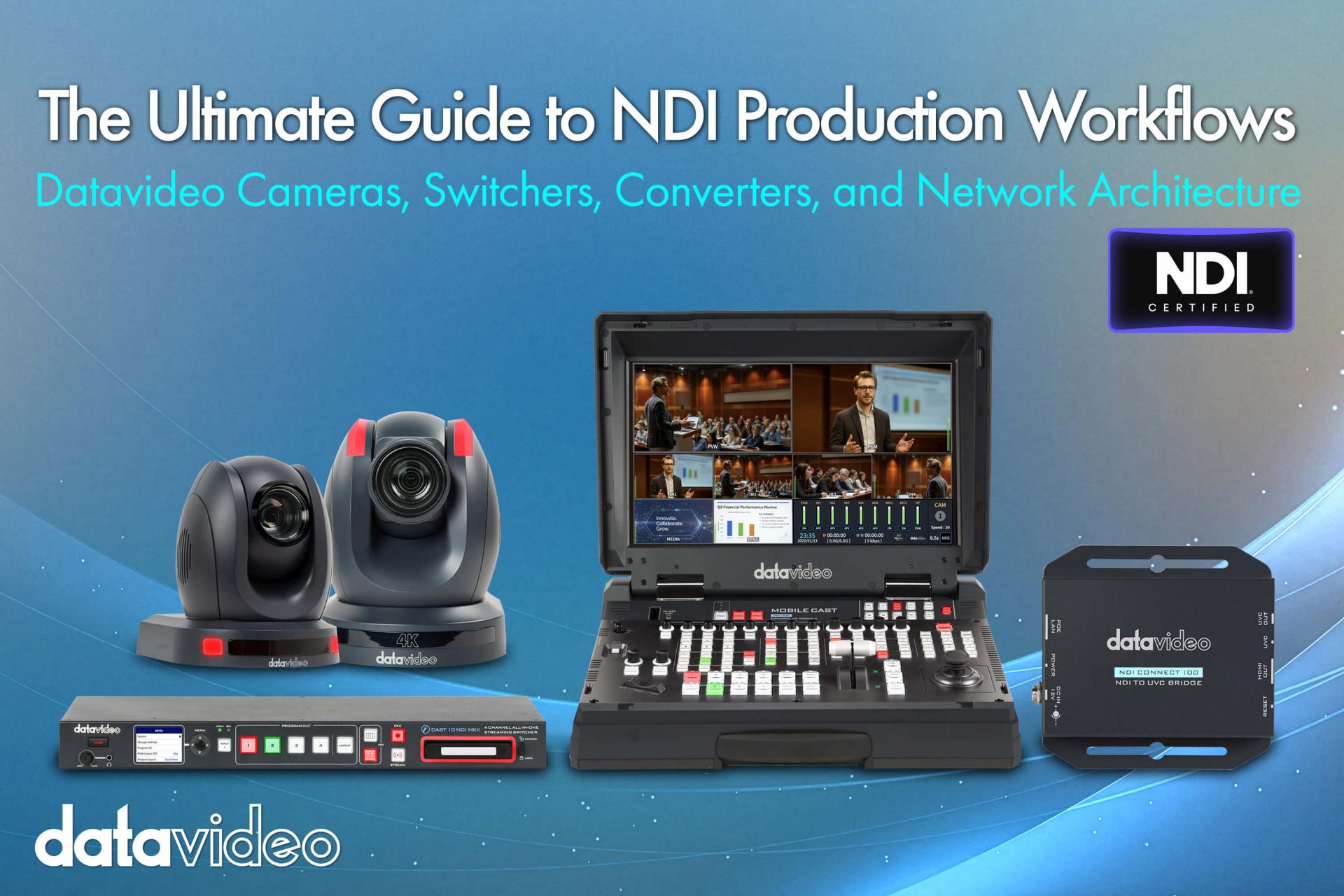
From press conferences and corporate meeting rooms to hybrid classrooms and large-scale live events, more and more AV production workflows are shifting away from traditional SDI/HDMI cabling toward IP-based video transmission over standard Ethernet — and NDI (Network Device Interface) is currently the most widely adopted standard for doing so. This guide walks through Datavideo's complete NDI product lineup: cameras, network architecture, production and monitoring tools, decoder outputs, and integrated switchers, helping you understand how a complete NDI workflow is structured and where to begin planning yours.
Traditional SDI or HDMI requires a dedicated physical cable for every source — wherever the camera goes, the cable follows. Moving a camera position or adding a new source often means rewiring the entire setup. NDI places video transmission on top of standard Ethernet. Once every device is on the same network, cameras, switchers, monitors, and decoders can exchange video freely. The dramatic increase in cabling flexibility is precisely why education, corporate AV, and live event production have been migrating to NDI so quickly.
| Product Category | Representative Products | Primary Role |
|---|---|---|
| NDI PTZ Cameras | PTC-285, PTC-305, PTC-325, PTC-600 (NDI|HX3), PTC-145 (NDI|HX) | Video source |
| All-in-One Streaming Switcher | iCAST 10NDI/ iCAST 10NDI MKII | Multi-input aggregation, streaming, recording, video conferencing output |
| Portable Production Studio | HS-1400 | Single-operator portable, live switching/streaming/recording in one unit |
| NDI Decoder | NDI Connect 100 | Decodes NDI signals back to HDMI for connection to conventional displays |
| Official Free Tools | NDI Tools (Studio Monitor, Virtual Input, Access Manager) | Monitoring, routing, video conferencing integration, access management |
In the most common live deployment, the overall architecture looks like this: Datavideo NDI PTZ cameras capture footage, transmitted over a properly planned network (Gigabit switch, dedicated subnet, PoE+ power where needed), fed into the production end (iCAST 10NDI/MKII, HS-1400, or software switchers like vMix or OBS) for switching, recording, and streaming. Wherever display output is required, a decoder like the NDI Connect 100 converts the signal back to HDMI for the screen. End-to-end, apart from the HDMI cable at the display side, the entire signal chain from cameras to production can run over a single shared network.
If you are evaluating or building an NDI system, match your most pressing question to the corresponding topic article below:
The core concept of an NDI workflow is simple: replace cable-based video transmission with network-based transmission. The real planning effort goes into the network architecture itself, and into selecting the right combination of cameras, switchers, and decoders to match the demands of the venue. The ten topic articles above each address a specific component of the workflow — start with whichever one matches the problem you are facing right now.