Understanding the Quirks of NDI/HX, 12G-SDI, and HDMI: How to Plan the Most Reliable 4K Live Stream and Cable Setup
May 28 2026

NDI/HX runs at moderate-to-low latency (about 80ms to 200ms). It is the right call for remote control positions, sub-control rooms, and live streaming output.
12G-SDI delivers ultra-low latency. It is the standard for live switching, large on-site projection screens, and long-distance transmission.
HDMI also has ultra-low latency, but the cable runs short and the connector has no lock. Keep it near the camera for local monitors, small switchers, or the speaker's confidence monitor.
Cabling: CAT5e theoretically works, but under 4K + NDI|HX3 traffic the noise immunity and stability of CAT6 (or CAT6a) make a noticeable difference. Spend the extra dollar.
Planning a modern AV production or sub-control room always comes down to the same tug-of-war: latency versus distance.
For 4K transmission, the three mainstream interfaces are NDI/HX, 12G-SDI, and HDMI. Each has its own personality and a very different role on site. There is no single "best" interface — only the one that fits your scenario.
This article skips the dry theory and gets straight to the practical view: how to combine these three interfaces into a workflow that actually holds up under live conditions.
For large live events, concerts, or broadcast-grade productions, 12G-SDI is still the irreplaceable workhorse. Its greatest strength is ultra-low latency — only a few milliseconds, which the human eye basically cannot detect. No audio-video sync headaches.
Why choose it? When the venue has a large projection screen, or when the director needs to switch shots in real time, 12G-SDI is almost the only choice that guarantees what the audience sees matches what the speaker is doing.
Real-world advantage: the BNC connector has a locking ring. Once you screw it on, it stays on. In a crowded venue with people stepping over cables all night, that locked-on feel is something other connectors simply cannot match — and it handles long cable runs gracefully.
If 12G-SDI is the traditional heavyweight, NDI/HX represents the modern, network-based way to move video.
Why choose it? Because it makes wiring almost unbelievably simple. A single CAT6 cable can deliver 4K video, PoE power, PTZ control, Tally signals — and even AI tracking configuration — all at once.
The trade-off: there is no free lunch. NDI/HX uses network compression, which introduces 80ms to 200ms of latency. That latency would be obvious on a live stage screen, but for remote control positions, sub-control room monitoring, or direct streaming output, it is well within acceptable range — and the efficiency you gain is remarkable.
HDMI is the most familiar interface to most people, and like SDI it is essentially zero-latency. But on a professional production its weaknesses are obvious: cable runs are short (signal starts to flake out past about 15 meters), and the connector has no locking mechanism — one foot catching the cable and the connection is gone.
Why choose it? In practice, HDMI is happiest staying close to the tripod — driving a small camera-side monitor, a compact switcher, or the speaker's confidence monitor. Used at close range, HDMI is cheap, simple, and rock-solid.
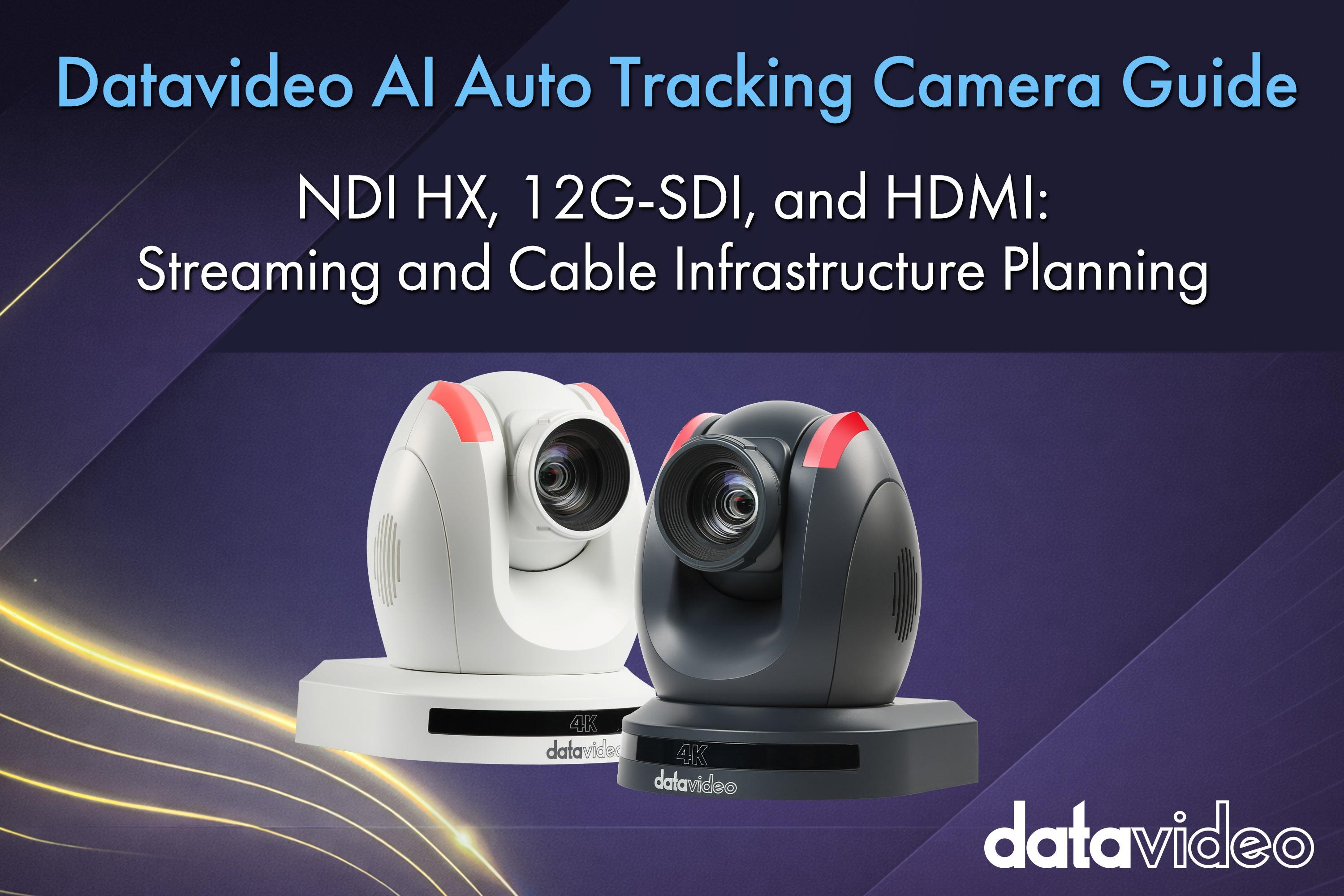
Specs are abstract; an example is concrete. Let's use the Datavideo PTC-285G, a 4K AI auto-tracking camera. It supports all three interfaces simultaneously — which means you can use all three at the same time and squeeze the best out of each one.
This "hybrid" approach gives you the immediacy of SDI for the audience and the convenience of network control behind the scenes — which is what a modern 4K AI camera is built for.
If you commit to an NDI|HX3 system, the bandwidth math is non-negotiable. Bandwidth is brutally honest — push resolution and frame rate higher and the traffic spikes like a monster.
Here are the bandwidth budgets we use in practice:
| Video Resolution & Frame Rate | Recommended Bandwidth |
|---|---|
| HD (1080p) @ 30fps | 40 Mbps |
| HD (1080p) @ 60fps | 80 Mbps |
| UHD (4K) @ 30fps | 80 Mbps |
| UHD (4K) @ 60fps | 120 Mbps |
An engineer's bandwidth formula: When planning an NDI system, everyone uses Gigabit (1000 Mbps) class routers — but never fill the link to the brim. There will always be surprise traffic on site: firmware updates, someone plugging in for email, broadcast signaling. In practice we always reserve a 30% safety margin, leaving only 700 Mbps for the production architecture.
Power is the hidden killer that most people overlook. Datavideo's current AI auto-tracking cameras have clearly tiered PoE requirements — eyes wide open while you plan.
PoE+ (IEEE 802.3at) tier: Includes the PTC-285G, PTC-325, PTC-305, PTC-280, and the PTC-155 series. These cameras need around 25.5W, which an ordinary PoE+ switch handles comfortably.
PoE++ (IEEE 802.3bt Type 3) tier: If you are running a higher-end PTC-600 series, the power draw goes up significantly. You must move to PoE++ to deliver the full 51W of available power. Anything less and the camera will misbehave.
Production red line: never use non-standard Passive PoE. Do not — under any circumstance, no matter how cheap or convenient — use the non-standard Passive PoE products floating around the market. Passive PoE has no intelligent handshake protocol. The voltage is dumped straight onto the line. One wrong plug, and a multi-thousand-dollar camera can literally smoke and burn out on the spot. This is the kind of mistake that only needs to happen once to ruin your day.
Even if you've spent a fortune on top-tier switchers and cameras, the wrong cable will give you a black or flickering image on the night. The savings on cabling are never worth the cost of a broken broadcast.
How to choose 12G-SDI cables:
How to choose network cables: On paper, CAT5e is good enough for the spec. In a real 4K + NDI|HX3 production it is not enough. Move up to CAT6 or CAT6a — the noise immunity and stability are noticeably better. Skipping this step to save a small line-item is the kind of decision you regret at the worst possible moment.
In real project planning, there is no "one interface to rule them all." The smart approach is to assign the right job to the right interface:
Then finish the foundation with high-quality Belden or Canare cables, and the whole system becomes rock-solid.
We hope this experience-sharing helps you avoid the usual potholes when planning your next production, so the AI auto-tracking workflow you've worked so hard to build actually performs the way it should on the day.
Broadcast & AV Workflow Specialists
For more than 40 years, Datavideo has helped broadcasters, educators, corporations, houses of worship, and live production professionals build reliable video workflows around the world.
The Datavideo Editorial Team combines insights from our product specialists, engineers, trainers, and solution experts to share practical knowledge, workflow guides, industry trends, and real-world production tips.